EasyManua.ls Logo

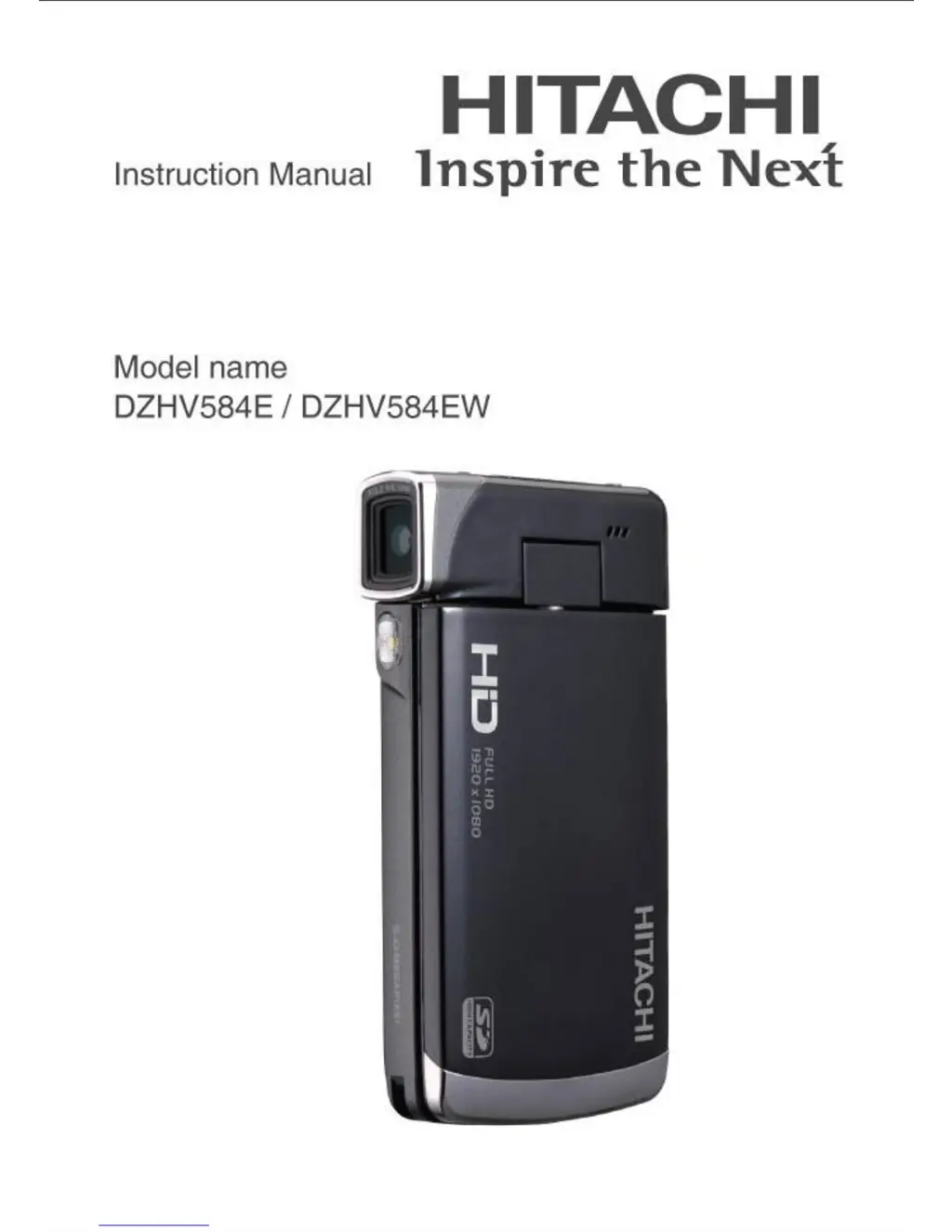
Hitachi DZHV584E - User Manual

Hitachi DZHV584E
96 pages
Print Icon
To Next Page IconTo Next Page
Loading...

Table of Contents

Questions and Answers

  • N
    Nicholas WarrenJul 30, 2025
    Why does my Hitachi DZHV584E suddenly turn off?
    • J
      James HowellJul 31, 2025
      If your Hitachi Camcorder suddenly turns off, it might be because the auto power off function is enabled; simply turn the power on again. Alternatively, the camera may be running out of battery power, so try replacing the batteries.
  • T
    Timothy ThompsonAug 4, 2025
    What to do if Hitachi DZHV584E Camcorder says memory card cannot be used?
    • L
      Lauren GomezAug 4, 2025
      If your Hitachi Camcorder says the memory card cannot be used, it might be because the memory card is write-protected; unlock the memory card. Another reason might be that the memory card contains non-DCF images taken by other cameras; in this case, format the memory card after backing up any important files.
  • N
    Nicole DeanAug 9, 2025
    Why is captured image not stored in Hitachi DZHV584E?
    • R
      Russell HernandezAug 9, 2025
      If your Hitachi Camcorder isn't storing captured images, it's likely because the power was cut off before the image was saved. Replace the batteries immediately when the battery indicator turns red to prevent this.
  • A
    ashleypetersonAug 14, 2025
    How to fix out of focus image on Hitachi DZHV584E?
    • D
      dukejosephAug 15, 2025
      If the image on your Hitachi Camcorder is out of focus, the subject may be beyond the focus range. Try taking the picture within the available focus range and choose normal or macro mode.
  • T
    Timothy Miller Jr.Aug 19, 2025
    Why does Hitachi DZHV584E turn off when using self-timer?
    • D
      danieljohnsonAug 19, 2025
      If your Hitachi Camcorder turns off when capturing an image using the self-timer, it probably means the camera is running out of battery power. Replace the batteries.
  • M
    Mary BennettAug 25, 2025
    What to do if all buttons are inactive on Hitachi DZHV584E?
    • L
      Linda RobertsonAug 25, 2025
      If all the buttons on your Hitachi Camcorder are inactive, a short circuit may have occurred when connecting the camera with other devices. Remove the batteries from the camera and insert them again.

Summary

Introducing the Camera

System Requirements

Specifies PC requirements for the video camera, including OS, CPU, RAM, graphics, and storage.

Getting Started

Inserting an SD Card

Step-by-step guide on how to insert an SD card into the video camera for storage.

Inserting the Batteries

Instructions on correctly inserting the rechargeable Li-ion battery into the camera's compartment.

Charging the Battery

Details the process for charging the camera's battery using the provided charging unit or USB.

Using the Camera

Movie Mode Operations

Details how to use the camera in Movie mode, including icons, macro function, zoom, and LED light.

Using the Menus and Settings

Appendix and Safety Information

Troubleshooting Guide

Provides solutions for common problems encountered with the camera, such as power, memory, and focus issues.

Important Safety Information

Crucial warnings and guidelines regarding the safe use of the equipment, including mains plug and electrical safety.

Battery Safety Guidelines

Essential safety instructions for handling and using batteries with the equipment to prevent hazards.

Hitachi DZHV584E Specifications

General IconGeneral
TypeCamcorder
Camcorder Media TypeDVD
Optical Sensor Quantity1
Image StabilizerElectronic
Display TypeLCD
Microphone Operation ModeStereo
Image Sensor TypeCCD
Image SensorCCD
LCD Screen Size2.7 inches
Optical Sensor Size1/6 inch
Focus AdjustmentAutomatic
Shooting ProgramsSpotlight
White BalanceAuto
White Balance Presetsfluorescent
Connector TypeUSB
Included AccessoriesAC adapter
Storage MediaDVD

Related product manuals