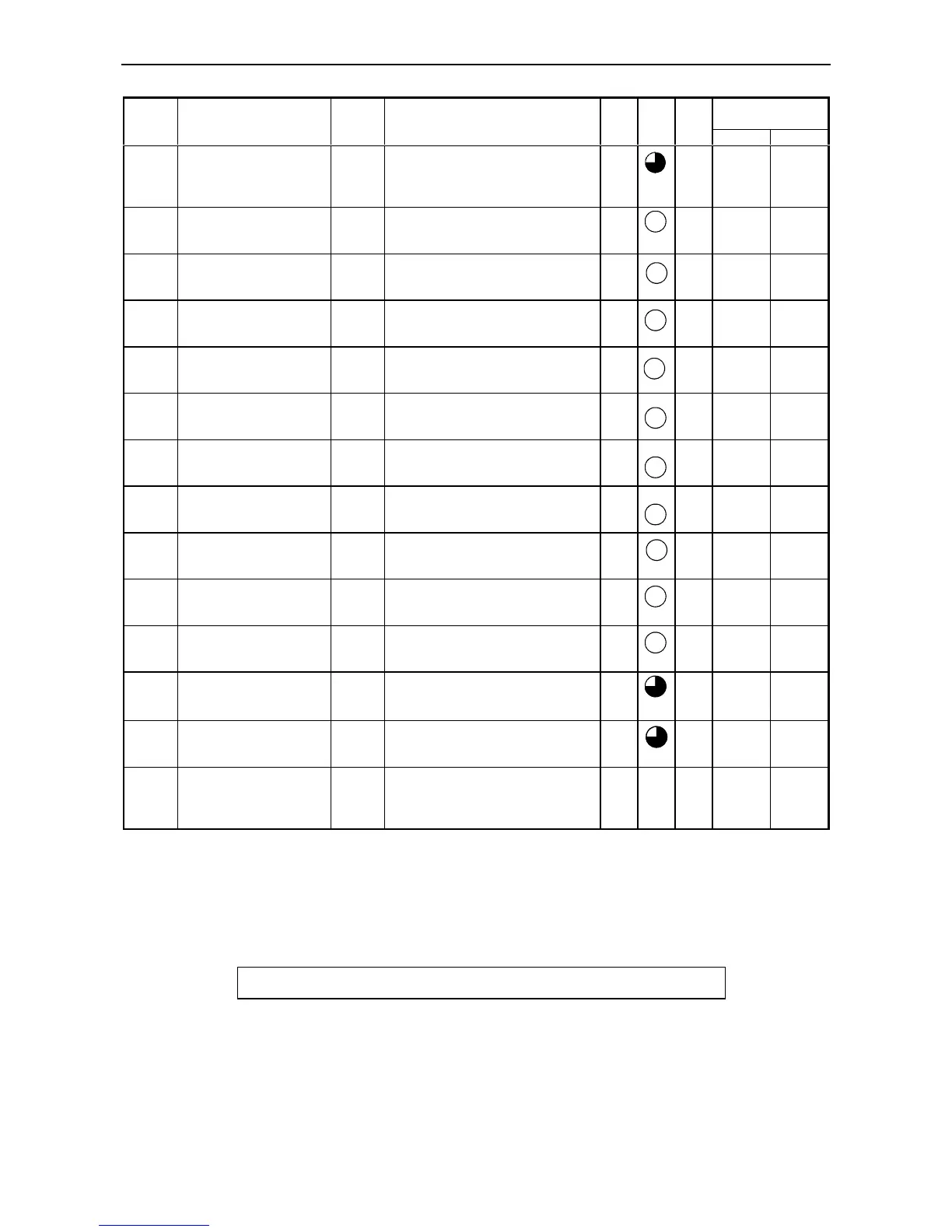
Chapter 12 Error Code List and Special Internal Outputs
12-2
Related special
internal output
Error
code
Error name
[detection timing]
Classifi
-cation
Description
RUN
LED
OK
LED
Ope-
ration
Bit Word
5F Backup memory error
[at program downloading
and special I/O function
setting is requested]
Warning Data cannot be written to the backup
memory.
*1 Run
61 Port 1 transmission error
(parity)
[when transmitting]
Warning Parity error was detected during
transmission.
*1 Run
62 Port 1 transmission error
(framing/overrun)
[when transmitting]
Warning Framing error or overrun error was
detected during transmission.
*1 Run
63 Port 1 transmission error
(time out)
[when transmitting]
Warning Time out error was detected during
transmission.
*1 Run
64 Port 1 transmission error
(protocol error)
[when transmitting]
Warning Protocol (transmission procedure)
error was detected during transmission.
*1 Runs
65 Port 1 transmission error
(BCC error)
[when transmitting]
Warning Checksum error was detected during
transmission.
*1 Run
67 Port 2 transmission error
(parity)
[when transmitting]
Warning Parity error was detected during
transmission.
*1 Run
68 Port 2 transmission error
(framing/overrun)
[when transmitting]
Warning Framing error or overrun error was
detected during transmission.
*1 Run
69 Port 2 transmission error
(time out)
[when transmitting]
Warning Time out error was detected during
transmission.
*1 Run
6A Port 2 transmission error
(protocol error)
[when transmitting]
Warning Protocol (transmission procedure)
error was detected during transmission.
*1 Run
6B Port 2 transmission error
(BCC error)
[when transmitting]
Warning Checksum error was detected during
transmission.
*1 Run
71
*3
Battery error
(data memory)
[always checking]
Warning
• Battery voltage dropped below the
specified value
• Battery not installed
*1 Run R7D9
72
*4
Instantaneous power
failure detection
[always checking]
Warning Instantaneous power failure detected. *1 Run R7CF
R7DA
94 Port 1
No modem response
[when modem is
connected]
Warning There is no response with the AT
command.
*1 Run
*1: Depends on the CPU’s operating state. The RUN LED is lit while the CPU is in operation; the RUN LED is unlit while the
CPU is not in operation.
*2: Depending on the settings of the operating parameters from the peripherals, the operation may be continued even when an error
occurs.
*3: Although batteries cannot be mounted on the 10- or 14-point type, battery errors are monitored by the system. Set R7EE to
OFF prior to the use.
*4: Supported by software version 1.11 (WRF051=H0111) or newer.
How to Clear the CPU Error Code:
Set 1 to the Special Internal Output R7EC.



 To Next Page