Chapter 5 Instruction Specifications
5-1
Chapter 5 Instruction Specifications
5.1 Instruction Classifications
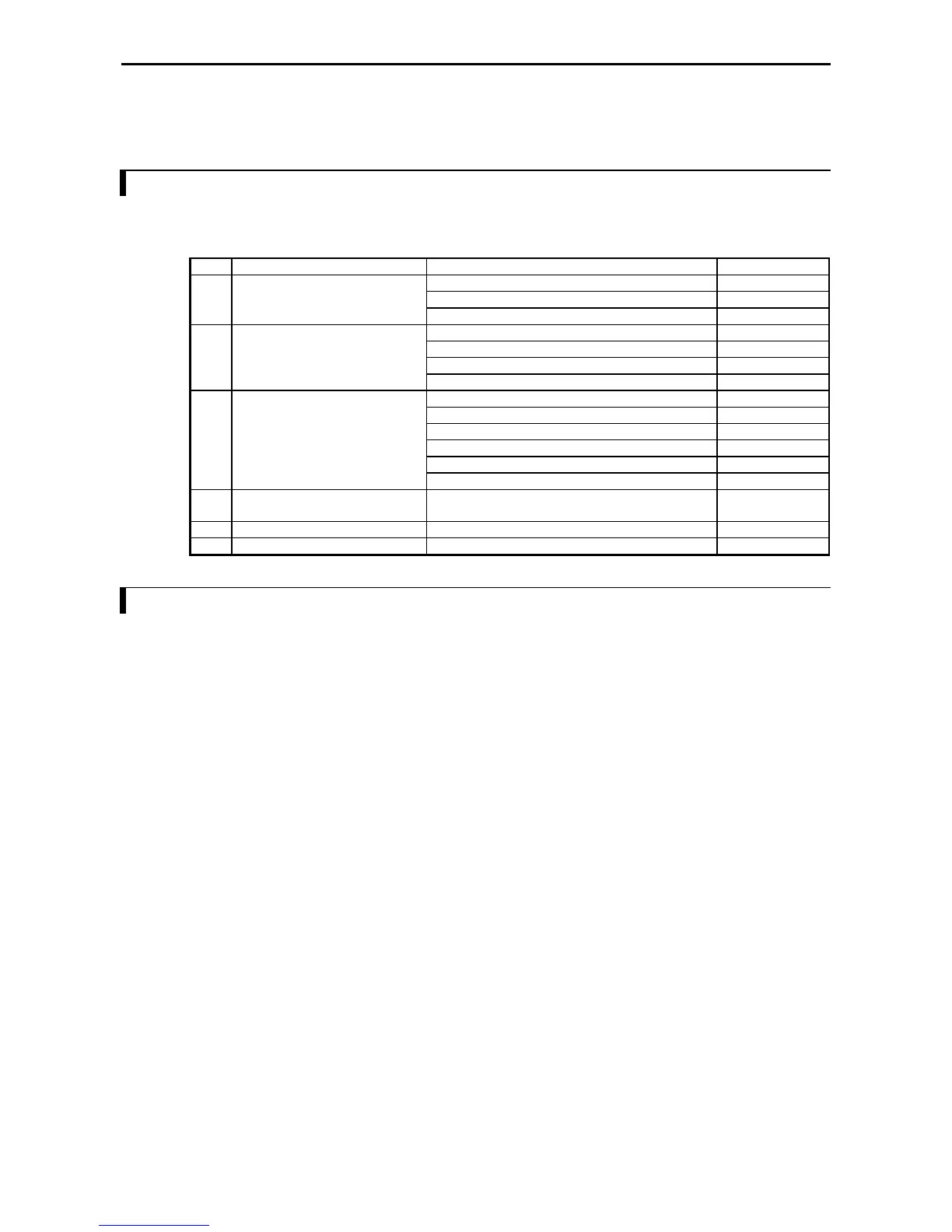
The instructions used with the MICRO-EH are classified as shown in the following table.
Table 5.1 Instruction classification table
No. Instruction classification Description Type
1 Basic instructions Sequence 21
Timer/counter 6
Relational box 8
2 Arithmetic instructions Substitution (array variable) 1
Mathematical operations 10
Logical operations 3
Relational expression 8
3 Application instructions Bit operation 3
Shift/rotate 8
Transfer 3
Negation/Two's complement/Sign 3
Conversion 4
Application: BCU, SWAP, UNIT, DIST 4
4 Control instructions END, JMP, CAL, FOR, NEXT, RTS, RTI, LBL, SB,
INT, CEND, CJMP
12
5 Transfer instructions TRNS 0, RECV 0 2
6 FUN instructions Refresh, high-speed counter, PMW, pulse, comments 18
5.2 List of Instructions
[Legend]
Condition codes
DER Data error (special internal output R7F4)
Set to “1” as a data error when the I/O number is exceeded or when the BCD was abnormal data, etc.
When there is no data error, it is set to “0.”
ERR Error (special internal output R7F3)
Set to “1” when an error is generated when a control instruction and a special instruction are executed.
The error code is set in WRF015. When there are no errors, the previous status is maintained.
SD Shift data (special internal output R7F2)
Performs shift-in of the contents of SD by the SHR or SHL instruction.
V Over flow (special internal output R7F1)
Indicates that a digit overflow has occurred and the signed data range is exceeded as a result of signed
data operations.
C Carry (special internal output R7F0)
Indicates the contents of digit increase due to addition, digit decrease due to subtraction, and shift-out
due to shifting.
z Maintains the previous status.
1] Set to “1” when there is an error in operation results. The previous status is maintained if there is no
error.
↕
Changes according to the operation result.
Processing time This indicates the instruction processing time.
The displayed value is an average. It varies depending on the parameter and data count with the
instructions used.
See the details on the instruction specifications for details.



 To Next Page