Chapter 13 Troubleshooting
13-8
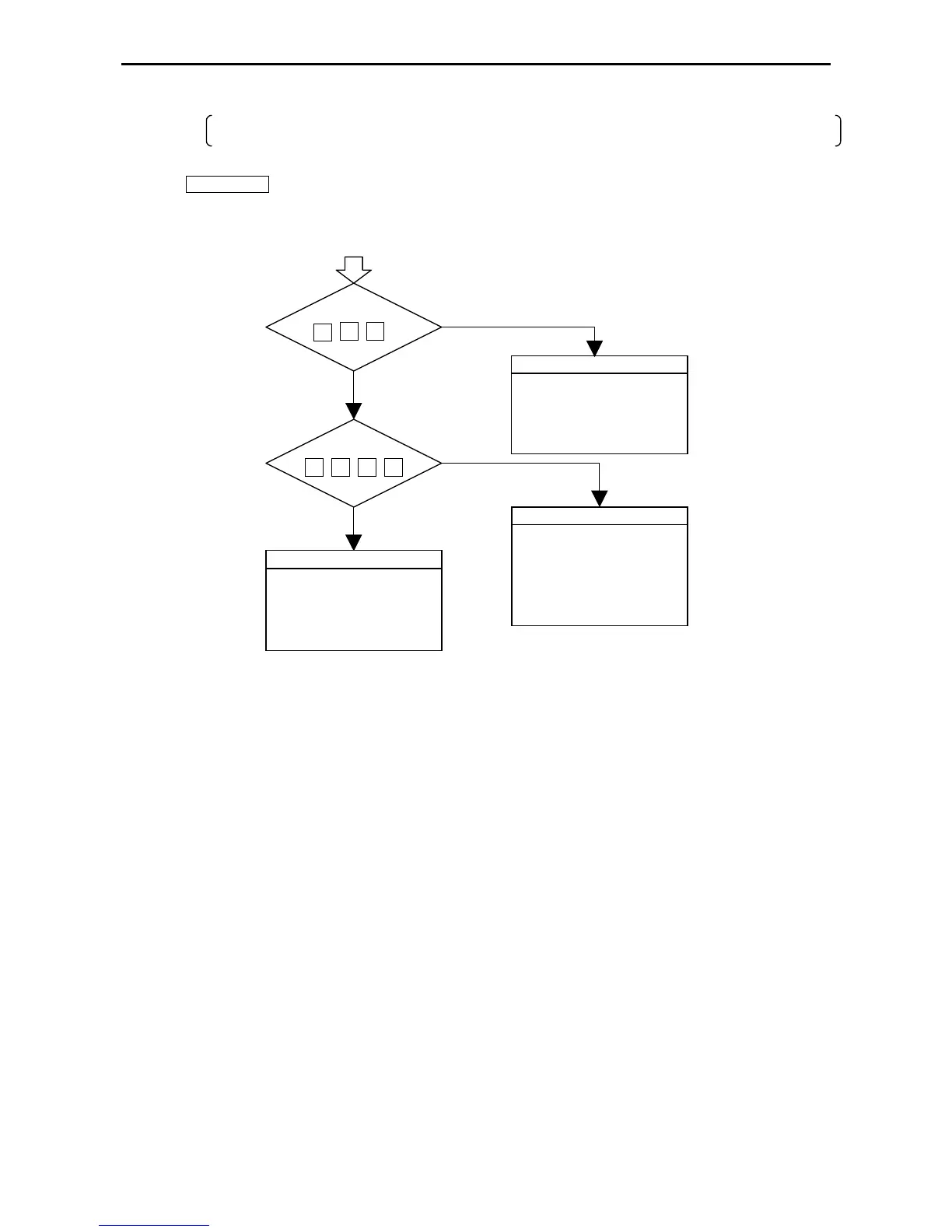
(b) Will not operate (will not run)
Even if the PLC operation conditions are met, the CPU does not operate (the RUN LED does not turn on) and
remains stopped. However, the peripheral units go on-line.
Caution
If the CPU is WRITE-occupied, the CPU will not run even if the RUN switch is switched from “STOP” to “RUN.” The
CPU starts running by pressing the GRS key after peripheral units are connected.
Check the memory
Perform CPU initialization
Set memory parameters
Reset the power
Replace CPU if above steps
does not remedy the problem
NO
YES
YES
NO
Serious user program error
45443423
Self-diagnostic error code
Serious memory error
3331
Self-diagnostic error code
Check the user program
•
Check programs using
peripheral devices
•
Error special internal output
monitor
•
Verify scan time
•
Correct program
Check I/O assignments
•
Check the assignment table at
peripheral devices
•
Can I/O assignment be
corrected?
•
Malfunction due to noise
27



 To Next Page