EasyManua.ls Logo

Hitachi PDV302 - User Manual

Hitachi PDV302
19 pages
Print Icon
To Next Page IconTo Next Page
Loading...
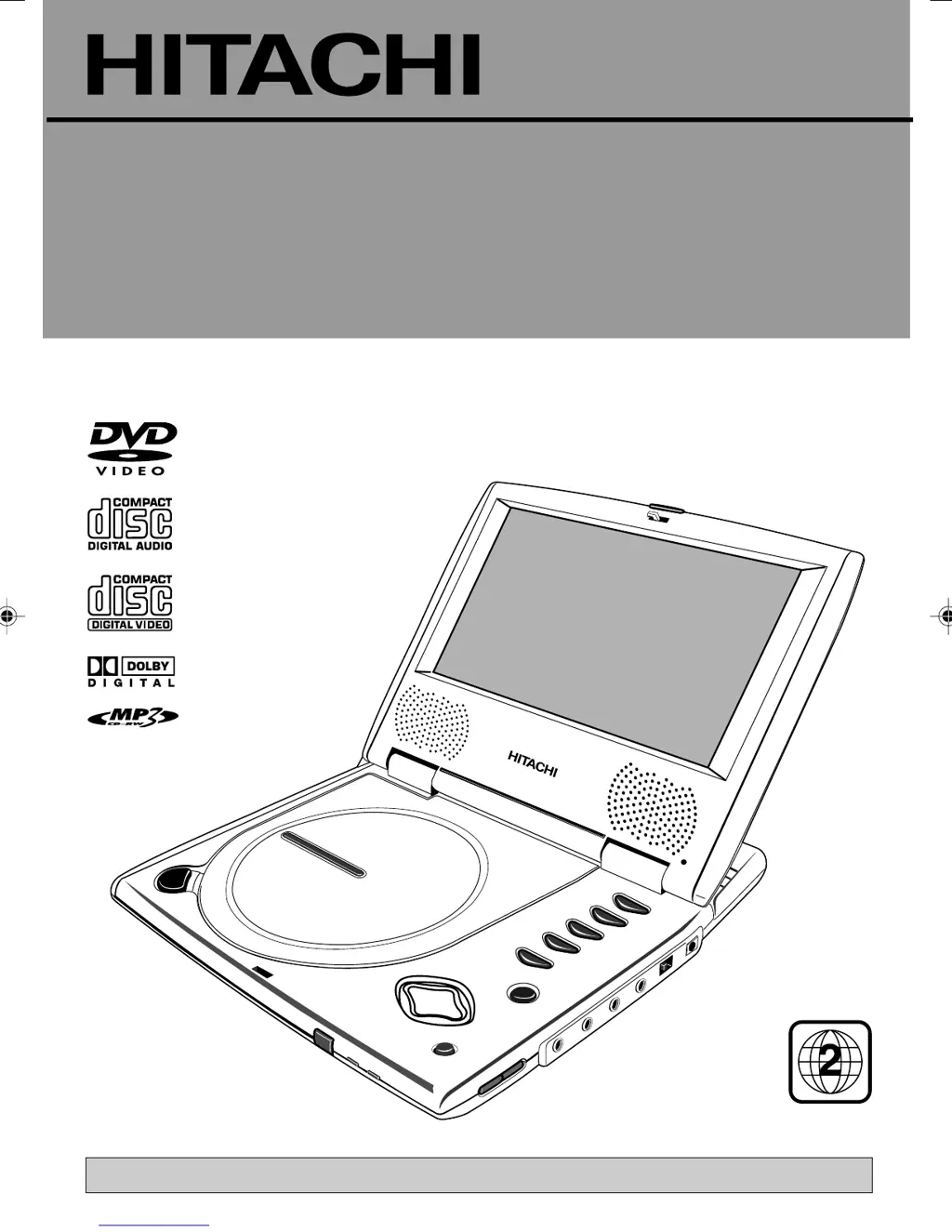
PORTABLE DVD PLAYER
WITH 7" SCREEN
PDV302
Before operating please read all these instructions thoroughly.
Instruction Manual
REGION 2
manual.p65 3/25/04, 10:11 AM1

Other manuals for Hitachi PDV302

Questions and Answers

  • W
    Wesley SchroederSep 12, 2025
    What to do if my Hitachi DVD Player doesn't return to start-up screen?
    • N
      nicole83Sep 12, 2025
      If your Hitachi DVD player doesn't return to the start-up screen when the disc is removed, check to see if the program requires another disc to be loaded. If not, reset the player by unplugging it from the power supply, then connecting it again.
  • K
    keithashleySep 14, 2025
    What is the default password for Hitachi DVD Player?
    • S
      Shawn MaysSep 15, 2025
      The default password for your Hitachi DVD player is 6789.

Summary

HITACHI PDV302 Portable DVD Player Instruction Manual

Safe Use of Equipment

Safety Information

Critical Safety Precautions

Covers cabinet safety, disc handling, service conditions, parts, and AC disconnect procedures.

Installation

Connections

Remote Control

Basic Set-up

Setup and Operation Guide

Covers remote prep, adapter/battery usage, and initial playback steps.

System Set-up

Basic Operation

Playback and Navigation Controls

Detailed functions of playback, navigation, and control buttons.

Media Playback Formats

Trouble Shooting Guide

Hitachi PDV302 Specifications

General IconGeneral
BrandHitachi
ModelPDV302
CategoryPortable DVD Player
LanguageEnglish

Related product manuals