EasyManua.ls Logo

Hitachi PSC-A32MN - User Manual

Hitachi PSC-A32MN
93 pages
Print Icon
To Next Page IconTo Next Page
Loading...
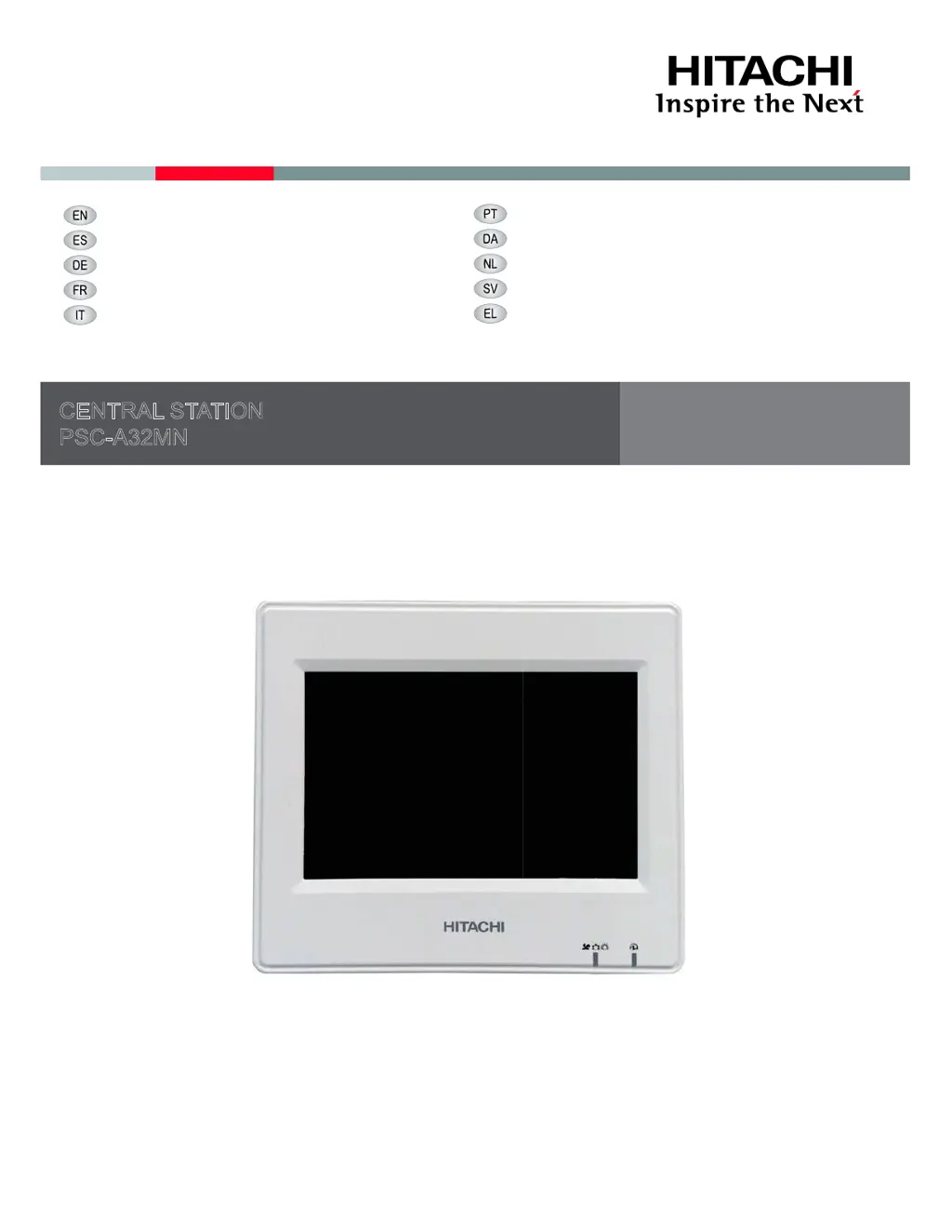
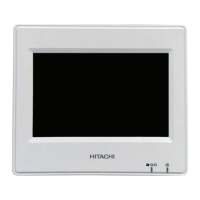
CENTRAL STATION
PSC-A32MN
INSTALLATION AND OPERATION MANUAL
MANUAL DE INSTALACIÓN Y FUNCIONAMIENTO
INSTALLATIONS- UND BETRIEBSHANDBUCH
MANUEL D’INSTALLATION ET DE FONCTIONNEMENT
MANUALE D’INSTALLAZIONE E D’USO
MANUAL DE INSTALAÇÃO E DE FUNCIONAMENTO
INSTALLATIONS- OG BETJENINGSVEJLEDNING
INSTALLATIE- EN BEDIENINGSHANDLEIDING
INSTALLATION- OCH DRIFTHANDBOK
ǼīȋǼǿȇǿǻǿȅ ǼīȀǹȉǹȈȉǹȈǾȈ Ȁǹǿ ȁǼǿȉȅȊȇīǿǹȈ

Other manuals for Hitachi PSC-A32MN

Questions and Answers

  • E
    Eric ReedAug 31, 2025
    Why a part of the touchscreen does not turn ON or is always turned ON on Hitachi PSC-A32MN?
    • G
      george48Aug 31, 2025
      If a part of the touchscreen on your Hitachi Controller does not turn on, or is always turned on, this is not a fault. There may be dead pixels on the LCD.
  • J
    Jennifer FrancoAug 30, 2025
    How to wake up the touchscreen display in sleep mode on Hitachi Controller?
    • A
      Alexandra WaltonAug 30, 2025
      If the touchscreen display on your Hitachi Controller is in sleep mode, simply tap the screen to wake it up.
  • B
    Benjamin SimmonsAug 29, 2025
    Why date and time appear as “- -” on Hitachi PSC-A32MN Controller?
    • W
      Wendy AyalaAug 29, 2025
      When the date and time appear as “- -” on your Hitachi Controller, it means the electrical power was suspended for a prolonged period. You should set the date and time again.
  • B
    Brandon CookAug 28, 2025
    Why my Hitachi PSC-A32MN doesn't run the air conditioner unit?
    • K
      Kevin PorterAug 28, 2025
      If the air conditioner unit isn't running, it might be in heat storage mode. The air conditioner won't operate while the heat storage unit is running, unless the heat storage unit explicitly allows simultaneous operation.
  • S
    Sean GonzalezAug 27, 2025
    What to do if the state of the remote control switch does not match with the state of Hitachi Controller?
    • R
      Ryan SmithAug 27, 2025
      If the state of the remote control switch does not match with the state of the Hitachi Controller when the indoor unit is recovering from a power failure, perform control operation from the controller to make the state of the remote control switch match. This issue may occur if the power supply was not stable during the recovery.
  • D
    David MatthewsAug 26, 2025
    What to do if selected settings are not applied on Hitachi Controller?
    • Q
      qwalkerAug 26, 2025
      If the selected settings are not applied on your Hitachi Controller, wait for a brief time before attempting operation again. The air conditioners might not respond immediately after being powered on.
  • C
    catherine67Aug 25, 2025
    What to do if simultaneous Run/Stop of all the units does not work on Hitachi PSC-A32MN?
    • J
      John TorresAug 26, 2025
      If simultaneous Run/Stop of all the units does not work on your Hitachi Controller, check if exception settings for Run/Stop operation are being selected and cancel these settings.
  • R
    Ryan RayAug 25, 2025
    How to fix indications on the touchscreen are not displayed on Hitachi Controller?
    • H
      Heather NguyenAug 25, 2025
      If the indications on the touchscreen of your Hitachi Controller are not displayed, ensure that the wiring for the power supply is correctly connected to the wall plug and the power supply is turned on.

Summary

1 SAFETY SUMMARY

Safety Warnings and Precautions

General safety warnings, DANGER, CAUTION, and appliance usage guidelines.

2 MAIN FEATURES

System Overview and Functions

Describes the central station's capabilities and lists available functions.

3 INSTALLATION

3.1 Selection of Installation Place

Guidance on choosing a suitable location for the central station.

3.2 Components List

Lists all the parts included in the package for the central station.

3.3 Description of the Parts

Details the individual components and their functions on the central station unit.

3.4 General and Dimensional Data

Provides technical specifications and physical dimensions of the central station.

3.5 Installation Space and Procedure

Specifies required space and step-by-step physical installation instructions.

4 ELECTRICAL WIRING

Wiring Overview and Specifications

Explains wiring requirements, diagram, types, and specifications.

Switch Setting Procedure

Guide to setting the DIP switches and rotary switches on the unit.

5 OPERATION

5.1 Test Run

Outlines the procedure for performing an initial test of the central station's functions.

5.1.6 Setting of Control Patterns

Guide to configuring operational patterns for groups or blocks.

5.1.7 Group Register Operations

Managing the registration, cancellation, and checking of groups and units.

5.2 Main Screen Operations

Navigating and interacting with the central station's main monitor screen.

5.3 Menu Navigation and Settings

Accessing and configuring various system settings through the menu.

5.4 Service Menu Operations

Accessing and using service-specific functions for advanced configuration and diagnostics.

5.5 LCD Indications

Explains various icons and indicators displayed on the LCD screen.

6 TROUBLESHOOTING

7 MAINTENANCE

Hitachi PSC-A32MN Specifications

General IconGeneral
CategoryController
TypeProgrammable Logic Controller
Input Voltage100-240 VAC
Frequency50/60 Hz
Power Consumption30 W
Operating Temperature0°C to 55°C
Storage Temperature-20°C to 70°C

Related product manuals