EasyManua.ls Logo

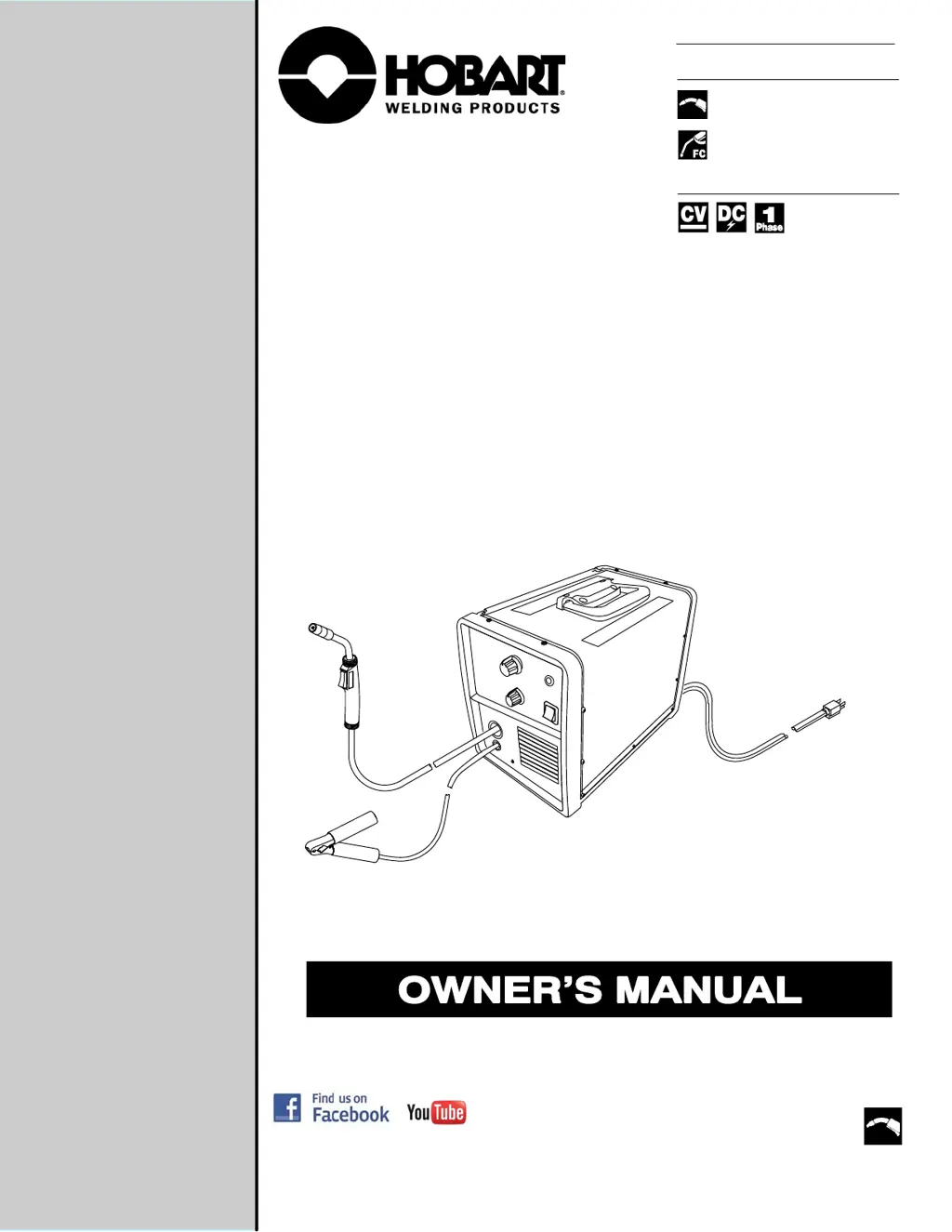
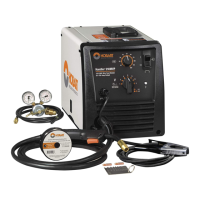
Hobart Welding Products Handler 125 - User Manual

Hobart Welding Products Handler 125
40 pages
Print Icon
To Next Page IconTo Next Page
Loading...
www.HobartWelders.com
Description
OM-283007B 2019-05
Processes
File: MIG (GMAW)
Arc Welding Power Source And
Wire Feeder
Flux Cored (FCAW) Welding
Handler 125
)
MIG (GMAW) Welding

Table of Contents

Questions and Answers

  • R
    Robert SheltonJul 28, 2025
    What to do if Hobart Welding Products Handler 125 Welding System has no weld output and wire does not feed, but the fan motor continues to run?
    • T
      Tonya RobertsonJul 28, 2025
      If your Hobart Welding Products Welding System exhibits these symptoms, ensure the Voltage switch is set to positions 1, 2, 3, or 4. Verify that the gun trigger switch is depressed and held. Check if the Over Temperature Light PL1 is on, and if so, allow the unit to cool until the light goes off. Make sure the Voltage switch is not set between ranges. Finally, disassemble the torch handle and check the trigger switch lead connections, tightening or reconnecting any loose connections.
  • T
    Tanya WoodwardAug 2, 2025
    Why Hobart Welding Products Handler 125 Welding System has low weld output?
    • R
      rsmithAug 2, 2025
      If your Hobart Welding Products Welding System has low weld output, connect the unit to the proper input voltage or check for low line voltage. Place the voltage switch in the desired position. Check the cable connection at the work clamp and tighten the hardware if necessary. If using an extension cord, check that the wire size and length are the proper size for the power rating of the welding power source.
  • M
    Michelle HodgesAug 8, 2025
    What to do if Hobart Welding Products Handler 125 Welding System has no weld output, but wire feeds?
    • N
      nkellerAug 9, 2025
      If your Hobart Welding Products Welding System has no weld output but the wire feeds, connect the work clamp to ensure good metal-to-metal contact. Check the cable connection at the work clamp and tighten the hardware if necessary. Replace the contact tip and check that the polarity leads are connected.
  • M
    Michelle RobinsonAug 15, 2025
    How to fix electrode wire feeding stops during welding with Hobart Welding Products Handler 125 Welding System?
    • D
      dgrahamAug 15, 2025
      If the electrode wire feeding stops during welding with your Hobart Welding Products Welding System, first ensure the wire spool is not out of welding wire. Readjust the hub tension and adjust the drive roll pressure. Check the supplementary protector CB1 and reset if open. Also, check if the Over Temperature Light PL1 is on, and if so, allow the unit to cool until the light goes off. Straighten the gun cable or replace damaged parts. Change to the proper drive roll groove and replace the contact tip if blocked. Clean or replace the wire inlet guide or liner if dirty or plugged. Replace the drive roll or pressure bearing if worn or slipping. Finally, check and clear any restrictions at the drive assembly and liner.
  • L
    luke48Aug 21, 2025
    How to troubleshoot Hobart Welding Products Handler 125 Welding System when there is no weld output, wire does not feed, and the fan does not run?
    • J
      johnsonjessicaAug 21, 2025
      If your Hobart Welding Products Welding System experiences no weld output, the wire does not feed, and the fan does not run, secure the power cord plug in the receptacle. Replace the building line fuse or reset the circuit breaker if it's open. Ensure the power switch is in the On position. Check the supplementary protector CB1 and reset it if open.

Summary

Safety Precautions

Symbol Usage and Warnings

Explains danger, warning, and notice symbols with potential hazards.

Arc Welding Hazards

Details risks of electric shock, proper grounding, and handling live parts.

Fumes, Gases, and Arc Rays Hazards

Fire, Explosion, and Flying Debris Hazards

Risks of fire, explosion from welding, and injury from flying metal or dirt.

Cylinder Safety and Handling

Installation and Operation Safety Symbols

Symbols for installation hazards like falling equipment, overuse, static, moving parts.

EMF and Interference Warnings

Principal Safety Standards

Lists key safety standards and their sources for welding and cutting.

Definitions

Safety Symbols Definitions

Explains various safety symbols used in the manual and their meanings.

Specifications

Unit Specifications

Details amperage, voltage, KVA, KW, weight, and dimensions of the welding unit.

Environmental Specifications

Specifies IP rating and operating/storage temperature ranges for the equipment.

Duty Cycle and Overheating

Installation

Selecting a Location

Guides on choosing a safe location for the welding unit.

Installing Work Clamp

Instructions for properly installing the work clamp.

Process, Polarity, and Wire Spool Setup

Installing Gas Supply

Connecting 120 Volt Input Power

Guides on connecting the unit to a 120V power source.

Installing Contact Tip and Nozzle

Threading Welding Wire

Operation

Controls Overview

Explains the function of the unit's various controls.

Operating The Gun

Guides on how to properly operate the welding gun trigger and function.

Weld Parameter Chart

Maintenance & Troubleshooting

Routine Maintenance and Overload Protection

Outlines routine maintenance checks and explains overload protection mechanisms.

Gun Tip and Drive Roll Maintenance

Gun Liner Cleaning and Replacement

Troubleshooting Table

Electrical Diagram

Circuit Diagram

Presents the circuit diagram of the welding power source for reference.

Welding Guidelines

Process Connections and Control Settings

Illustrates FCAW/GMAW process connections and provides typical control settings.

Gun Handling and Bead Characteristics

Troubleshooting Common Weld Defects

Troubleshooting Penetration and Fusion Issues

Semiautomatic Equipment Troubleshooting

Parts List

Components and Accessories

Lists part numbers for the welding unit, accessories, and consumables.

Warranty Information

Hobart 5;3;1 Limited Warranty

Details the warranty coverage periods, terms, and exclusions for Hobart welding equipment.

Owners Record

Owners Record Section

A section for users to record personal information about their equipment.

Hobart Welding Products Handler 125 Specifications

General IconGeneral
Input Current20 A
Amperage Range30-125 A
Duty Cycle20% at 90 A
Weight57 lbs
Input Phase1-Phase
Wire Diameter0.030 - 0.035 in (0.8 - 0.9 mm)
Wire Feed Speed Range50-500 IPM

Related product manuals