EasyManua.ls Logo

Hobart Welding Products Handler 190 - User Manual

Hobart Welding Products Handler 190
40 pages
Print Icon
To Next Page IconTo Next Page
Loading...
Description
OM-260273F 202003
Processes
File: MIG (GMAW)
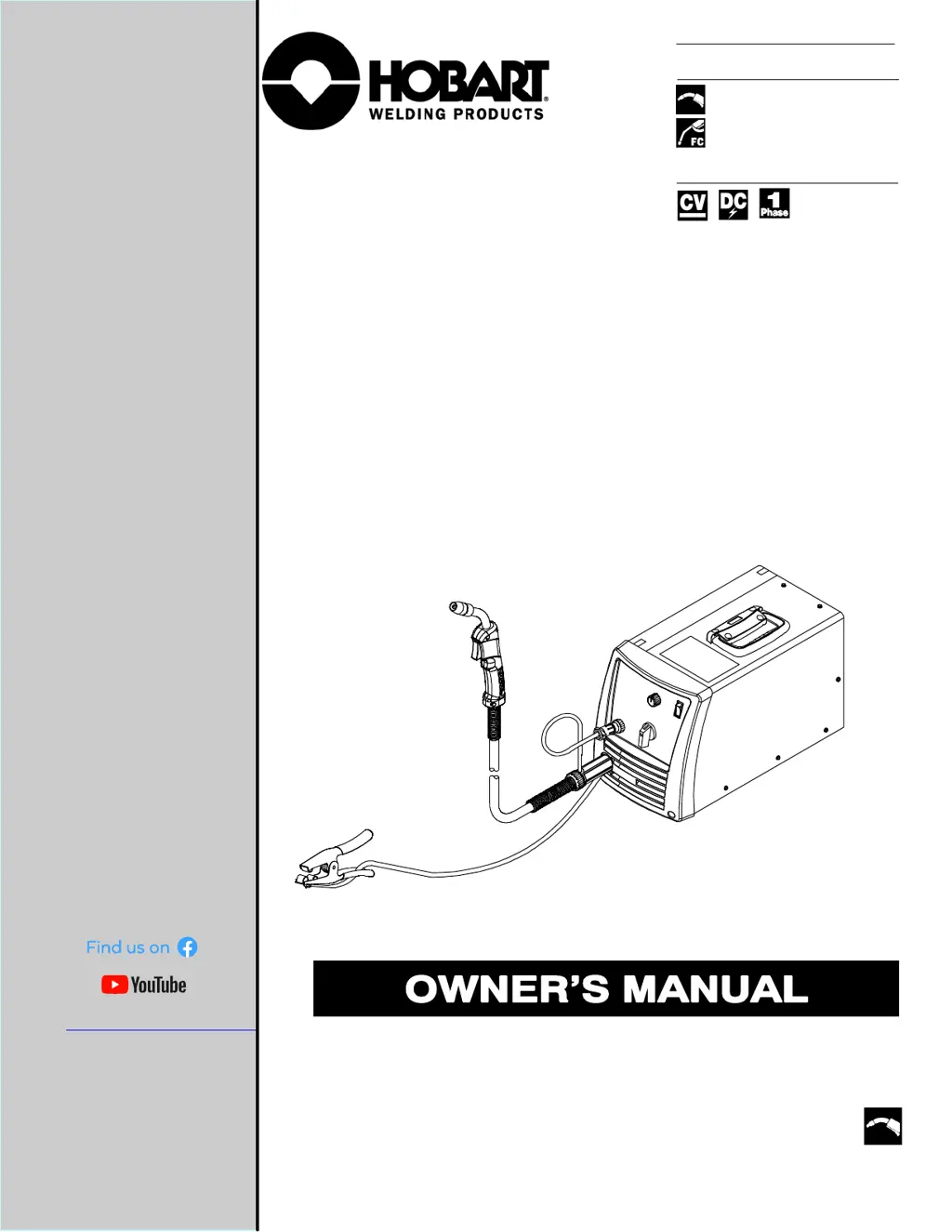
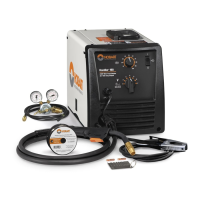
Handler 190
R
Arc Welding Power Source And
Wire Feeder
MIG (GMAW) Welding
Flux Cored (FCAW) Welding
www.HobartWelders.com

Table of Contents

Questions and Answers

  • N
    Nancy SteeleJul 29, 2025
    What to do if my Hobart Welding Products Handler 190 has no weld output, but the wire feeds?
    • G
      gdavisJul 29, 2025
      If your Hobart Welding Products Welding System has no weld output but the wire feeds, ensure the work clamp is connected to establish good metal-to-metal contact. Consider replacing the contact tip. Verify that polarity connections are correct. Also, check the thumbscrew securing the gun end to the feed head adapter and tighten it if necessary.
  • O
    Olivia OliverAug 6, 2025
    Why does my Hobart Welding Products Handler 190 have no weld output, wire won't feed, but the fan motor runs?
    • J
      Joseph PerkinsAug 6, 2025
      If your Hobart Welding Products Welding System exhibits no weld output and the wire doesn't feed, but the fan motor continues to run, it might be due to thermostat TP1 being open (overheating). Allow the fan to run with the gun trigger switch off to cool the unit, which should close the thermostat. Check the Voltage range switch position and ensure it “clicks” into the detent at the desired range setting. Make sure the Spool Gun/MIG switch is in the correct mode. Also, ensure the gun trigger leads are secure.
  • T
    thomasadamsAug 18, 2025
    How to fix Hobart Welding Products Welding System with no weld output, wire feed, and fan?
    • A
      Andrew ChaseAug 18, 2025
      If your Hobart Welding Products Welding System has no weld output, the wire doesn't feed, and the fan doesn't run, ensure the power cord plug is securely in the receptacle. Replace the building line fuse or reset the circuit breaker if it's open. Place the Power switch in the On position. Reset the welding power source supplementary protector.

Summary

Safety Precautions

Symbol Usage and Arc Welding Hazards

Explains manual symbols for hazard identification and warnings, and general arc welding risks.

Common Welding Operation Hazards

Covers fumes, arc rays, fire, flying metal, gas buildup, EMF, and noise risks during welding.

Installation and Equipment Hazards

Details risks from cylinders, falling equipment, overheating, static, moving parts, wire, and batteries.

Specifications

Unit Specifications

Lists the technical specifications of the welding unit.

Installation

Operation

Controls Overview

Identifies and explains the function of the unit's controls.

Weld Parameter Chart

Lists recommended weld parameters for various materials and wire types.

Maintenance & Troubleshooting

Troubleshooting Table

A table listing common problems and their remedies.

GMAW Welding (MIG) Guidelines

Troubleshooting - Excessive Spatter

Identifies causes and solutions for excessive spatter during welding.

Troubleshooting - Porosity

Lists causes and corrective actions for porosity in welds.

Troubleshooting - Excessive Penetration

Addresses issues of excessive weld penetration and how to fix them.

Troubleshooting - Lack Of Penetration

Details causes and remedies for insufficient weld penetration.

Troubleshooting - Incomplete Fusion

Explains causes and solutions for incomplete fusion in welds.

Troubleshooting - Burn-Through

Covers causes and corrective actions for burn-through during welding.

Troubleshooting - Distortion

Explains causes of weld distortion and methods to control it.

Hobart Welding Products Handler 190 Specifications

General IconGeneral
Input Voltage230 V
Output Amperage Range30 - 190 A
Duty Cycle30% at 190 A
ProcessesMIG (GMAW), Flux-Cored (FCAW)
Input PhaseSingle-phase
Input Frequency60 Hz
Input Current30 A
Wire Diameter0.023-0.035 in (0.6-0.9 mm)
Weight68 lbs

Related product manuals