EasyManua.ls Logo

Hobart XVS Series - User Manual

Hobart XVS Series
16 pages
Print Icon
To Next Page IconTo Next Page
Loading...
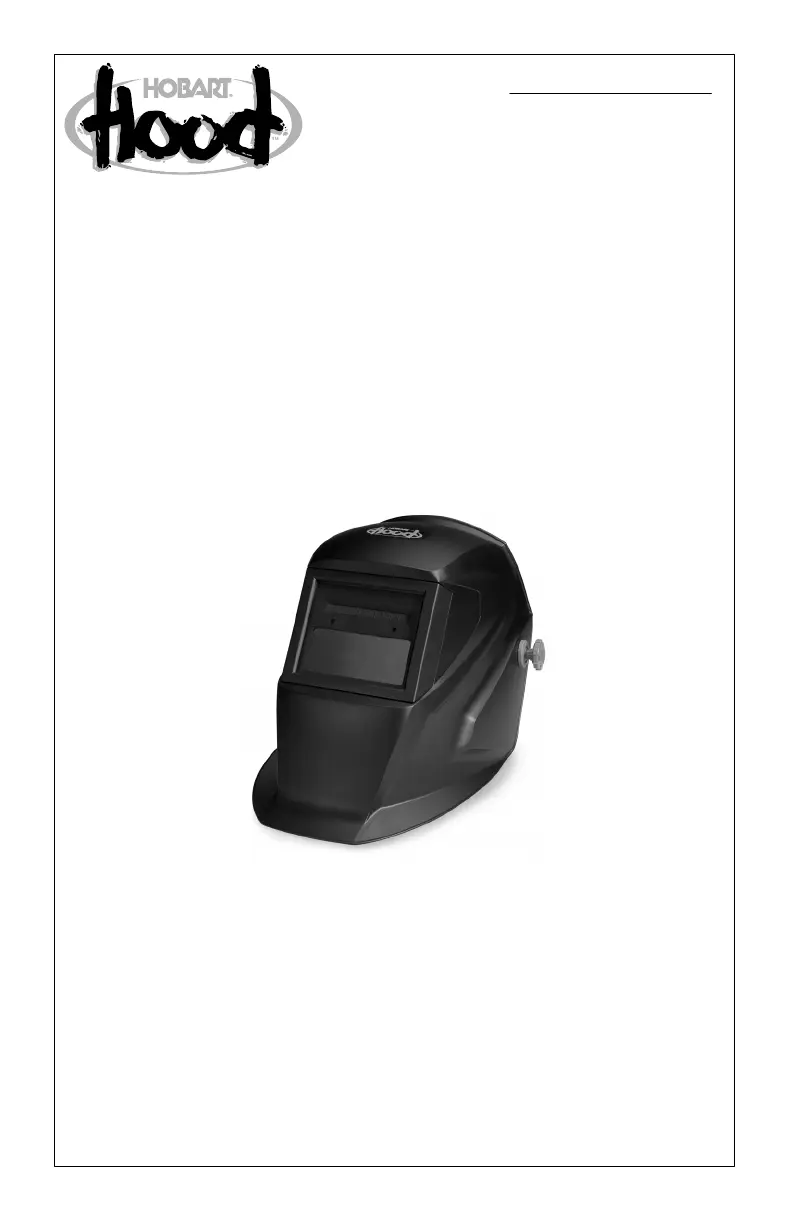
Auto-Darkening Welding Helmets
HOBART XFS Series
HOBART XVS Series
OM-221 534E
201111
)
)

Questions and Answers

  • E
    Erin ClarkAug 9, 2025
    What to do if my Hobart Welding Accessories auto-lens is not switching?
    • J
      Jeremiah ThomasAug 9, 2025
      If your Hobart Welding Accessories auto-lens stays light and does not darken when welding or cutting, stop welding or cutting immediately. Ensure the lens is on and clean the lens cover and sensors of any obstructions. Make sure the sensors are facing the arc; angles of 45 degrees or more may prevent the arc light from reaching the sensors. For XVS models, review sensitivity recommendations and adjust sensitivity if possible.
  • D
    David EricksonAug 15, 2025
    How to fix switching or flickering in Hobart Welding Accessories auto-lens?
    • R
      Ruth SmithAug 15, 2025
      If your Hobart Welding Accessories auto-lens darkens and lightens while welding or cutting, ensure the arc sensors aren't blocked from direct arc light. Check the lens cover for dirt and spatter that may be blocking the sensors. Increasing the lens delay to 0.1 – 0.3 seconds might reduce switching. For XVS models, review sensitivity settings and increase sensitivity if possible.
  • P
    phillipdennisAug 20, 2025
    Why is my Hobart Welding Accessories auto-lens staying dark?
    • C
      charleswarrenAug 21, 2025
      If your Hobart Welding Accessories auto-lens stays dark after the arc is extinguished or when no arc is present, for XVS models, reduce the sensitivity setting. In extreme light conditions, reducing surrounding light levels may be necessary. If the lens remains dark, press the On button to return the lens to the clear state.
  • P
    Phillip CooperAug 27, 2025
    What to do if Hobart Welding Accessories auto-lens is not turning on?
    • L
      lamcaitlinAug 27, 2025
      For XFS models of Hobart Welding Accessories, expose the solar cell to bright sunlight for 30 minutes before use. For XVS models, check the batteries to ensure they are in good condition and installed correctly. Inspect battery surfaces and contacts, cleaning if necessary. Check the battery for proper contact and gently adjust contact points if needed, especially if the helmet has been dropped.
  • D
    davisjuliaSep 1, 2025
    What to do if sections of my Hobart Welding Accessories auto-lens are not going dark?
    • J
      John WebbSep 1, 2025
      If sections of your Hobart Welding Accessories auto-lens are not going dark and distinct lines separate the light and dark areas, stop welding or cutting immediately. The lens may be cracked, potentially from the impact of dropping the helmet or weld spatter. The lens may need replacement.

Summary

SECTION 1 - WELDING HELMET SAFETY PRECAUTIONS

Arc Welding Hazards

Details hazards associated with arc welding, including eye and skin burns from arc rays and sparks.

SECTION 2 - SPECIFICATIONS

SECTION 3 - OPERATING INSTRUCTIONS

Helmet Controls - XFS Model

Identifies and explains the controls for the HOBART XFS auto-darkening welding helmet.

Helmet Controls - XVS Model

Identifies and explains the controls for the HOBART XVS auto-darkening welding helmet.

Variable Shade Control - XVS Model

Describes the variable shade control and provides a shade selection guide for the XVS model.

SECTION 4 - ADJUSTING HEADGEAR

SECTION 5 - REPLACING THE LENS COVERS

SECTION 6 - REPLACING THE BATTERY

SECTION 8 - TROUBLESHOOTING

Hobart XVS Series Specifications

General IconGeneral
BrandHobart
ModelXVS Series
CategoryWelding Accessories
LanguageEnglish

Related product manuals