Built-in devices
10-3
To operate
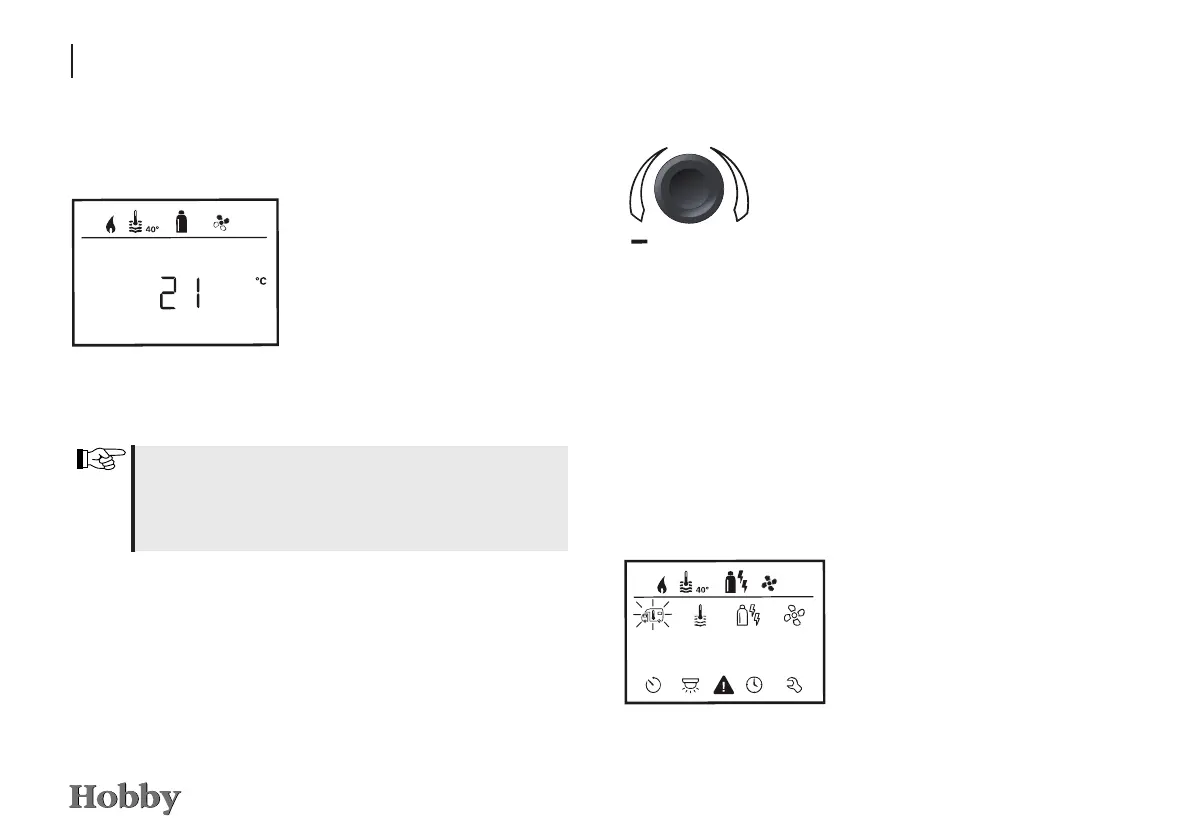
Start / stand-by screen
A few seconds after the control
panel has been connected to the
power supply, a start screen will
appear.
If nothing is entered for several
minutes, a stand-by screen will
automatically be displayed.
When the time is set (see “Setting the time”) the display
alternates between the time and the room temperature that
has been set. If no time has been set, the set room tempe-
rature will be displayed permanently.
Functions
The functions in the menu lines lm of the control panel
can be selected in any sequence. The operating parameters are
shown in the status line
k
or in the display no
.
Switching the control panel on and off
Press the adjusting knob / pushbutton
for longer than 3 seconds.
-
Previously set values / operating parame-
ters will be reactivated after the control
panel has been switched on.
- If the heating system is not supplied with
operating voltage for more than 2 hours,
the control panel will automatically switch
itself off.
- Due to an internal lag feed in the heating
system, it may take a few minutes for the
control panel to switch off.
ı
ı
Press the adjusting knob / push-
button
The display shows the setting mode.
The rst icon blinks.
Selecting the setting mode







 To Next Page