20
ENGLISH
Use and maintenance manual
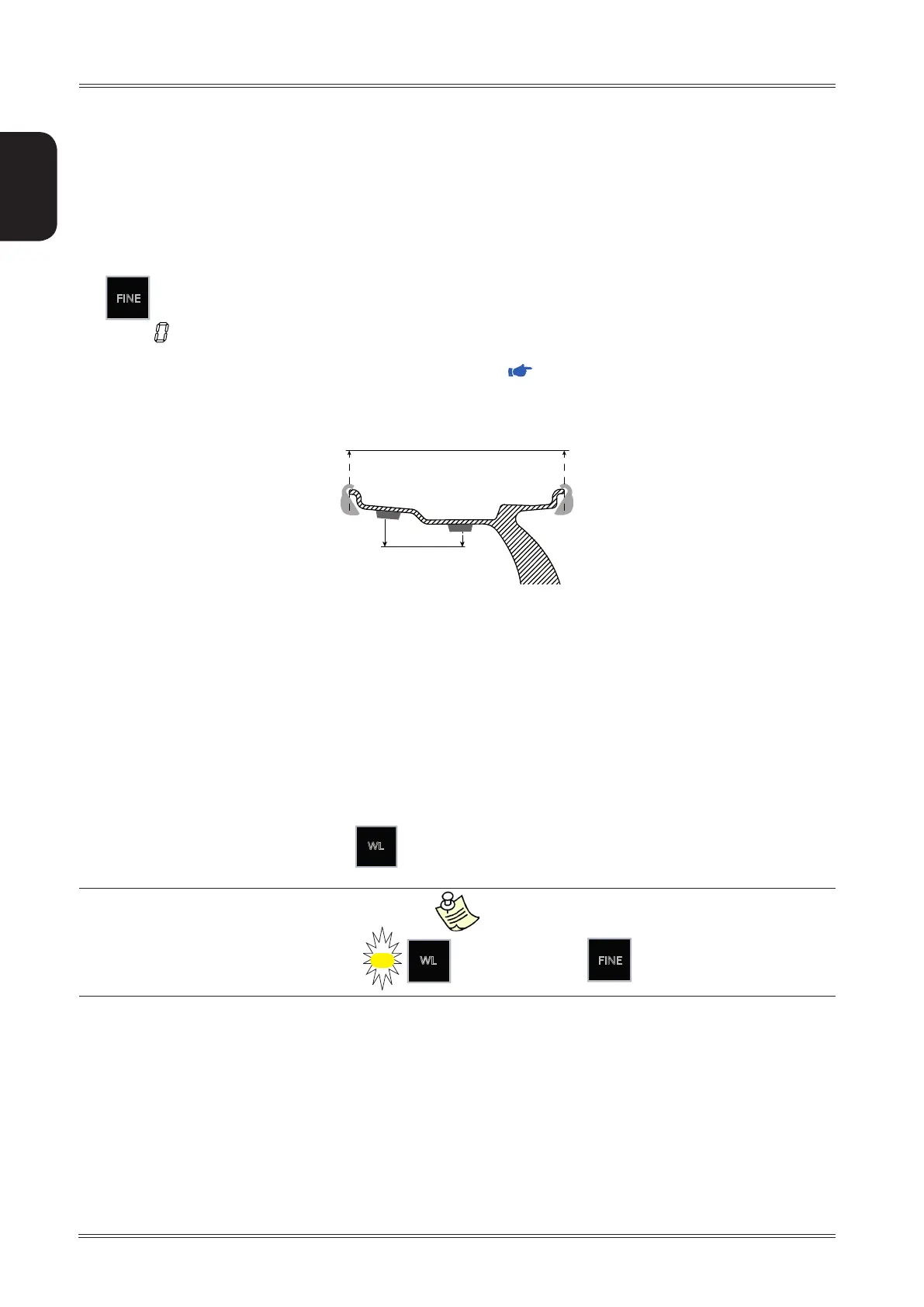
6.8 EP – EXTERNAL PLANES
Enabling EP in the case of correction with adhesive weights, the unbalance is considered within tolerance when
the weight recalculated on the external planes is less than the tolerance set (regardless of the residual unbalance
on the selected correction planes).
In the acquisition of the dimensions with the standard correction method (clip-on weight for the inside/outside),
the external planes coincide with the correction planes.
In the ALU correction methods, the wheel width value has to be acquired automatically (or manually set).
The unbalance value shown on the displays is always the correction value on the correction planes even if pressing
the
FINE
button.
The value ‘
’ used to indicate that the unbalance is within tolerance refers to the external planes.
To obtain perfect balancing, if the unbalance is within tolerance on the external planes and the LED [3] blinks, it
is advisable to check and correct the residual static unbalance (
OPB).
6.8.1 EP tolerance
If the static unbalance is practically null, the standard tolerance for the external planes is replaced with the EP
tolerance.
The EP tolerance can be set on the display and by default is slightly higher than the standard tolerance.
6.9 WEIGHTLESS CORRECTION METHOD
This new software is a further stage of automatic minimization of static unbalance. In ideal cases only one single
weight must be applied. Thus siginificant amounts of weights and working time can be saved.
The correction plane unbalances are considered within tolerance when both the STATIC and the DYNAMIC TORQUE
unbalances are lower than the tolerance set. This correction method allows considerably reducing the weight
to be applied, yet maintaining excellent balancing quality.
To activate/deactivate Weightless, press
WL
.
When Weightless is enabled, the
WL
LED comes on and the
FINE
button is disabled.
Use of the wheel balancer
CORRECTION PLANES
EXTERNAL PLANES



 To Next Page