12
How can I connect my phone's Bluetooth to the Gimbal if the app can't find the
device?
Clear the Bluetooth connection and attempt reconnection:
• Push the zoom lever upward and simultaneously long-press the M button for five
seconds.
• When the Bluetooth indicator flashes green five times, it indicates that the
Bluetooth connection has been cleared.
• Follow the Bluetooth connection steps to reconnect.
How do I connect the remote controller?
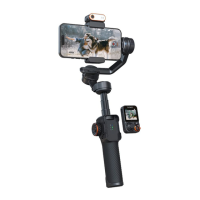
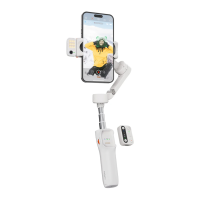
Note: The remote controller is an optional accessory and needs to be purchased
separately.
• Switch the remote to "OFF."
• Press the M button seven times to enter the remote controller pairing mode
(Bluetooth indicator alternating between yellow and green).
• Switch the remote to "ON," and it will automatically connect to the Gimbal.
• When pressing buttons on the remote controller, if the Gimbal's Bluetooth
indicator flashes yellow, it signifies successful pairing.
To exit remote controller pairing: Press the mode button once.
To clear remote controller pairing: Double-press the M button during remote
controller pairing.


 To Next Page