9
Double press: Switch photo/video modes (Only available in the Hohem Joy
/ Android 10.0 or later, please ensure Bluetooth pairing).
Triple press: Switch front/rear cameras (Only available in the Hohem Joy /
Android 10.0 or later, please ensure Bluetooth pairing).
7. Trigger Button
Press on: Sport mode.
Single press, and then press and hold: L (All locked).
Double press: Recenter the Gimbal.
Press four times: Switch to Ultra-Wide-Angle Shot.
Gimbal Modes
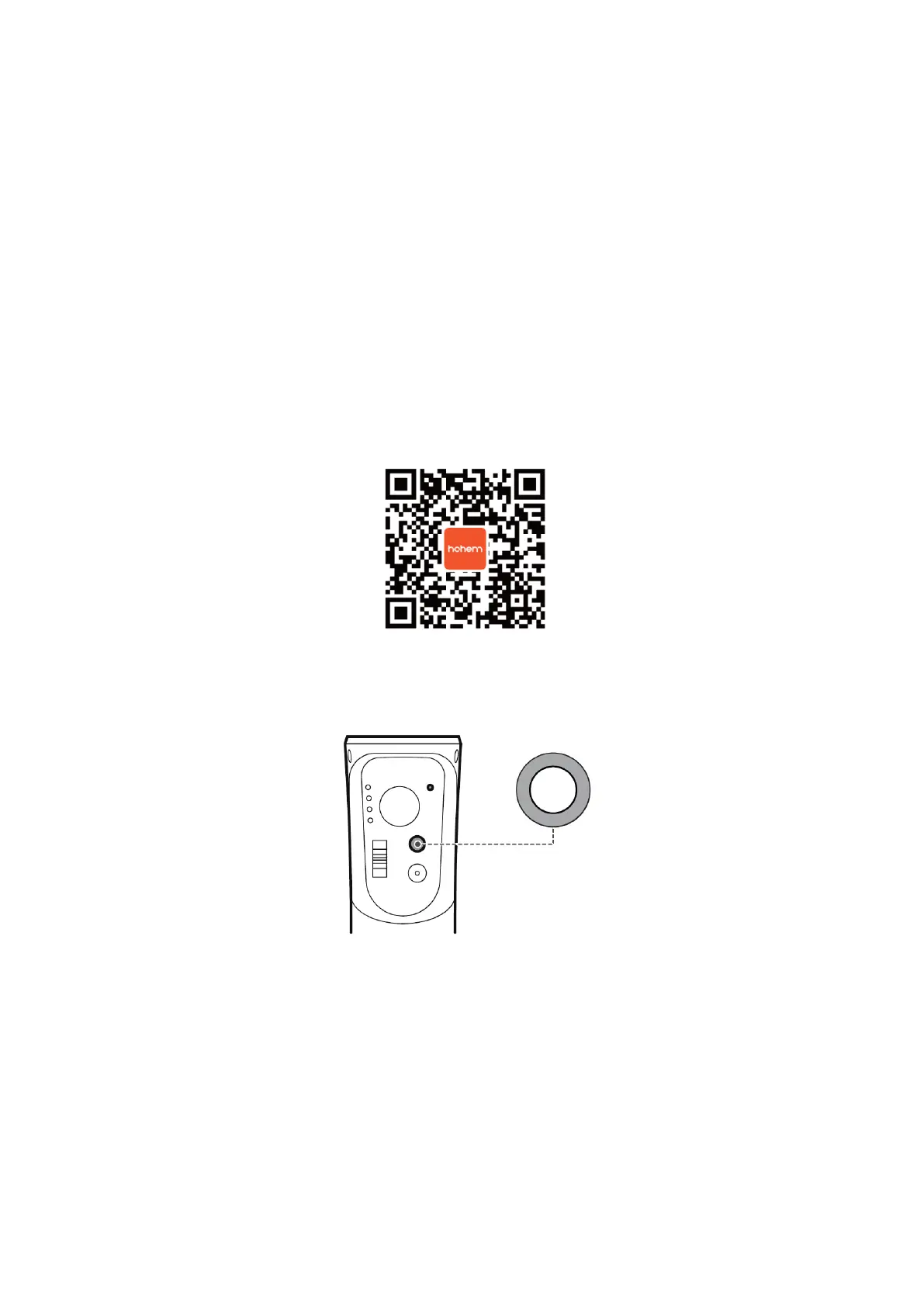
Scan the QR code to watch the tutorials.
• PF (Pan Follow): Default mode, tilt & roll axis both locked, camera is able to
move to the left or right smoothly.
• PTF (Pan & Tilt Follow): Roll axis locked, camera is able to move to the left/right,
and tilt up/down.
• L (All Locked): The camera stays in its current orientation.
• POV (All Follow & Inception): All Follow - Tilt axis, roll axis, and pan axis all
follow the movement of the Gimbal. Inception - Hold the Gimbal horizontally and
push the joystick to the left or right


 To Next Page