9
Example: SET PROGRAM 1
Step 1 –
SET START TIMES
NOTE: all stations will come on in sequential order for each start time.
Turn the dial to “Set Start Times” and ensure that “Prog No 1” is showing. If not, then
use the
button to select “Prog No 1”.
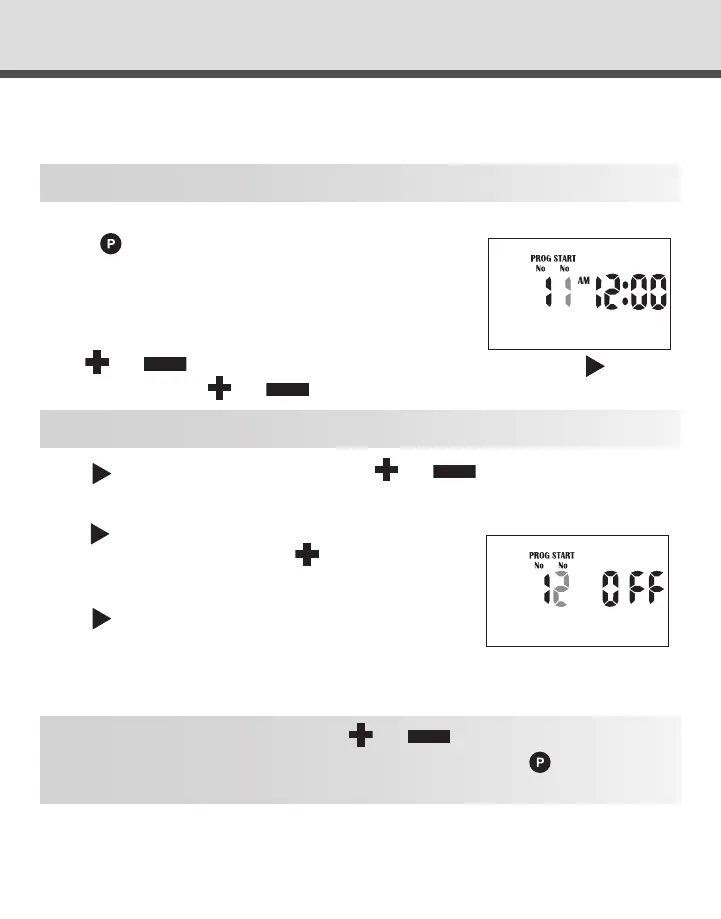
The “Start No” will be ashing. The display will show:
Use
or
to change the “Start No” if required, otherwise press
and the
“hour” will ash.
Use
or
to adjust if required.
NOTE: Ensure AM/PM position is correct.
Press
and the “minutes” will ash.
Use
or
to adjust if required
.
Each program has up to 4 start times. Should you require a second start time,
press
and ‘Start 1” will ash.
Advance to “Start 2” by pressing
The display will show:
Press
and proceed as per setting Start 1.
HINT: To toggle a start on or off press
or
when the hour is ashing. To
change to a different program either to review or alter, press the
button. Every
press will increment to the next program.
PROGRAMMING



 To Next Page