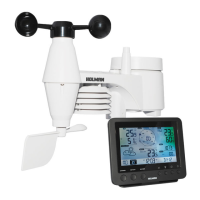
OUTDOORWEATHERVANE/INITIALOPERATION
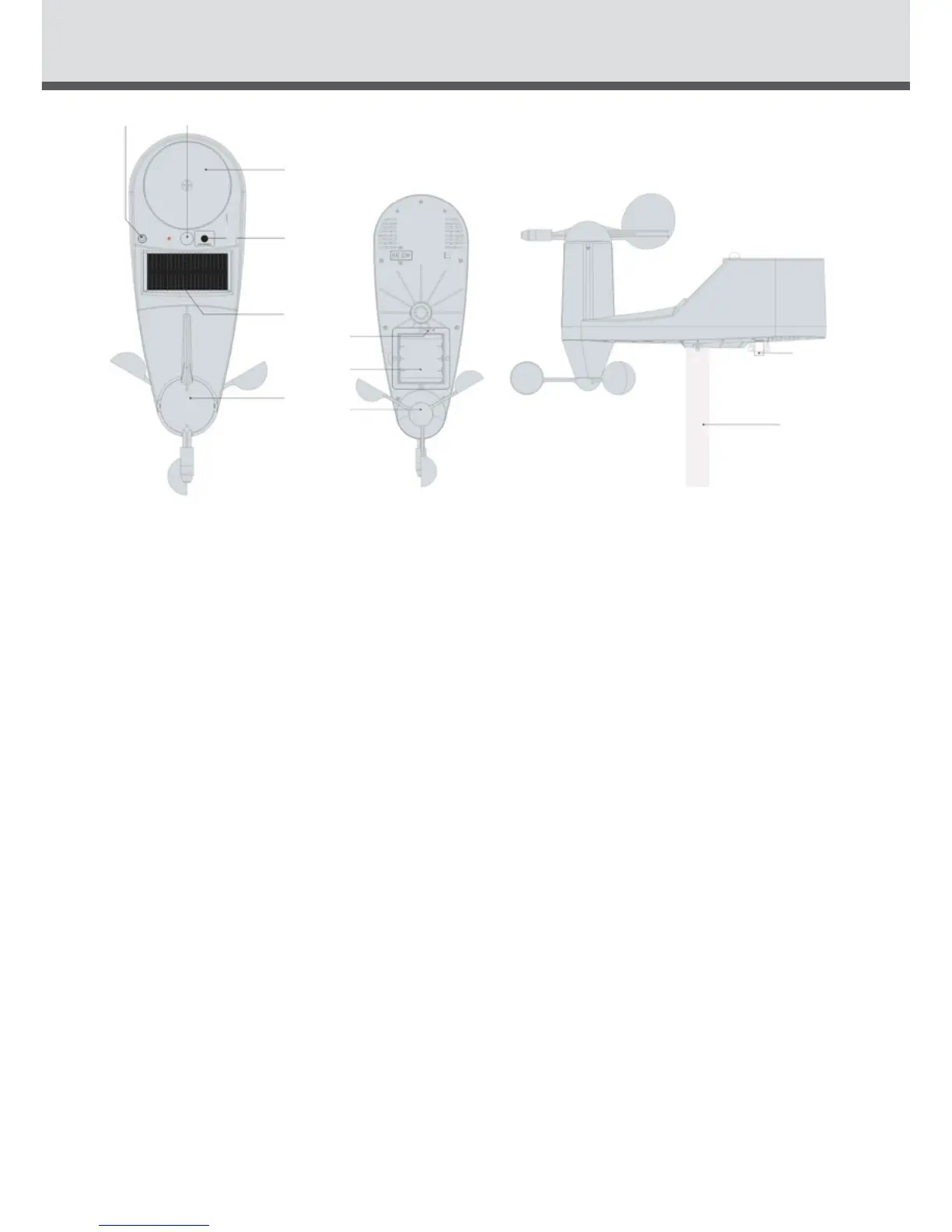
1.WindDirection2.Solarpanel3.RFchannel(holdfortransmittingRFsignal)
4.Raingauge5.UVindexandLUXsensor6.Levelindicator(tojudgeifset
uphorizontally)7.ON/OFFforpower8.Built-inrechargeablebattery9.
Windspeedsensor10.Metalpole11.Coverforthermometerandhygrometer
Initial Operation
• ChargetheLIPObattery
• Turnontheswitch
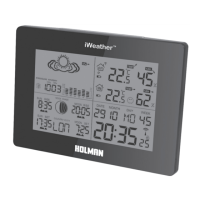
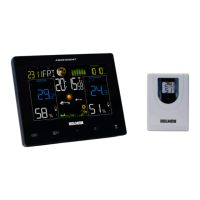
• Afterturningontheswitch,themainunitwillconnectwiththeout-
doordatacollectorbyRFsignal.
TheRFsignalsymbolattheoutsideunitwillash.
• Thisprocesstakesabout3minutes.Thenthedisplayshowstheout
doortemperature/humidity/windspeed/winddirection/rainfall/UV
index,incaseoffailureofreception,pleasepress“OUT“formore
than3secondstoreceiveagain.
1
9
10
11
8
7
2
3
4
56


 To Next Page