5
H
S
1 3 2
TIMER
ICE
SELECT
ON/OFF
WATER
A
F
C
B
E
D
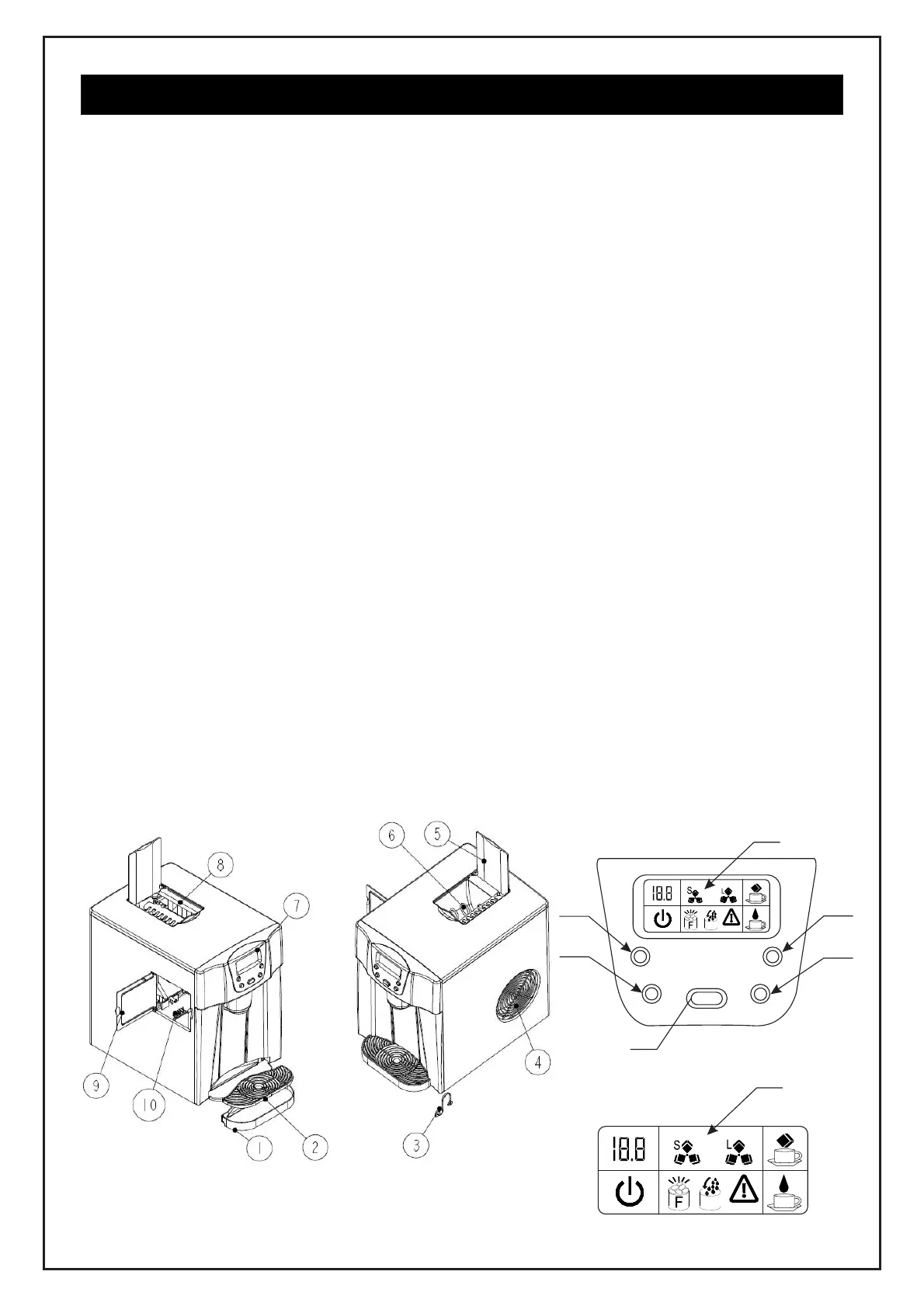
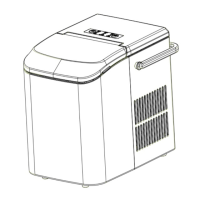
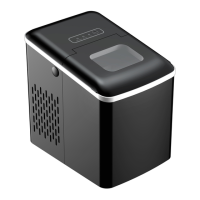
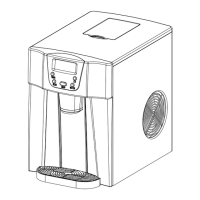
GETTING TO KNOW YOUR UNIT
1. Water drip tray
2. Water drip tray cover: Used for supporting the ice cube container
3. Water drain plug: For draining water from the water reservoir.
4. Hot air outlet
5. Top window
6. Ice cube pushing spring
7. Control panel: Easy to use, visible functions touch display setting.
A.: LCD display window
(1). TIMER setting delay time
(2). Ice cube size display: Small.
(3). Ice cube size display: Large.
(4). Ice cube obtaining symbol: Ice cubes will be pushed out.
(5). Water dispensing symbol: Water is flowing through the tap.
(6). Error code.
(7). Lack of water in reservoir symbol: With this symbol, the unit will stop running,
need to pour water in.
(8). Ice-full symbol: when it display, means the ice storage area is full of ice-cube.
(9). ON/OFF symbol: if the unit is turned off, this symbol will flash. If the unit is turned
on, this symbol will stay lit.
B.: Ice cube obtaining button
C.: Water dispenser button
D.: ON/OFF Button: To turn on/off the unit
E.: SELECT Button: To select the size of ice cubes and the number code for the
different delay times.
F.: TIMER Button: Setting the timer on or off.
8. Evaporator.
9. Side door: For filling with water and cleaning the reservoir.
10. Water reservoir and the MAX level mark for water.
A
1
2
3
4
5
6
7
8
9
H
S
1 3 2


 To Next Page