11
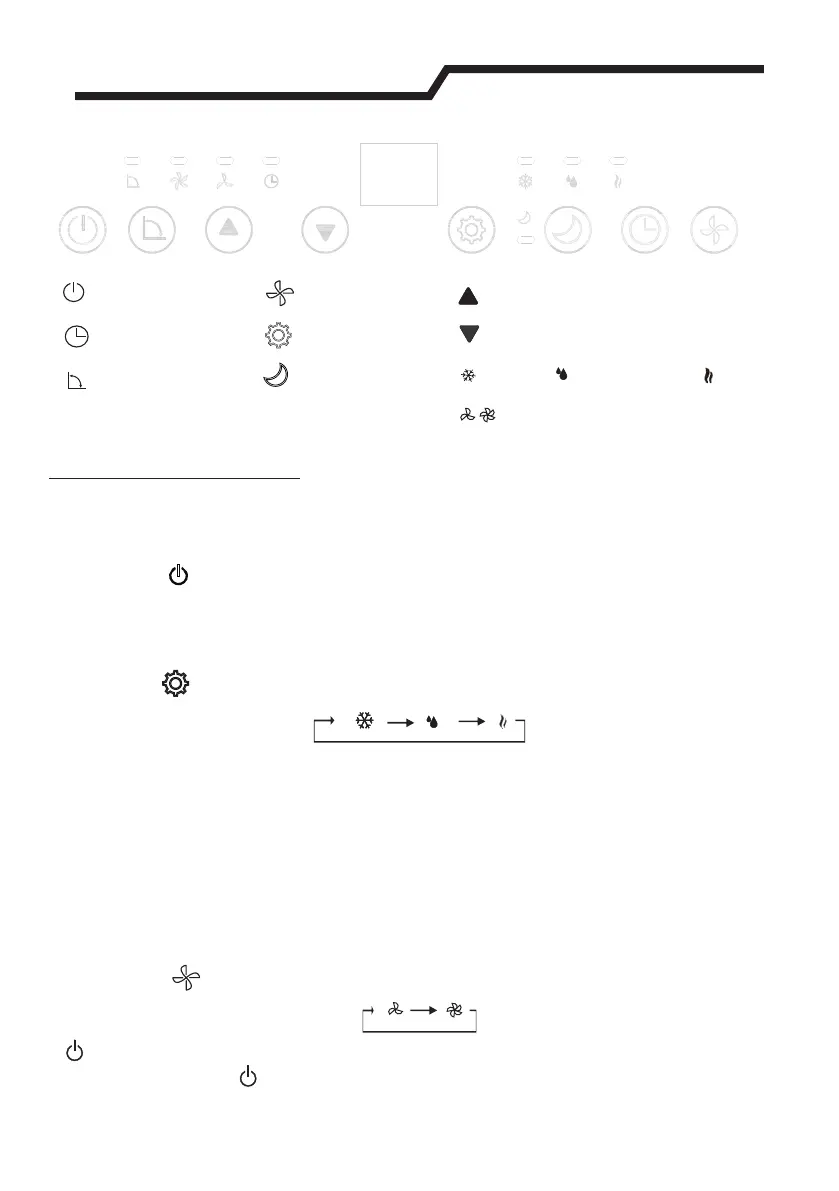
On/Off button
Timer button
Swing button
Speed button
Mode button
Sleep button
Timer/Temperature up button
Timer/Temperature down button
Cool
Dehumidify
low、high Fan speed
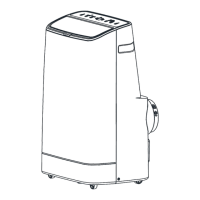
Control Panel
This section explains proper mobile air conditioner operation.
■ Control panel operation
● Cool Dehumidify and Fan Model operation.
1. Turn on the unit
a) Plug in, then the unit beeps once.
b) Press the “ ”button then the unit is turned on.
The LED displays the room temperature and operate in Cool mode.
2. Select operating mode
Press the “ ”button to select a desired mode shown below.
3. Adjust temperature
O O O
The temperature can be set within a range of 15 C to31 C by 1 C. Press "▲"
O
or "▼"button to increase or decrease the temperature 1 C by pressing once.
The unit LED shows the target temperature for 5 seconds and then displays
the room temperature.
4. Adjust Fan Speed
Press the “ ”button to select a desired fan speed shown below:
Fan
5. Power
When you press “ ” button again, the unit will “di” and stop working.



 To Next Page