13
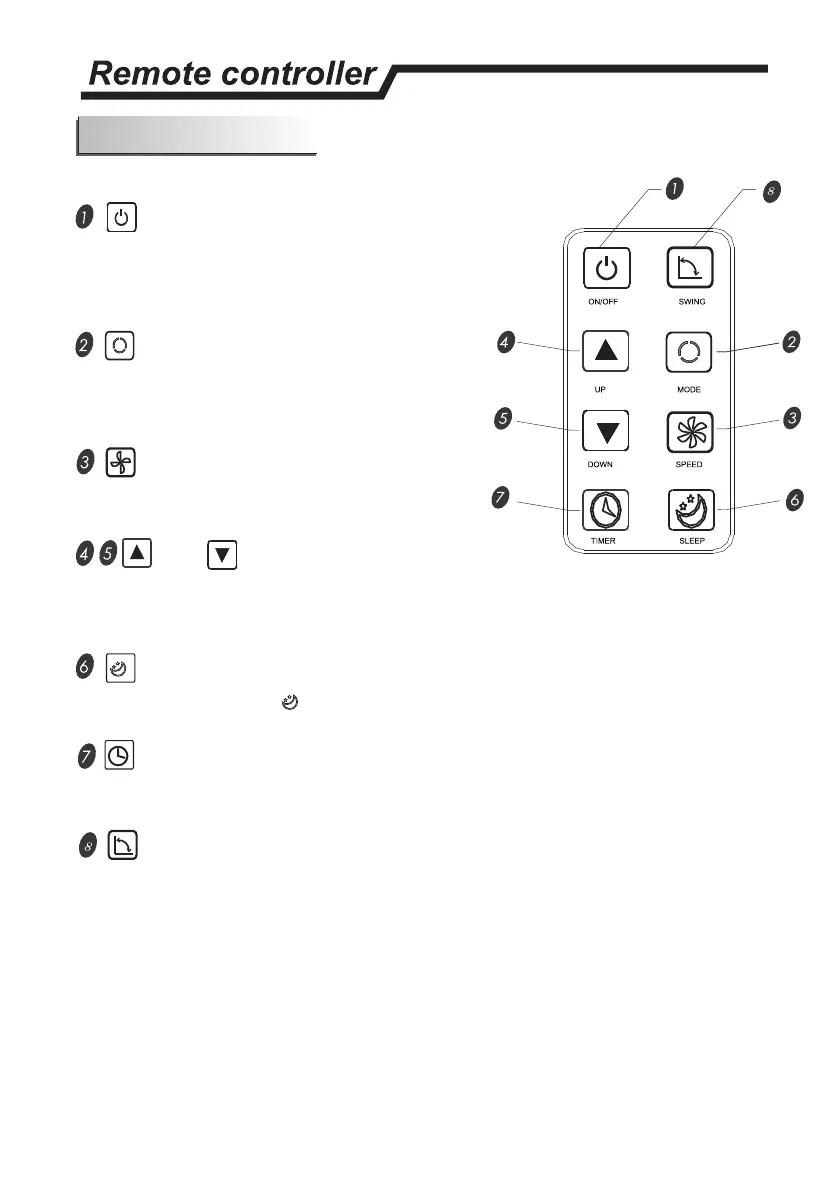
BUTTON
The appliance will be started when it is
energized or will be stopped when it is in
operation, if you press this button.
BUTTON
Press this button to select the operation
mode
BUTTON
Used to select fan speed in sequence
and
SETTING BUTTONS
Used to adjust the room temperature and the timer.
BUTTON
Used to set or cancel Mode operation.
BUTTON
Used to set automatic off and automatic on time.
BUTTON
Used for automatic swing set.
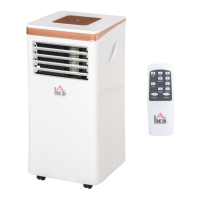
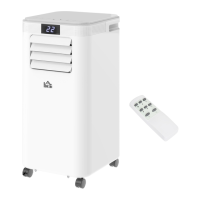
Remote controller
The remote controller transmits signals to the system.



 To Next Page