EasyManua.ls Logo

Homewerks 7130-18-BT - User Manual

Homewerks 7130-18-BT
26 pages
Print Icon
To Next Page IconTo Next Page
Loading...
1
Homewerks.com
4-28-2021
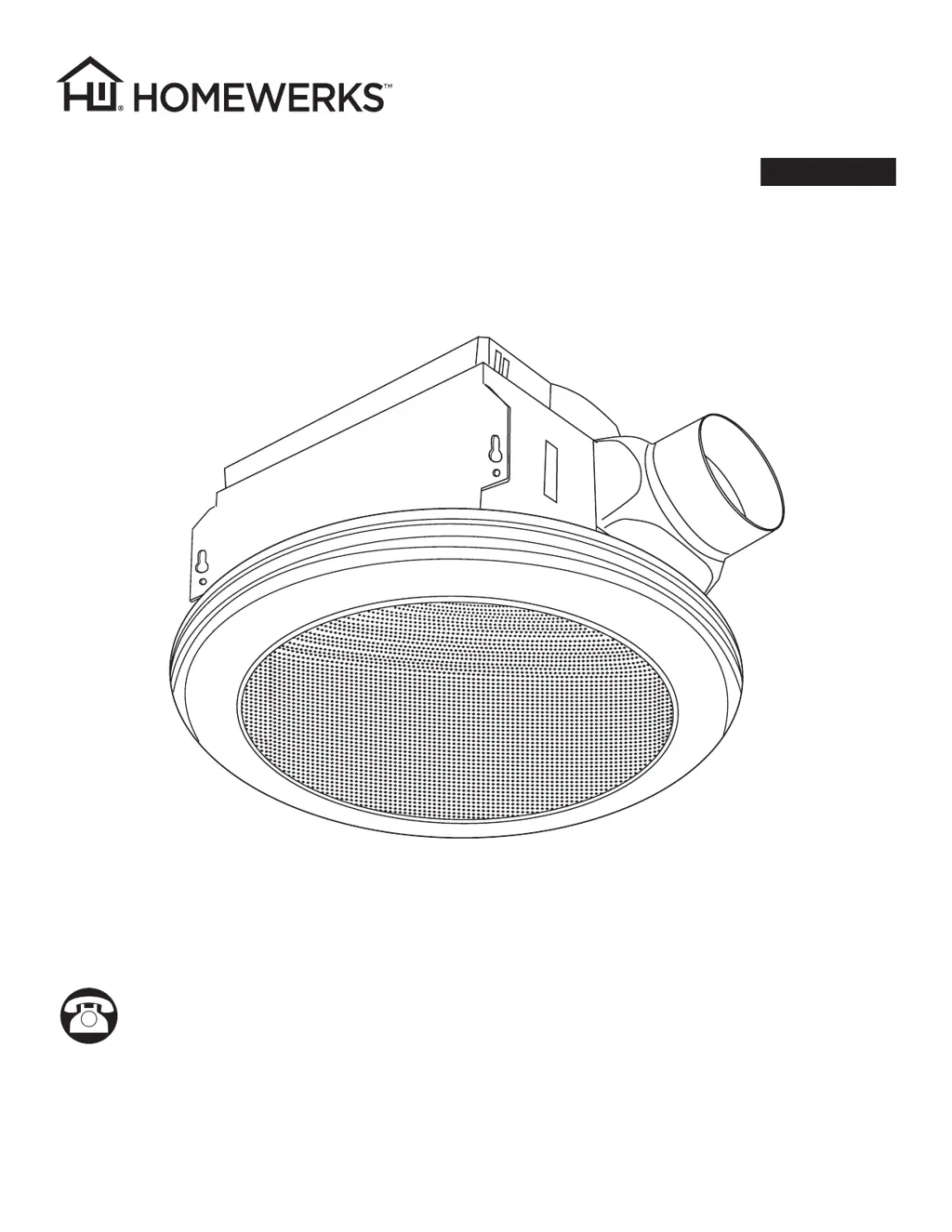
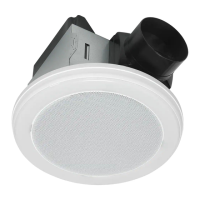
BATH FAN WITH BLUETOOTH
®
SPEAKER AND LED LIGHT
MODEL 7130-18-BT
Español p. 14
Questions, problems, missing parts? Before returning to the store, call our customer
service department at 1-877-319-3757, 7:30 a.m. - 4:30 p.m., CST, Monday - Friday.
READ AND SAVE THESE INSTRUCTIONS
U.S. Pat. No. 9,398,357
The BLUETOOTH
®
word mark and logos are registered trademarks owned by BLUETOOTH SIG, Inc. and any use of the said
mark by Homewerks Worldwide is under license. Other trademark and trade names are those of their respective owners.

Questions and Answers

  • M
    Madison McgeeAug 5, 2025
    Why won't my Bluetooth device pair with my Homewerks 7130-18-BT?
    • D
      Daisy MaddoxAug 6, 2025
      If your BLUETOOTH® device won't pair with the Homewerks Fan, another device might already be paired. Ensure the BLUETOOTH® signal is turned off on other devices.
  • B
    Brandon MccartyAug 13, 2025
    Why is my Homewerks 7130-18-BT so loud?
    • J
      Joel EdwardsAug 13, 2025
      A Homewerks Fan may be louder than expected due to several reasons: * The CFM might be too high for the room's size, so ensure the CFM rating matches the room's square footage. * A damaged or malfunctioning damper can cause noise. Check the damper's operation; if damaged, contact Customer Service. * Sharp bends in the duct close to the fan discharge (within 18 inches) can increase noise. * Using a smaller duct than recommended can also cause the fan to be loud. Use the recommended duct size. * If the fan body isn't securely attached to the ceiling joists, it can vibrate and create noise. Make sure the fan is securely attached.
  • M
    Michael HintonAug 20, 2025
    What to do if my Homewerks 7130-18-BT is not clearing humidity?
    • R
      Ryan BartlettAug 20, 2025
      If your Homewerks Fan isn't removing humidity effectively, it could be due to: * Insufficient airflow intake. Ensure a door or window is slightly open to allow airflow, as the fan needs sufficient airflow to draw air out of the room. * Insufficient CFM. Make sure that the CFM rating of the fan matches the square footage of your room.
  • H
    Holly SullivanAug 28, 2025
    How to fix a Homewerks Fan switch that will not power up?
    • C
      Craig BallAug 28, 2025
      If the Homewerks Fan switch isn't powering up, it could be due to a wiring issue at the switch or the power not being turned on at the fuse box or circuit breaker. Check the wiring and verify the power is on.

Summary

UL Compliance Standards

FCC Compliance Regulations

Package Contents Overview

Included Hardware Details

Product Safety Information

Installation Preparation Steps

Product Dimensions and Measurements

Electrical Wiring Diagrams

Wiring Diagram for Single Switch Operation

Diagram and notes for connecting the fan and accessories using a single switch.

Wiring Diagram for Dual Switch Operation

Diagram and notes for connecting the fan and accessories using two separate switches.

New Construction Installation Guide

Existing Construction Installation Guide

Pairing Bluetooth Device with Speaker

Bluetooth Pairing for Single Switch Setup

Steps to pair a Bluetooth device with the fan's speaker for single-switch operation.

Bluetooth Pairing for Dual Switch Setup

Steps to pair a Bluetooth device with the fan's speaker for dual-switch operation.

Fan Care and Cleaning Procedures

Troubleshooting Common Issues

Fan Limited 3-Year Warranty

Bluetooth Speaker Limited 1-Year Warranty

Homewerks 7130-18-BT Specifications

General IconGeneral
BrandHomewerks
Model7130-18-BT
CategoryFan
LanguageEnglish

Related product manuals