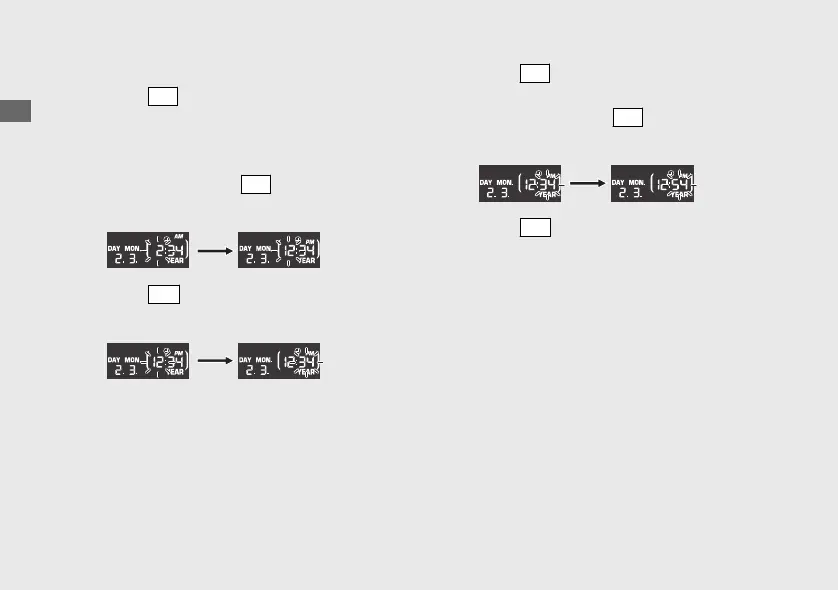
2 Clock setting:
a
Press the
SEL
button until the desired hour
is displayed.
u When the display changes from 11 to 12,
AM/PM will switch at the same time.
u Press and hold the
SEL
button to
advance the hour fast.
b
Press the
SET
button. The minute digits
start flashing.
c
Press the
SEL
button until the desired
minute is displayed.
u Press and hold the
SEL
button to
advance the minute fast.
d
Press the
SET
button. The clock is set, and
the display moves to the backlight
brightness adjustment.
20200227172533_31K0WA000_enu_BOOK Page 29 Thursday, February 27 2020 17:31:25 JST
Operation Guide
26
Instruments (Continued)













 To Next Page