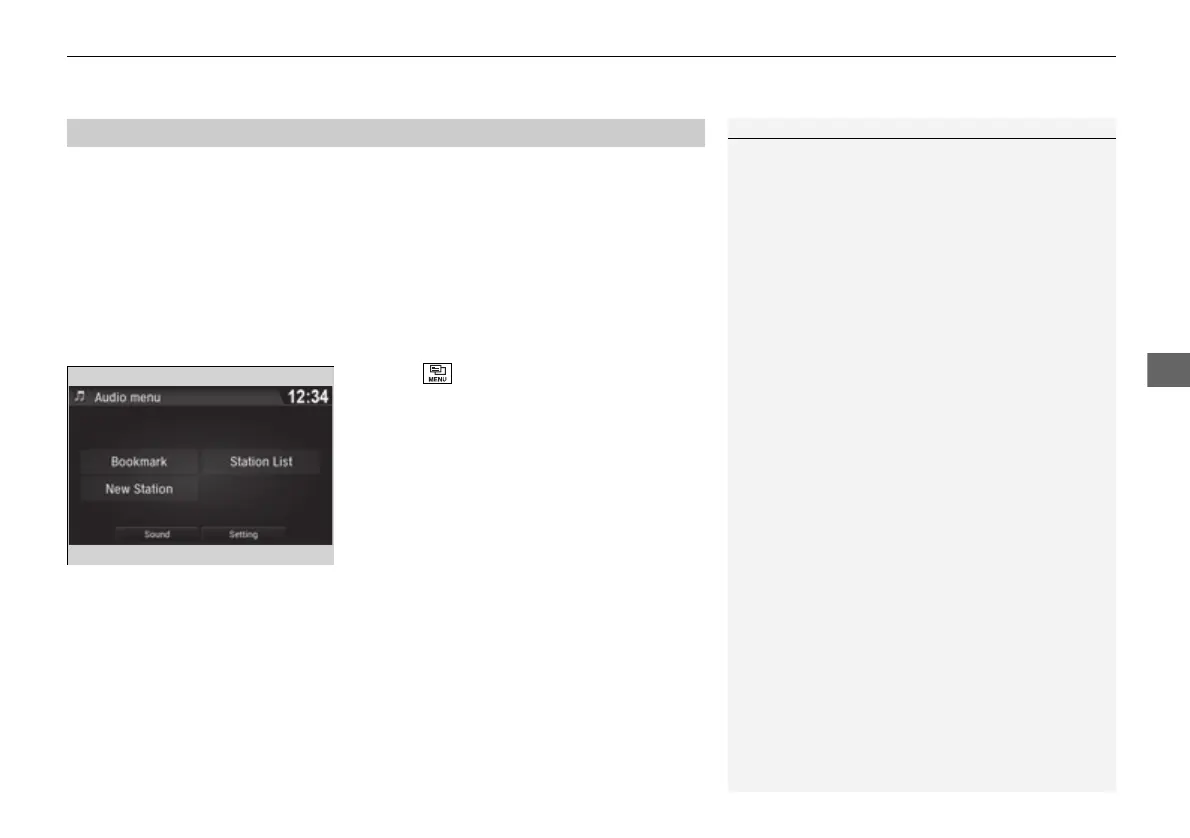
system. The available items are:
1. Select .
2. Select an item.
1Pandora® Menu
Available operating functions vary on software
versions. Some functions may not be available on the
vehicle’s audio system.
If there is a problem, you may see an error message
on the audio/information screen.
2 Pandora®
*
P. 308
Pandora® may limit the total number of skips allowed
on the service. If you dislike a track after the skip limit
has been reached, your feedback will be saved but
the current track will continue to play.
To change stations, activate the Pandora® menu,
select Station List, and then select a new station. It
also changes stations on the main Pandora® screen.















 To Next Page