Continued
123
uuGauges and DisplaysuDriver Information Interface
Change the settings to your liking.
■
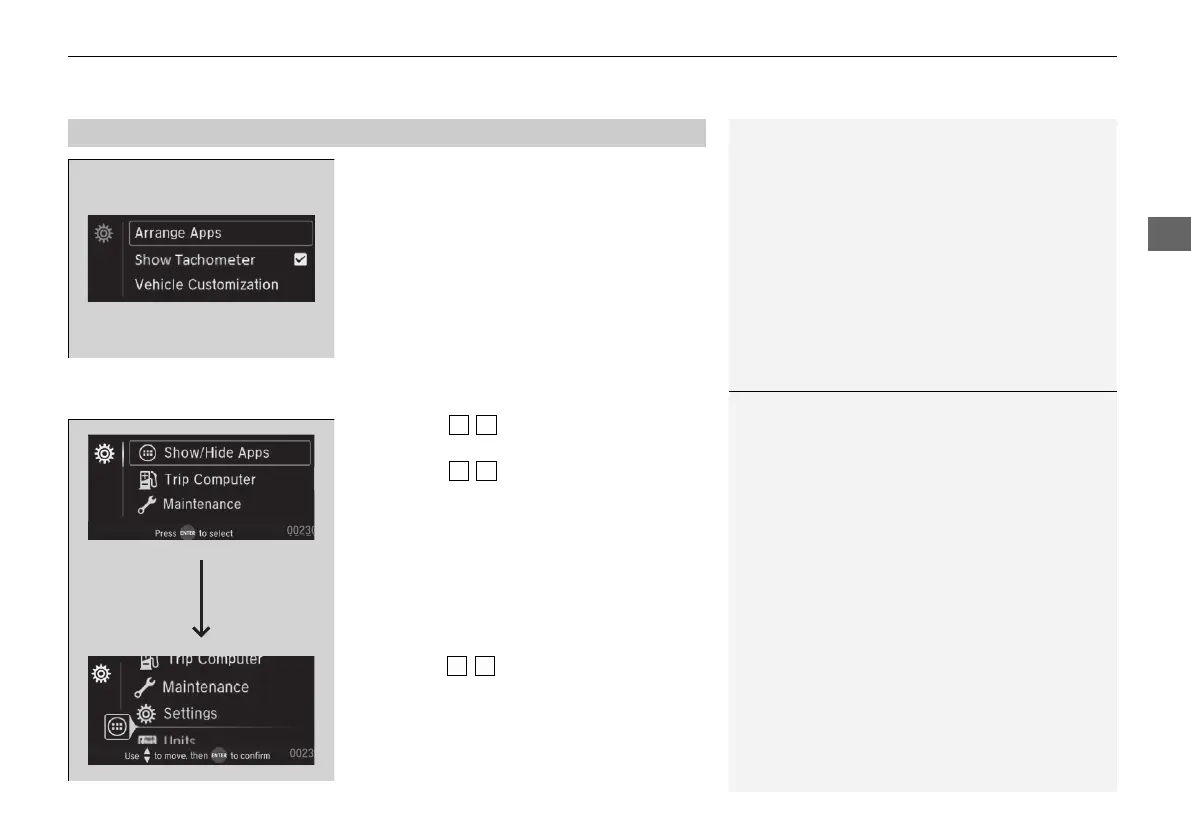
Arrange Apps
You can change the order of the apps on the home screen.
1. Press the / button to select Arrange
Apps, then press the ENTER button.
2. Press the / button to select the icon
you want to move, then press the ENTER
button.
3. Press the / button repeatedly to move
the icon to your desired position, then press
the ENTER button.
■
Settings
1Arrange Apps
Selecting Default All in Vehicle Customization
does not restore these settings to their original state.
21 PILOT-31TG76500.book 123 ページ 2020年3月18日 水曜日 午後4時38分



 To Next Page