Continued
245
uuAudio SystemuAudio Remote Controls
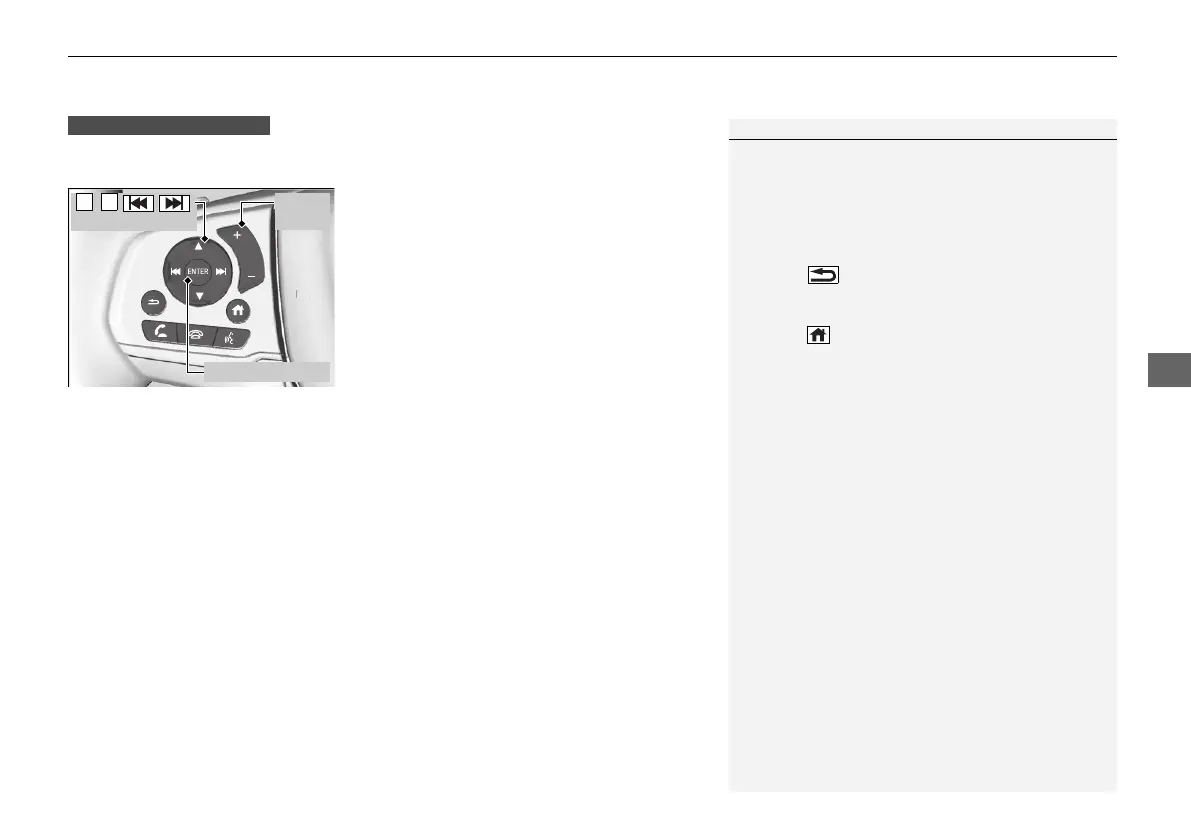
Allow you to operate the audio system while driving. The information is shown on
the driver information interface.
(+/(- (Volume) Bar
Press (+: To increase the volume.
Press
(-: To decrease the volume.
1Audio Remote Controls
Some modes appear only when an appropriate
device or medium is used.
Depending on the Bluetooth® device you connect,
some functions may not be available.
Press the (back) button to go back to the
previous screen or cancel a command.
Press the (home) button to go back to the home
screen of the driver information interface.
You can show or hide the audio mode icons, or
change the order of the icons.
2 Show/Hide Apps P. 122
2 Arrange Apps P. 123
Models with Display Audio
ENTER Button
(+/(-
Bar
// /
Buttons
21 PILOT-31TG76500.book 245 ページ 2020年3月18日 水曜日 午後4時38分



 To Next Page