uuAudio System Basic OperationuAudio/Information Screen
270
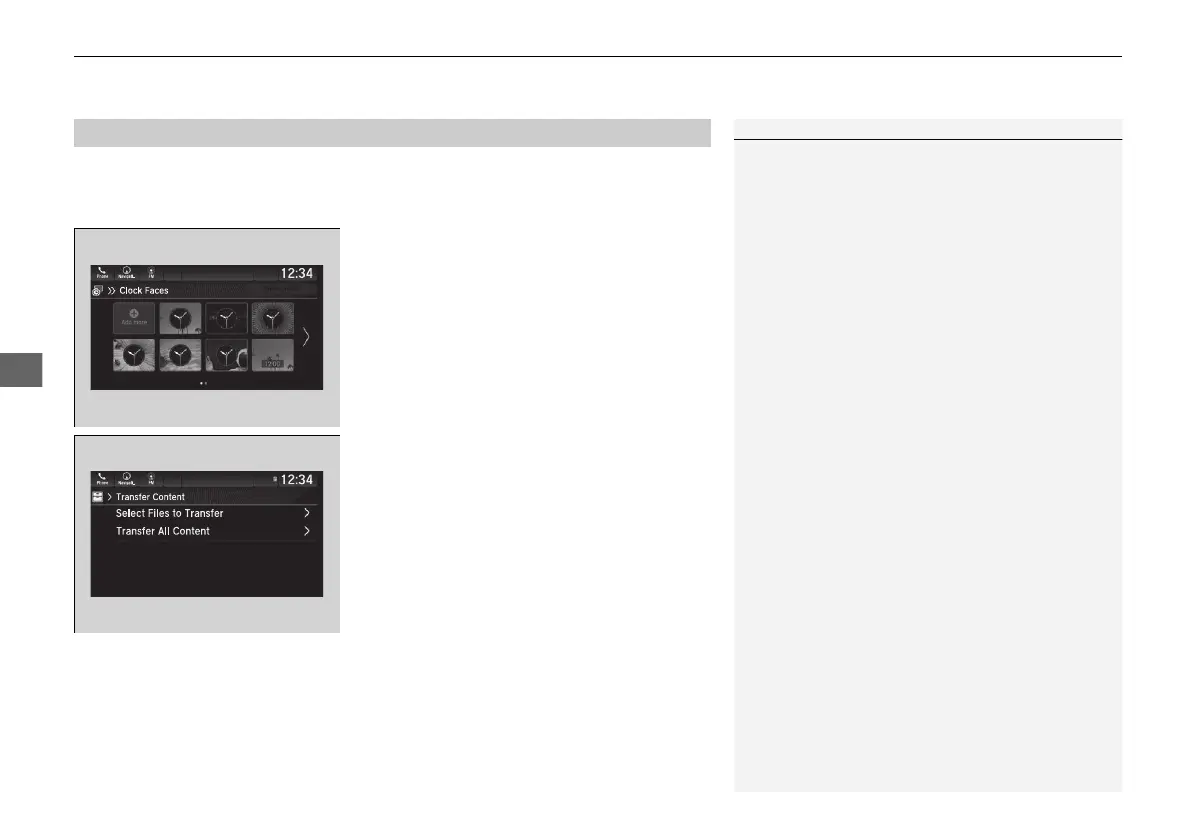
You can change, store, and delete the wallpaper on the audio/information screen.
■
Import wallpaper
1. Connect the USB flash drive to the front
USB port.
2 USB Ports P. 241
2. Select Clock.
3. Select Settings.
4. Select Clock Faces.
5. Select Add More.
u The File Manager screen is displayed.
6. Import a desired picture.
2 How to Transfer a File P. 286
u The display will return to the Clock Faces
screen.
■
Wallpaper Setup
1Wallpaper Setup
The wallpaper you set up on Clock Faces cannot be
displayed on the driver information interface.
• The file name must be fewer than 255 characters.
• The file format of the image that can be imported
is BMP, GIF, JPEG, PNG, or WebP.
• If the USB flash drive does not have any pictures,
the No Data message appears.
21 PILOT-31TG76500.book 270 ページ 2020年3月18日 水曜日 午後4時38分



 To Next Page