uuAudio System Basic OperationuAudio/Information Screen
278
Some of the audio system’s apps can be updated wirelessly when connected via Wi-
Fi, or Bluetooth® in conjunction with the HondaLink® app installed on a compatible
iOS or Android device. If an update is available, a notification is displayed at the top
of the screen with the respective app’s update icon.
■
To update an app:
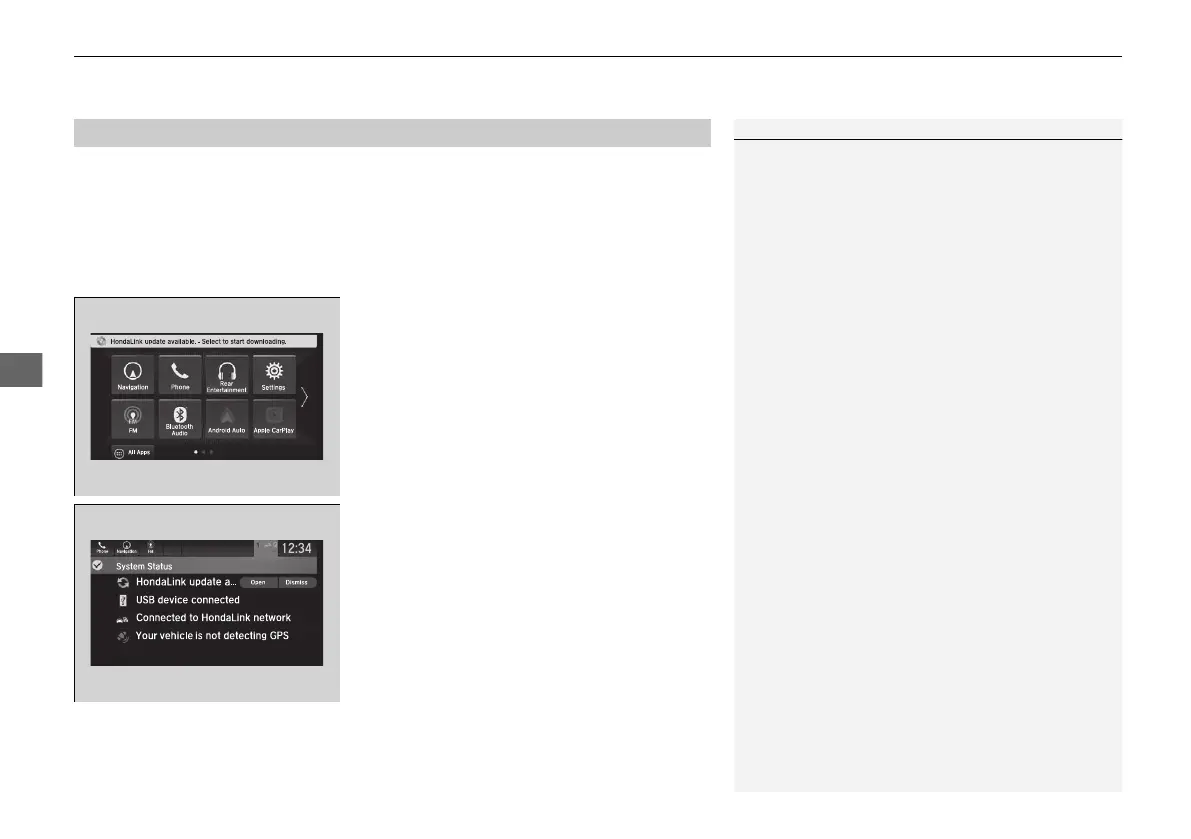
1. A notification appears and notifies you of a
update message on the header area.
2. Select the system status icon, and then
select the software update notification
from the list.
■
Updating Apps
1Updating Apps
The wireless updates are for the apps on the audio
system only.
To update compatible apps on your iPhone or
Android phone, please visit the App Store or Google
Play Store, respectively.
21 PILOT-31TG76500.book 278 ページ 2020年3月18日 水曜日 午後4時38分



 To Next Page