280
uuAudio System Basic OperationuSystem Updates
System Updates
The audio system’s firmware can be updated with a Wi-Fi connection or with a USB
device.
■
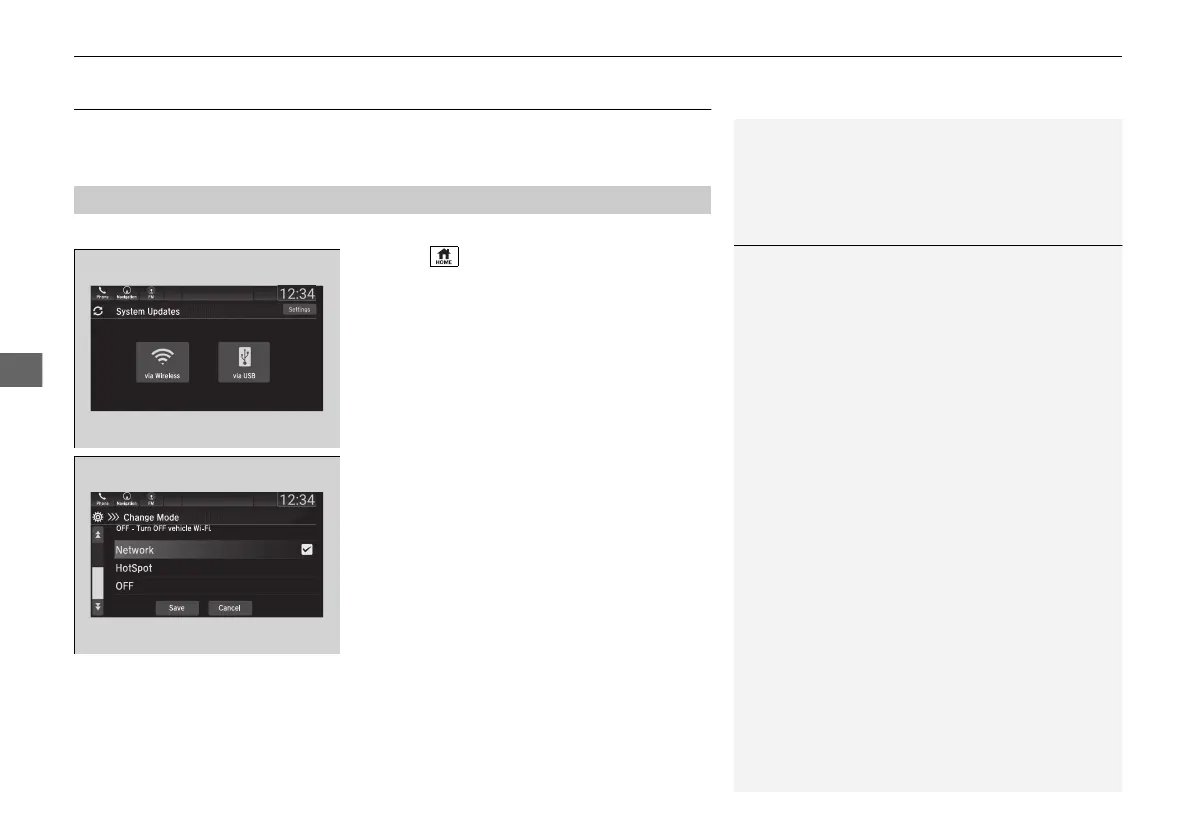
Wireless connection mode setup
1. Select .
2. Select System Updates.
3. Select Settings.
4. Select Connection Setup.
5. Select Change Mode.
6. Select Network, then Save.
u The display returns to the network list.
7. Select an access point from the network list,
then Connect.
u If the audio system requires a password,
enter a password.
■
How to Update Wirelessly
1Wireless connection mode setup
If your vehicle has a telematics control unit (TCU), you
do not need the wireless connection mode setup.
21 PILOT-31TG76500.book 280 ページ 2020年3月18日 水曜日 午後4時38分



 To Next Page