Continued
307
uuAudio System Basic OperationuPlaying SiriusXM® Radio
*
While listening to other channel, you can receive sports alerts such as scores from
your favorite teams.
■
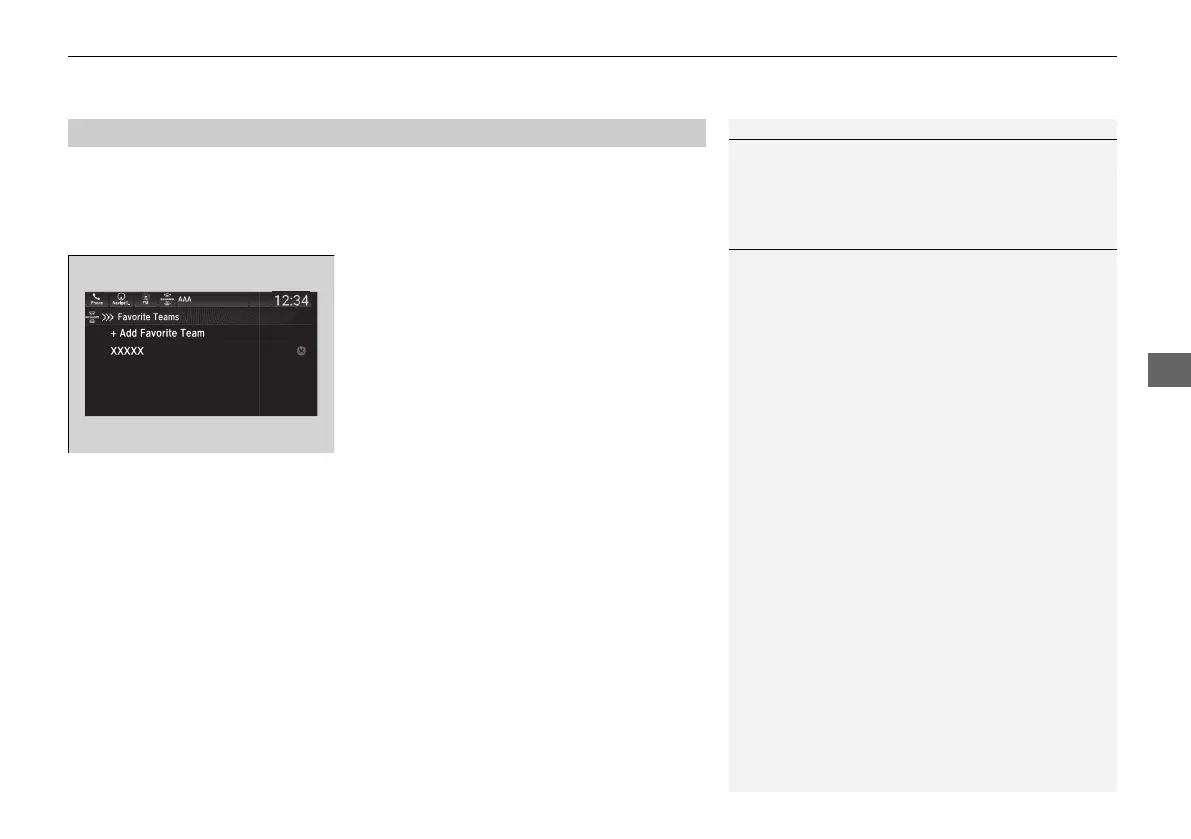
To set up a favorite team
1. Select Settings.
2. Select Sports Notifications Setup.
3. Select Favorite Teams.
4. Select + Add Favorite Team.
5. Select a team.
■
To set up an alert message
1. Select Settings.
2. Select Sports Notifications Setup.
3. Select Notifications.
4. Select Game Notifications or SportsFlash Game Play Notifications.
5. Select Notifications.
6. Select On.
7. Select a favorite team.
■
Live Sports Alert
1Live Sports Alert
The sports alert function is active during SiriusXM®
mode only.
1To set up a favorite team
Sports alerts cut in only when SiriusXM® mode is on.
21 PILOT-31TG76500.book 307 ページ 2020年3月18日 水曜日 午後4時38分



 To Next Page