Continued
309
uuAudio System Basic OperationuPlaying SiriusXM® Radio
*
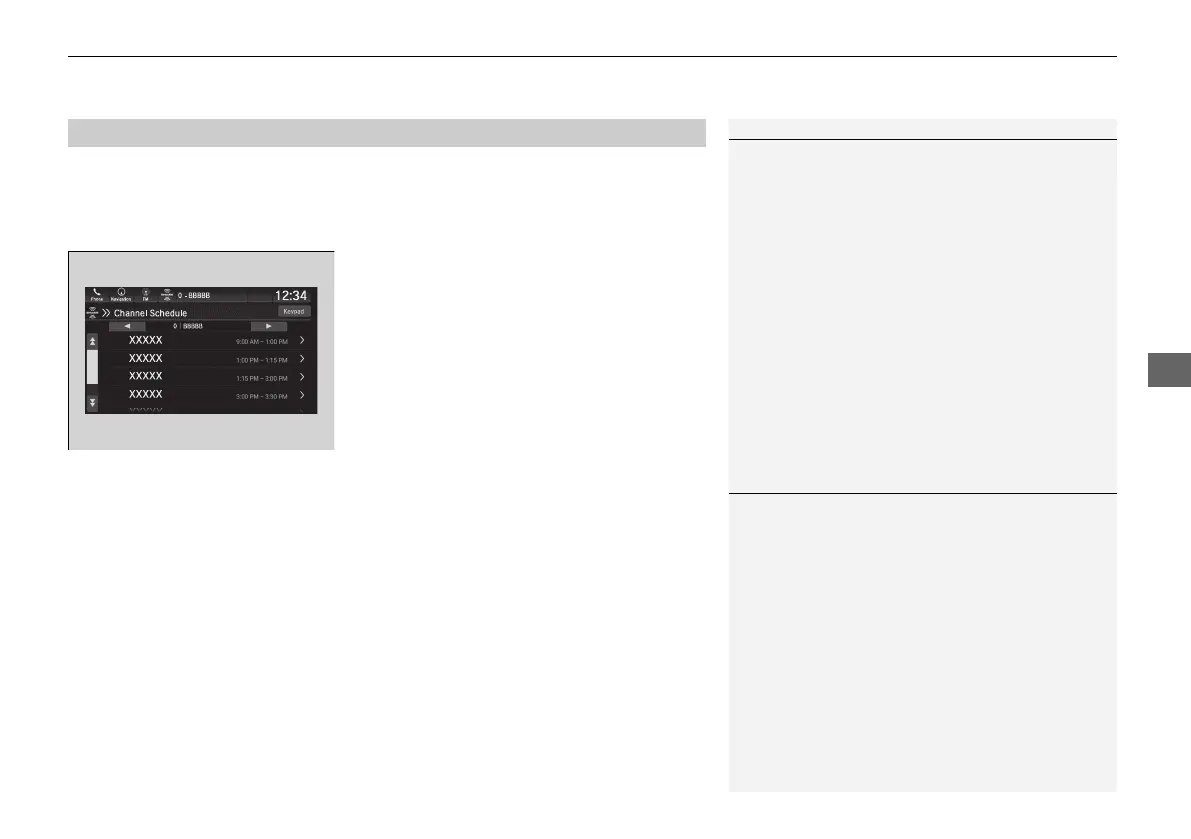
You can view a channel schedule or receive an alert when your favorite program is
about to start.
■
To view a channel schedule
1. Select More.
2. Select Channel Schedule.
■
To set up an alert message
1. Select More.
2. Select Channel Schedule.
3. Select a program.
4. Select Set Program Alert.
5. Select Just Once or Every Time.
■
Channel Schedule
1Channel Schedule
Select Keypad to use the on-screen keyboard for
entering the channel number directly.
1To set up an alert message
The alert function is active during SiriusXM® mode
only.
Selecting Just Once disables the alert feature next
time you turn the power mode to ON.
If you want to delete the alert, select Remove Alert.
21 PILOT-31TG76500.book 309 ページ 2020年3月18日 水曜日 午後4時38分



 To Next Page