uuAudio System Basic OperationuPlaying My Honda Music
322
1. Connect a USB device into the USB port.
2 USB Ports P. 241
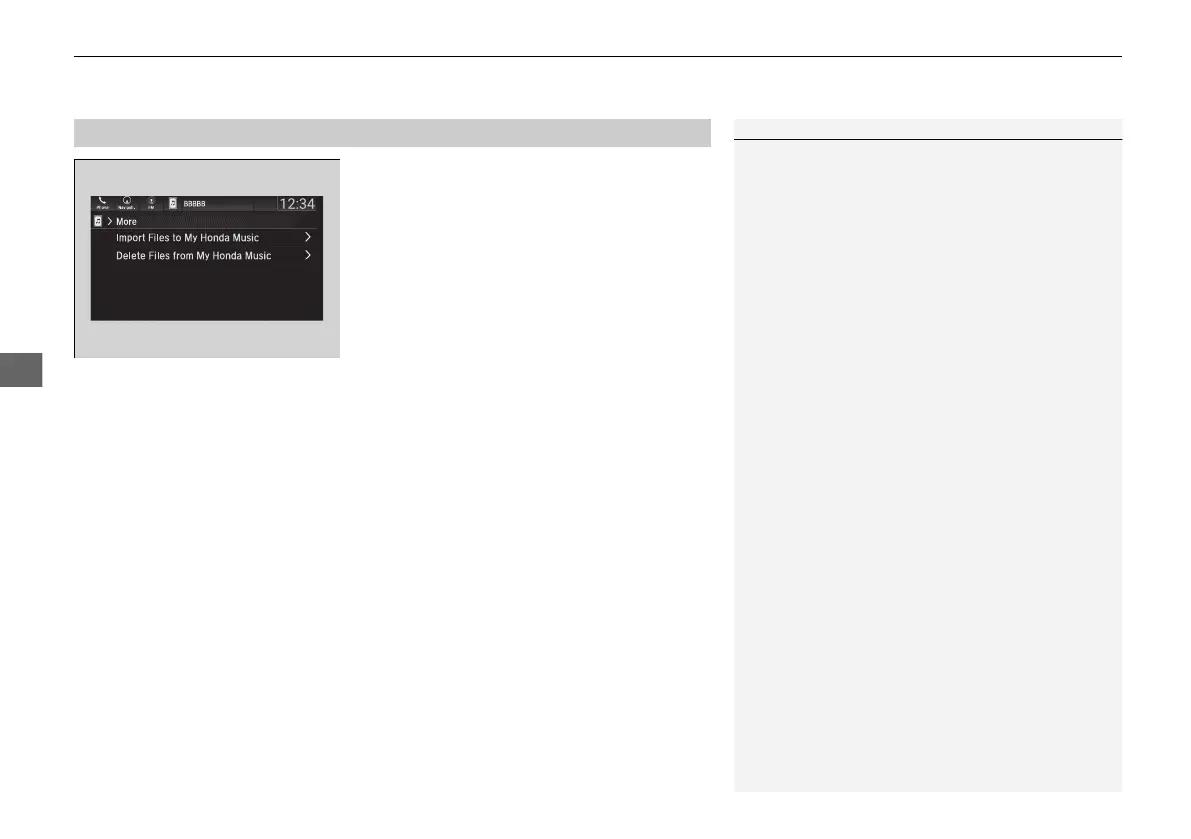
2. Select More.
3. Select Import Files to My Honda Music.
u The File Manager screen is displayed.
4. Transfer an audio file to your audio system.
2 How to Transfer a File P. 286
■
How to delete an audio file
1. Select More.
2. Select Delete Files from My Honda Music.
u The File Manager screen is displayed.
3. Delete an audio file.
2 How to Delete a File P. 289
■
How to Transfer an Audio File
1How to Transfer an Audio File
If there is no audio file in your audio system, the
system will automatically proceed to step 3 after
connecting a USB device.
Use the recommended USB flash drives.
2 General Information on the Audio System
P. 350
21 PILOT-31TG76500.book 322 ページ 2020年3月18日 水曜日 午後4時38分



 To Next Page