uuBluetooth® HandsFreeLink®uHFL Menus
464
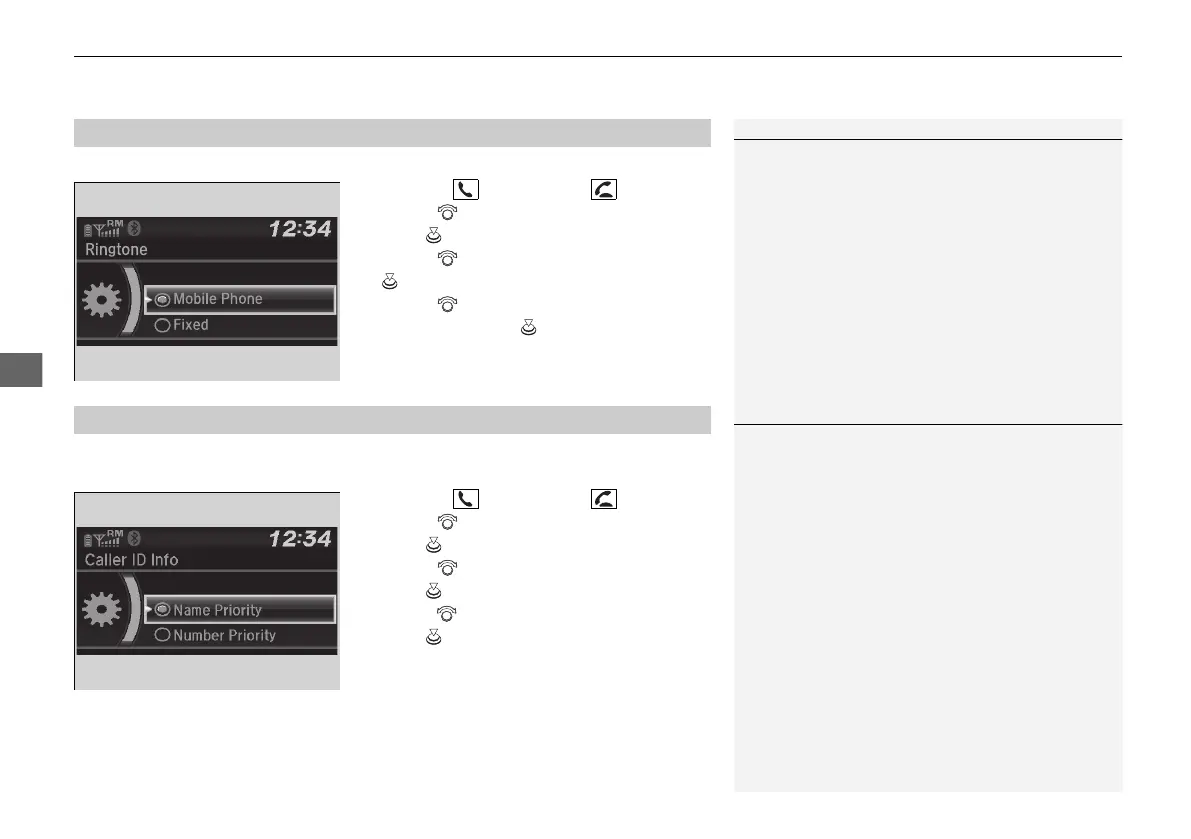
You can change the ring tone setting.
1. Press the button or the button.
2. Rotate to select Phone Setup, then
press .
3. Rotate to select Ringtone, then press
.
4. Rotate to select Mobile Phone or
Fixed, then press .
You can select a caller’s information to be displayed when you have an incoming
call.
1. Press the button or the button.
2. Rotate to select Phone Setup, then
press .
3. Rotate to select Caller ID Info, then
press .
4. Rotate to select a mode you want, then
press .
■
Ring Tone
1Ring Tone
Fixed: The fixed ring tone sounds from the speakers.
Mobile Phone: Depending on the make and model
of the cell phone, the ring tone stored in the phone
will sound if the phone is connected.
■
Caller ID Information
1Caller ID Information
Name Priority: A caller’s name is displayed if it is
stored in the phonebook.
Number Priority: A caller’s phone number is
displayed.
21 PILOT-31TG76500.book 464 ページ 2020年3月18日 水曜日 午後4時38分



 To Next Page