uuBluetooth® HandsFreeLink®uHFL Menus
466
When your phone is paired, the contents of its phonebook and call history are
automatically imported to HFL.
■
Automatic Import of Cellular Phonebook and Call History
1Automatic Import of Cellular Phonebook and Call History
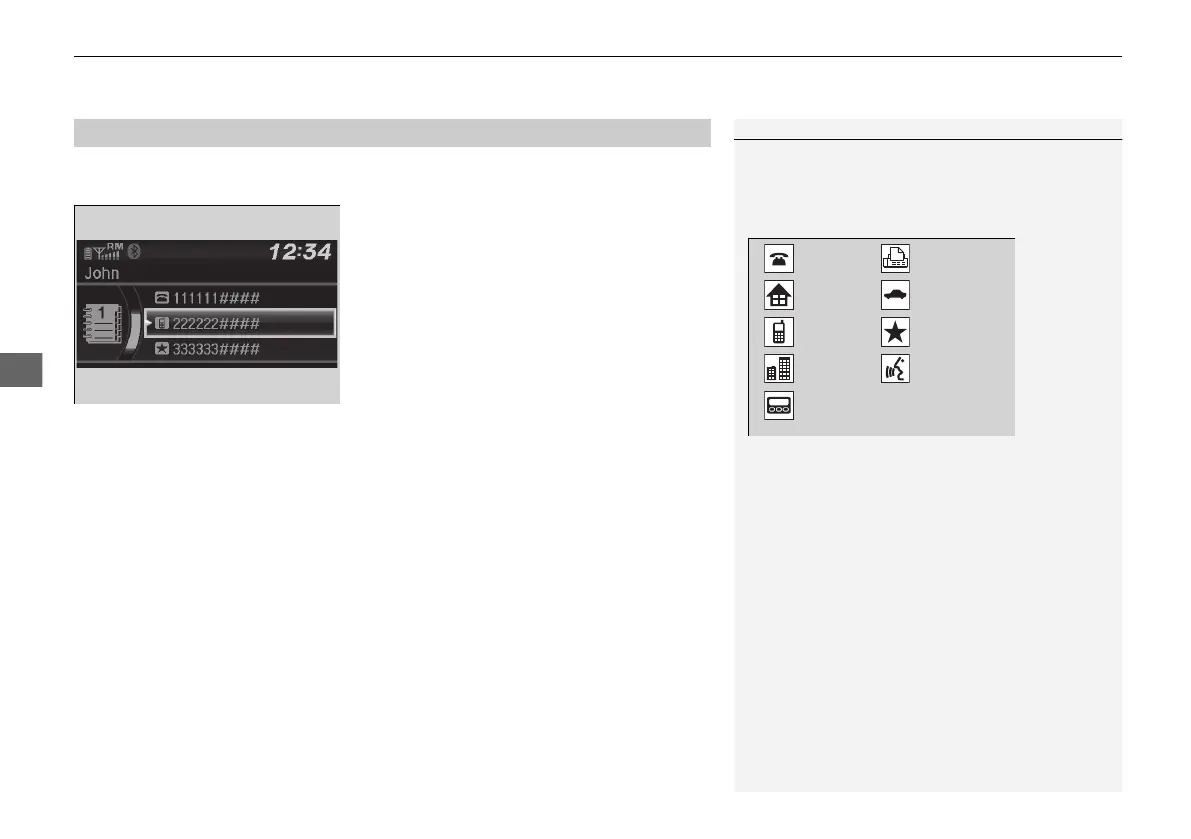
When you select a name from the list in the cellular
phonebook, you can see up to three category icons.
The icons indicate what types of numbers are stored
for that name.
If a name has four or more numbers, ... appears
instead of category icons.
On some phones, it may not be possible to import the
category icons to HFL.
The phonebook is updated after every connection.
Call history is updated after every connection or call.
Pref
Home
Mobile
Pager
Work
Fax
Car
Voice
Other
21 PILOT-31TG76500.book 466 ページ 2020年3月18日 水曜日 午後4時38分



 To Next Page