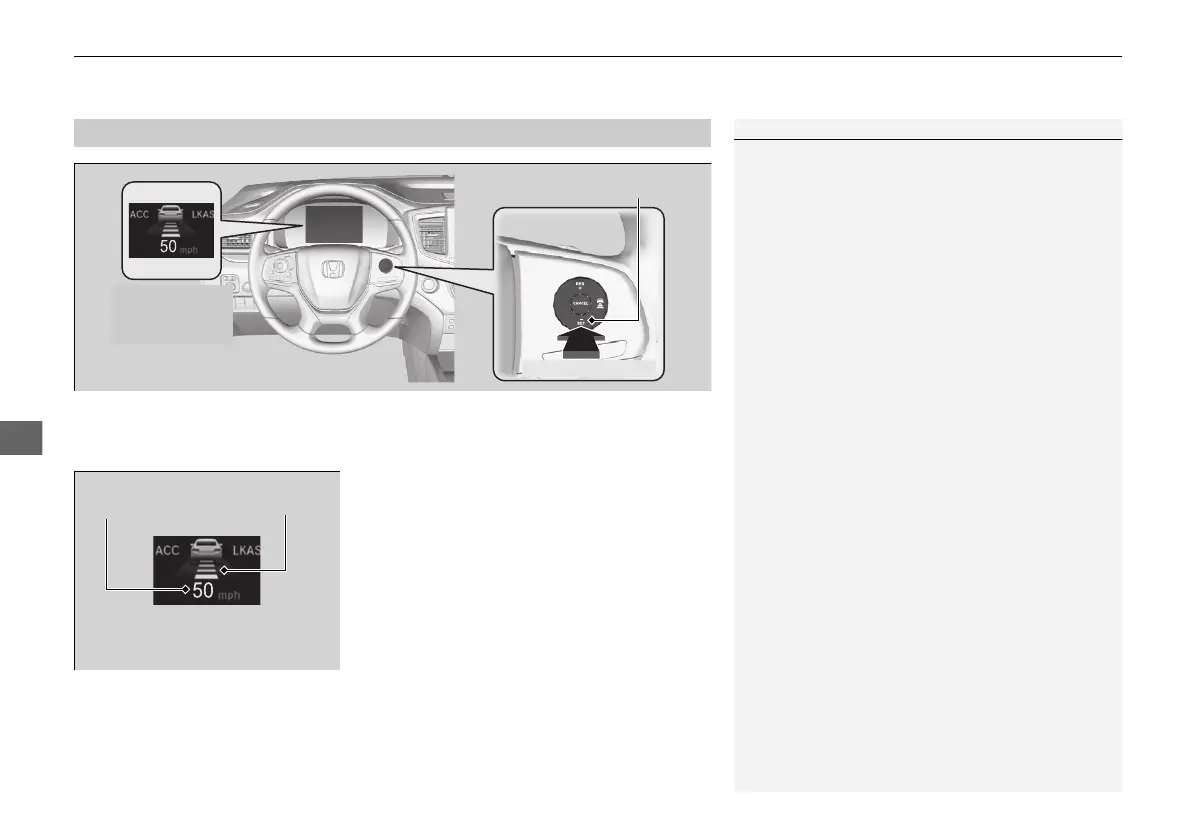
speed. The moment you release the –/SET button, the set speed is fixed, and ACC
begins.
driver information interface.
1Adaptive Cruise Control (ACC)
ACC may not work properly under certain conditions.
2 ACC Conditions and Limitations P. 581
When not using ACC: Turn off adaptive cruise by
pressing the MAIN button. This also will turn off the
Lane Keeping Assist System (LKAS).
When the MAIN button is pressed, ACC and Lane
Keeping Assist System (LKAS) are both turned on or
off.
You can switch the displayed set speed
measurements on the driver information interface
between mph and km/h.
2 Units P. 120
Do not use ACC under the following conditions:
• On roads with heavy traffic or while driving in
continuous stop and go traffic.
• On roads with sharp turns.
• On roads with steep downhill sections, as the set
vehicle speed can be exceeded by coasting. In such
cases, ACC will not apply the brakes to maintain
the set speed.
• On roads with toll collection facilities or other
objects between lanes of traffic, or in parking
areas, or facilities with drive through access.



 To Next Page