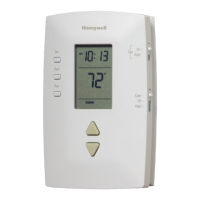
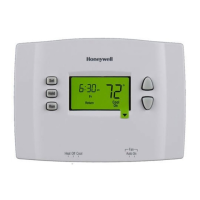
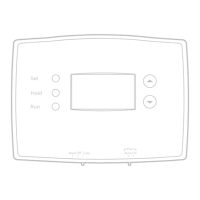
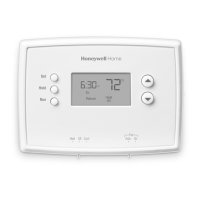
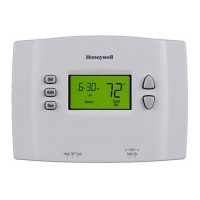
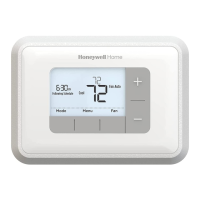
To program the temperature settings for the heating mode, place the switch in Heat.
Press the up or down button to set the temperature.
Press the Set button. The start time of the next period will flash.
Repeat steps 2 through 6 for each of the remaining periods.
Once all adjustments are made, press the Run button to save them and exit. (The changes are also saved if
you do not press any button for 60 seconds.)
To skip a period (except Wake), press the Hold button for 4 sec. while that period is displayed.
To bypass the schedule press the Hold button from the main screen.
How do I fix a blank display on my series 2000 thermostat?
The RTH2300 is battery powered only, there is no C wire option on the RTH230. Check and replace the batteries. If
the unit does not power up, replace it.
Downloads
Product Manual [pdf]: RTH2300 & RTH221 Series
Related Manuals
1. RTH6350 5-2 DAY Programmable Thermostat RTH6350D1000/U Installation Guide [pdf]: 33-00201EF User Manual [pdf]:
User-Manual-33-00116ES How...
2. Honeywell RTH5160 Non-Programmable Thermostat Installation and Instruction Manual Quick Installation
Guide Other Honeywell Pro Thermostat Manuals: T4 Pro...
3. Honeywell RTH7600 Touchscreen Programmable Thermostat User Manual Honeywell RTH7600 Touchscreen
Programmable Thermostat User Manual – Optimized PDF...
4. Honeywell RET97C Series Touchscreen Programmable Thermostat [RTH7600] User Manual Honeywell
RET97C Series Touchscreen Programmable Thermostat [RTH7600] User Manual –...
5. Trane Programmable Thermostat Setup Instructions Trane Programmable Thermostat Setup Instructions Trane
Programmable Thermostat SAFETYWARNING Only...
6. Drayton Programmable Room Thermostat Installation Guide Drayton Programmable Room Thermostat Installation
Guide Model: 2290B Technical Helpline...



 To Previous Page
 Loading...