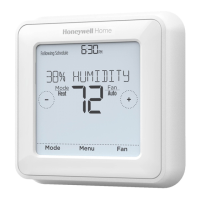
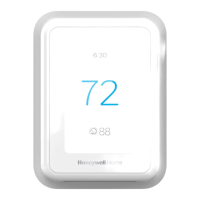
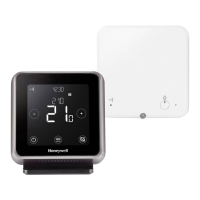
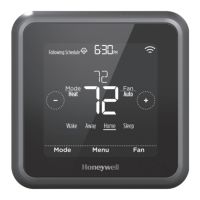
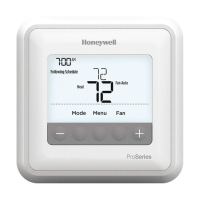
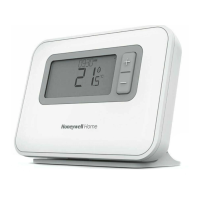
T3PROGRAMMABLETHERMOSTAT
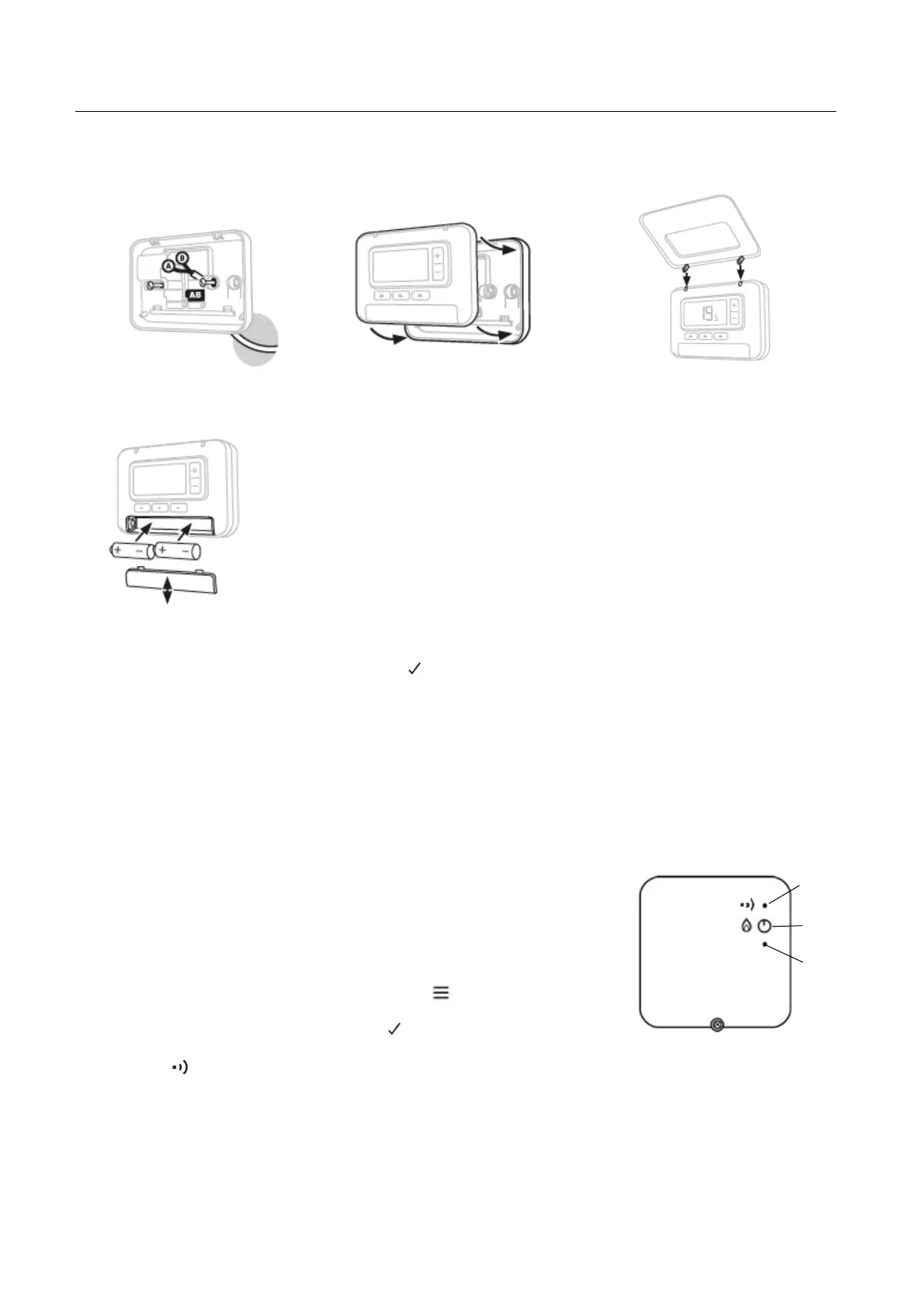
InstallThermostat(T3andT3Monly)
A.Wallplate
Mounttheback‐platetothewall.
Connectwiresaccordingtowiring
diagrams.
B.Surfacewiring
Attachthefrontcovertothe
backplate.
C.Placethermostat
Fittheflapontothethermostat
PowerUptheThermostat(T3 andT3Ronly)
SetupandConfiguration
Insertthebatteries
Afterpowerup,theyearselectionisdisplayedonthethermostat’sscreen.
Press+ or– toadjustthedateandtimeandpresstoconfirm
BINDING(T3Ronly)
TheT3Rthermostatwirelesskitcomespre‐boundfromthefactory.
Thebindingoperationdescribedbelowisonlyrequiredif:
• TheT3thermostatortheReceiverboxisreplaced
• TheT3thermostatortheReceiverboxhasincorrectornobindingdatastored
Tobind/rebind
Note:WhentheReceiverboxhasbeenboundbefore,firstpresswithasmallpin
thepinholeforapproximately3secondstoresetthebinding,LEDswillflash
amberforamoment.
1. PuttheReceiverboxintobindingmodebypressingthebuttonfor3secs.
TheLEDwillflashamber.
2. Enablebindingonthermostat:
Enterbindingmenubypressingandholdthefor3secsandthepress
the – button.
Changeparameter14Ato1andpresstoconfirm
3. Whenbindingissuccessful:
Thewillappearonthethermostat’sscreen.
TheReceiverboxstatusLEDwillshowsteadygreen
Reset
Demand
Button
Status
LED


 To Next Page
 Loading...