33-00428–01 10
Setting the Fan
Note: Fan setting not available for all system types.
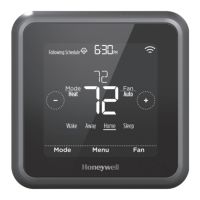
1. Touch any part of the display to wake the thermostat.
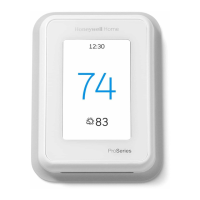
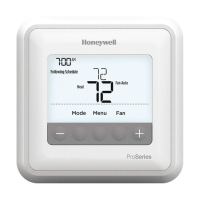
2. Touch the MENU icon at the bottom of the screen.
3. Touch Fan
Choose on, auto, or circulate.
Touch arrow in upper left to return to previous screen.
Auto setting only runs the fan with the heating or cooling
system.*
On setting runs the fan continuously.
Circ setting runs the fan approx 33% of the time to ensure air
circulation.
Scheduling the Fan
You can set the fan to on, auto, or circ for each program when
using time-based scheduling or geofencing.


 To Next Page
 Loading...