EasyManua.ls Logo

Honeywell 51475 - User Manual

Honeywell 51475
10 pages
Print Icon
To Next Page IconTo Next Page
Loading...
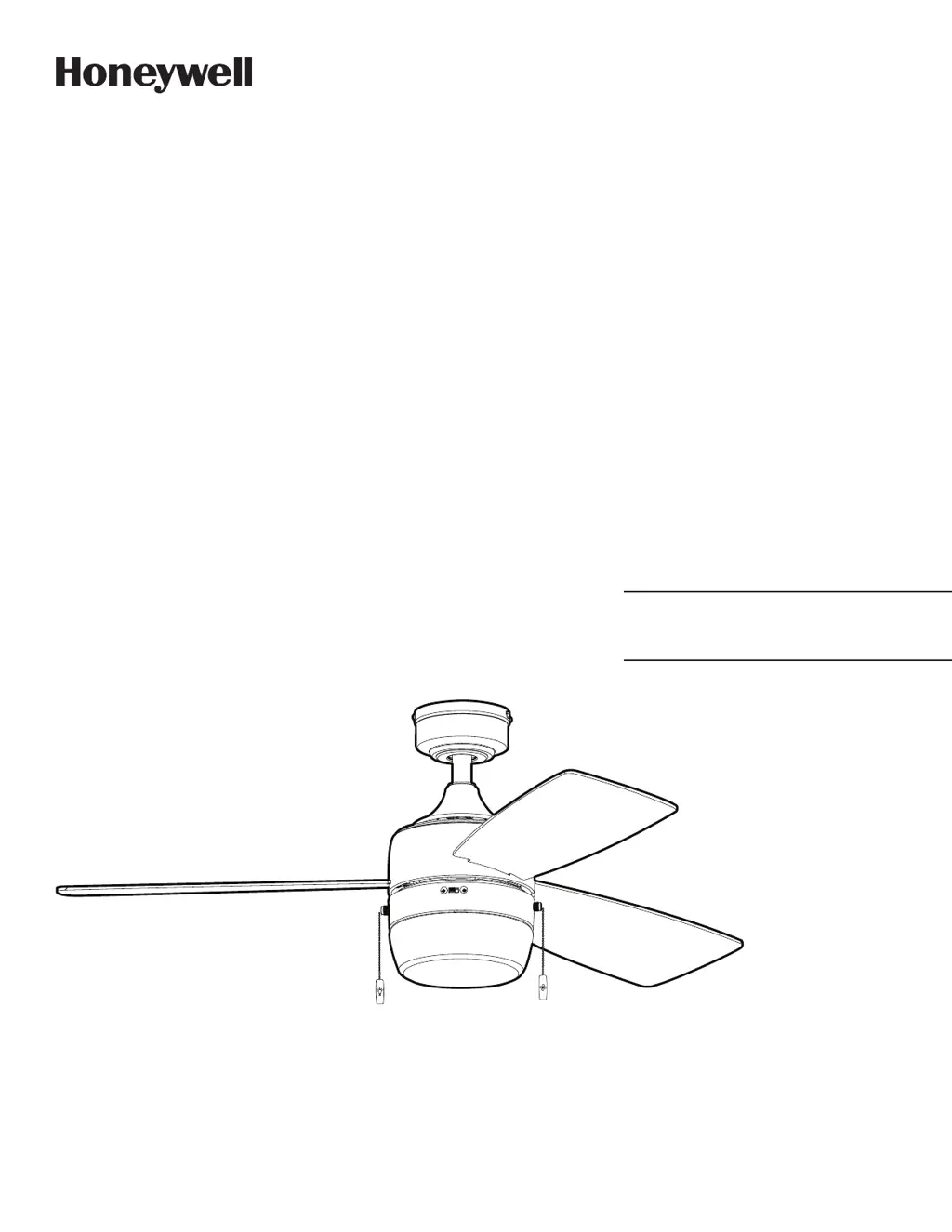
Barcadero Ceiling Fan
User Guide
Model #50616, 51475, 51476,
51625
Home

Questions and Answers

  • D
    davidcampbellAug 10, 2025
    What to do if my Honeywell 51475 Fan is noisy?
    • D
      dwestAug 10, 2025
      If your Honeywell Fan is making noise, try the following: 1. Check and tighten all screws that hold the fan blades to the blade arms and the motor. 2. Replace any cracked blades. 3. Avoid using a full range dimmer switch to control the fan speed. 4. Make sure the outlet box is securely attached to the building structure. 5. Ensure the mounting bracket is secured to the outlet box and that the screws are tight.
  • S
    Stacy CollinsAug 17, 2025
    What to do if my Honeywell 51475 does not move?
    • R
      roblescarolAug 17, 2025
      If your Honeywell Fan isn't moving, here's what you can do: 1. Firmly push the reverse switch completely to the left or right. 2. Ensure the wall switch is turned on. 3. Turn the power on or check the fuse (breaker). 4. Turn the power off and inspect all connections at the ceiling outlet box.
  • E
    elizabethrodriguezAug 25, 2025
    Why is my Honeywell 51475 Fan wobbling excessively?
    • J
      James OrtizAug 26, 2025
      If your Honeywell Fan wobbles excessively, there are several things you can check: 1. Make sure all screws that hold the fan blades to the blade arms, and the blade arms to the motor, are tightened. 2. Try switching one blade with a blade from the opposite side, or use a blade balancing kit to balance the fan. 3. Turn off the power, loosen the canopy, and check that the mounting bracket is secure to the electrical outlet box. The bracket should be flush against the outlet box without any movement. Also, verify that the outlet box itself is secure. 4. Consider using a longer downrod (sold separately) or moving the fan to a different location. 5. Lift up the yoke cover and tighten the set screws on the yoke until they are secure.
  • T
    tiffany99Sep 1, 2025
    What to do if my Honeywell Fan operates correctly but the lights are not working?
    • C
      Cathy JarvisSep 1, 2025
      If your Honeywell Fan is working but the lights aren't, try these steps: 1. Make sure the 9-pin connectors are properly secured. 2. Turn off the power and check all connections at the ceiling outlet box.

Summary

Safety Information

Preparation

Installation Procedures

Initial Installation

Steps for mounting the bracket securely to the ceiling outlet box.

Standard or Angle Mount Instructions

Instructions for assembling the downrod, yoke, and canopy for mounting.

Secondary Hanging System Instructions

Guidance on using the braided cable for added support during installation.

Final Installation

Steps for wiring, attaching the canopy, light kit, blades, and pull chains.

Operating Instructions

Troubleshooting

Fan Does Not Move

Corrective actions for a fan that fails to start or move.

Fan is Noisy

Corrective actions for addressing unusual noises during fan operation.

Fan Wobbles Excessively

Corrective actions for excessive wobbling of the fan blades.

Lights Not Working

Corrective actions when the fan lights fail to illuminate.

Warranty and Parts

Limited Lifetime Warranty

Details of the manufacturer's warranty coverage and limitations.

Replacement Parts List

List of available replacement parts and their corresponding model numbers.

Honeywell 51475 Specifications

General IconGeneral
BrandHoneywell
Model51475
TypeTable Fan
Speeds3
Number of Speeds3
Power SourceAC
Voltage120V
Tilt AdjustmentYes

Related product manuals