EasyManua.ls Logo

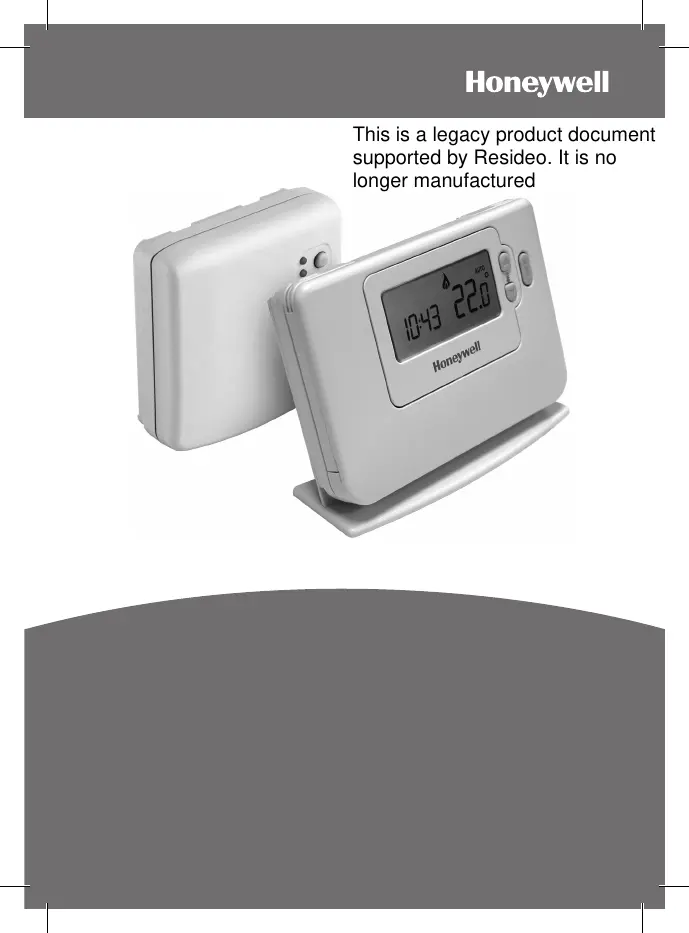
Honeywell CM721 - User Manual

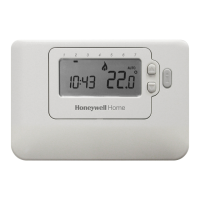
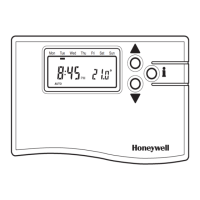
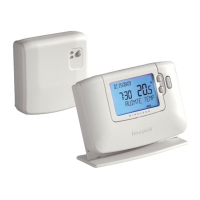
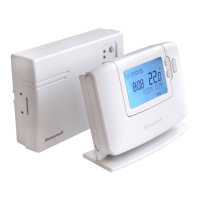
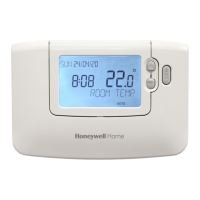
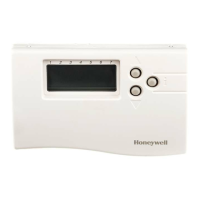
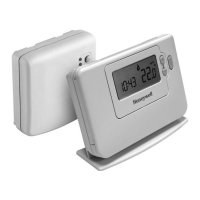
Honeywell CM721
16 pages
Print Icon
To Next Page IconTo Next Page
Loading...
1
CM721 ..................................2-6
CM727 ................................7-11
USER GUIDE
This is a legacy product document
supported by Resideo. It is no
longer manufactured

Other manuals for Honeywell CM721

Questions and Answers

  • S
    Sandra CruzJul 26, 2025
    Why is the red LED on my Honeywell Thermostat relay box illuminated?
    • J
      james35Jul 26, 2025
      The red LED on the relay box illuminates because it's not receiving radio frequency (RF) signals from the room thermostat. This could be due to the thermostat being in a location where the RF signal is blocked, or because the thermostat batteries are dead. Try relocating the room thermostat as per the installation instructions or replace the batteries in the room thermostat.
  • D
    davischristinaJul 30, 2025
    What to do if my Honeywell Thermostat relay box doesn't react to setpoint changes?
    • W
      William RodgersJul 30, 2025
      If the relay box isn't responding to setpoint changes from the room thermostat, it's likely that the thermostat and relay box aren't properly connected. You should reset the relay box by holding the push button for 15 seconds. Then, follow the binding procedure as described in section 5) Additional Installation Information.
  • G
    gbestAug 3, 2025
    What to do if the red LED is on and the green one is flashing after binding Honeywell Thermostat?
    • F
      fsanchezAug 4, 2025
      If, after binding, the red LED is on and the green one flashes every 3 seconds on the relay box, it indicates an incorrect or incomplete binding procedure, or the thermostat was incorrectly positioned during binding. Repeat the binding procedure, ensuring the room thermostat is approximately 1 meter away from the relay box.
  • R
    Raven MillerAug 8, 2025
    How to make the Honeywell CM721 Thermostat relay switch on if it only displays the symbol?
    • A
      Ashley ColonAug 8, 2025
      When the room thermostat displays the symbol, it's normal for the relay not to immediately switch on. To activate it, adjust the temperature setpoint by a few degrees using the button. The relay box should then switch on after a short delay.
  • Z
    Zoe WilliamsAug 12, 2025
    What to do if the Honeywell Thermostat relay box does not react to setpoint changes?
    • M
      Martin GutierrezAug 12, 2025
      If the relay box isn't responding to setpoint changes on the room thermostat, it's likely that the room thermostat and relay box aren't properly bound. Reset the relay box by pressing and holding the push button for 15 seconds, then follow the binding procedure as described in section 5) Additional Installation Information.
  • R
    Rachel MillerAug 17, 2025
    What to do if the Honeywell CM721 Thermostat relay box red LED is on and the green one is flashing after binding?
    • K
      Kimberly FrenchAug 17, 2025
      If, after binding, the red LED is on and the green one is flashing once every 3 seconds on the relay box, it indicates an incorrect or incomplete binding procedure, or an incorrect thermostat position during binding. Repeat the binding procedure, keeping approximately 1 meter distance between the relay box and the room thermostat.
  • M
    mclementsAug 21, 2025
    How to fix a Honeywell CM721 when the symbol is displayed but the relay doesn't switch on?
    • R
      Ryan MoralesAug 21, 2025
      If the room thermostat displays the symbol but the relay box relay doesn't switch on, try changing the temperature setpoint by a few degrees using the button. The relay box should switch the relay on after a few seconds delay. Also, this can be normal operation. The relay box cycles the relay on and off for times proportional to the demand signal (0-100%) from the room thermostat. The symbol only indicates that the demand value is greater than 0%.

Summary

CM721 Overview

Description

Details the Honeywell CM721 as a programmable room thermostat for efficient heating control.

Features

Lists key features of the CM721 thermostat, including LCD screen and temperature levels.

Controls Layout

Diagram and labels for the CM721 thermostat's physical controls and display elements.

CM721 Setup Guide

Installing the Batteries

Step-by-step instructions for installing batteries in the CM721 thermostat.

Setting the Date and Time

Procedure for setting the current date and time on the CM721 thermostat.

Running the Built-in Heating Program

Instructions to start the CM721's default heating program.

CM721 Programming

Built-in Heating Program Details

Details the factory default heating program for the CM721 with time and temperature settings.

Reviewing and Modifying Programs

Guide on how to review and change the programmed heating times and temperatures.

Disabling;Enabling Time Periods

Instructions for removing or re-adding programmed time periods on the CM721.

CM721 Operation Modes

Choosing the Operating Mode

Explains the Automatic, Manual, and Off modes for operating the CM721 thermostat.

Temperature Enquiry and Override

How to check target temperature and manually override settings during normal operation.

Adjusting the Time

Procedure for adjusting the time on the CM721 during normal operation.

SERVICE Indicator

Explanation of the SERVICE indicator and when to call an installer.

CM721 Special Features

Automatic Summer;Winter Time Change

Details the automatic adjustment for Daylight Saving Time on the CM721.

Optimum Start Function

Explains the Optimum Start feature for efficient heating system activation.

CM721 Frequently Asked Questions

Battery Replacement and Time Setting

Answers common questions about battery replacement and time adjustments.

BDR91 Relay Box Controls

Information regarding the BDR91 relay box and its LED indicators.

CM721 Troubleshooting

Display and Battery Issues

Troubleshooting steps for blank displays and low battery indicators.

Service and Communication Faults

Resolving issues related to the SERVICE indicator and BDR91 red LED.

CM727 Overview

Description

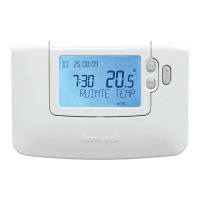
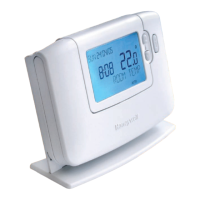
Details the Honeywell CM727 as a programmable room thermostat for efficient heating control.

Features

Lists key features of the CM727 thermostat, including 7-day programming and holiday function.

Controls Layout

Diagram and labels for the CM727 thermostat's physical controls and display elements.

CM727 Setup Guide

Installing the Batteries

Step-by-step instructions for installing batteries in the CM727 thermostat.

Setting the Date and Time

Procedure for setting the current date and time on the CM727 thermostat.

Running the Built-in Heating Program

Instructions to start the CM727's default heating program.

CM727 Programming

Built-in Heating Program Details

Details the factory default heating programs for weekdays and weekends for CM727.

Reviewing and Modifying Programs

Guide on how to review and change programmed heating times and temperatures for CM727.

CM727 Programming and Operation

Disabling;Enabling Time Periods

Instructions for removing or re-adding programmed time periods on the CM727.

Choosing the Operating Mode

Explains the Automatic, Manual, and Off modes for operating the CM727 thermostat.

CM727 Operation Details

Temperature Enquiry and Override

How to check target temperature and manually override settings during normal operation.

Adjusting the Time

Procedure for adjusting the time on the CM727 during normal operation.

HOLIDAY Function

Details the holiday function for setting a constant temperature when away.

CM727 Special Features

SERVICE Indicator

Explanation of the SERVICE indicator and when to call an installer.

Automatic Summer;Winter Time Change

Details the automatic adjustment for Daylight Saving Time on the CM727.

Optimum Start Function

Explains the Optimum Start feature for efficient heating system activation.

CM727 Frequently Asked Questions

Battery Replacement and Time Setting

Answers common questions about battery replacement and time adjustments.

Manual Temperature Setting

Instructions on setting a single temperature for the entire day.

BDR91 Relay Box Controls

Information regarding the BDR91 relay box and its LED indicators.

CM727 Troubleshooting

Display and Battery Issues

Troubleshooting steps for blank displays and low battery indicators.

Service and Communication Faults

Resolving issues related to the SERVICE indicator and BDR91 red LED.

Programmable Thermostat Explanation

Explanation for Householders

A general explanation of what a programmable room thermostat is and how it works.

Honeywell CM721 Specifications

General IconGeneral
TypeProgrammable Thermostat
DisplayLCD
Setpoint Range5°C to 32°C
Switching Voltage24V AC
Temperature Range0°C to 50°C
Hold FeatureYes
Power Source24V AC (Battery Backup)
Dimensions88 mm x 132 mm x 26 mm

Related product manuals