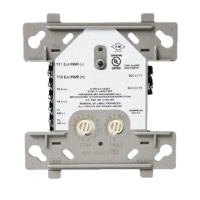
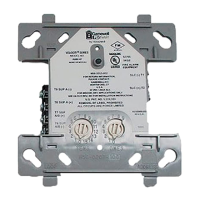
Falcon MJ M-Bus Operating instructions
As the FALCON MJ module supports Auto-bauding a change of the M-Bus
speed is not required. The module will automatically detect the selected
baudrate of the M-Bus system
M-Bus address
is the primary M-Bus address for the attached M-Bus device. In a 1:1
connection (1 adapter on the M-Bus), the broadcast address 254 can be used.
Every M-Bus terminal device must respond to the address 254. The default
setting for this address in the program is 254.
Connect to meter
is a control button which requests data from the M-Bus terminal
device in conjunction with automatic device type recognition. The
fields "Manufacturer", "Generation", "Type" and "M-Bus status byte"
will be updated with the device's responses. Depending on the
manufacturer and type of M-Bus device, new tab cards will then be
created.
is a field that, following a successful read ("Meter connection"), will
display a 3 character M-Bus manufacturer code (upper-case ASCII
letters).
displays the version of the connected M-Bus module's firmware.
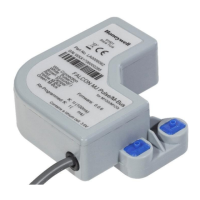
displays the device type of the connected device (here: Honeywell /
Elster Falcon MJ). This field cannot be edited (read only).
Status
displays the M-Bus status of the connected device.
ZVEI-Opto Mode
if this check-box is activated, devices with an optical interface which use the
EN1434-3 communications protocol can be read out and parameterized with
the help of an optical head (e.g. the PadPuls M4).
MDK (Sensus)
this check-box activates the read out of Sensus meters with the Mini-Bus
interface and special inductive heads (MDK).
Autom. readout
if this check-box is activated, the program will automatically re-read the
device's values after every write operation.


 To Next Page
 Loading...