Performance Series IP Camera Software Configuration Guide
64
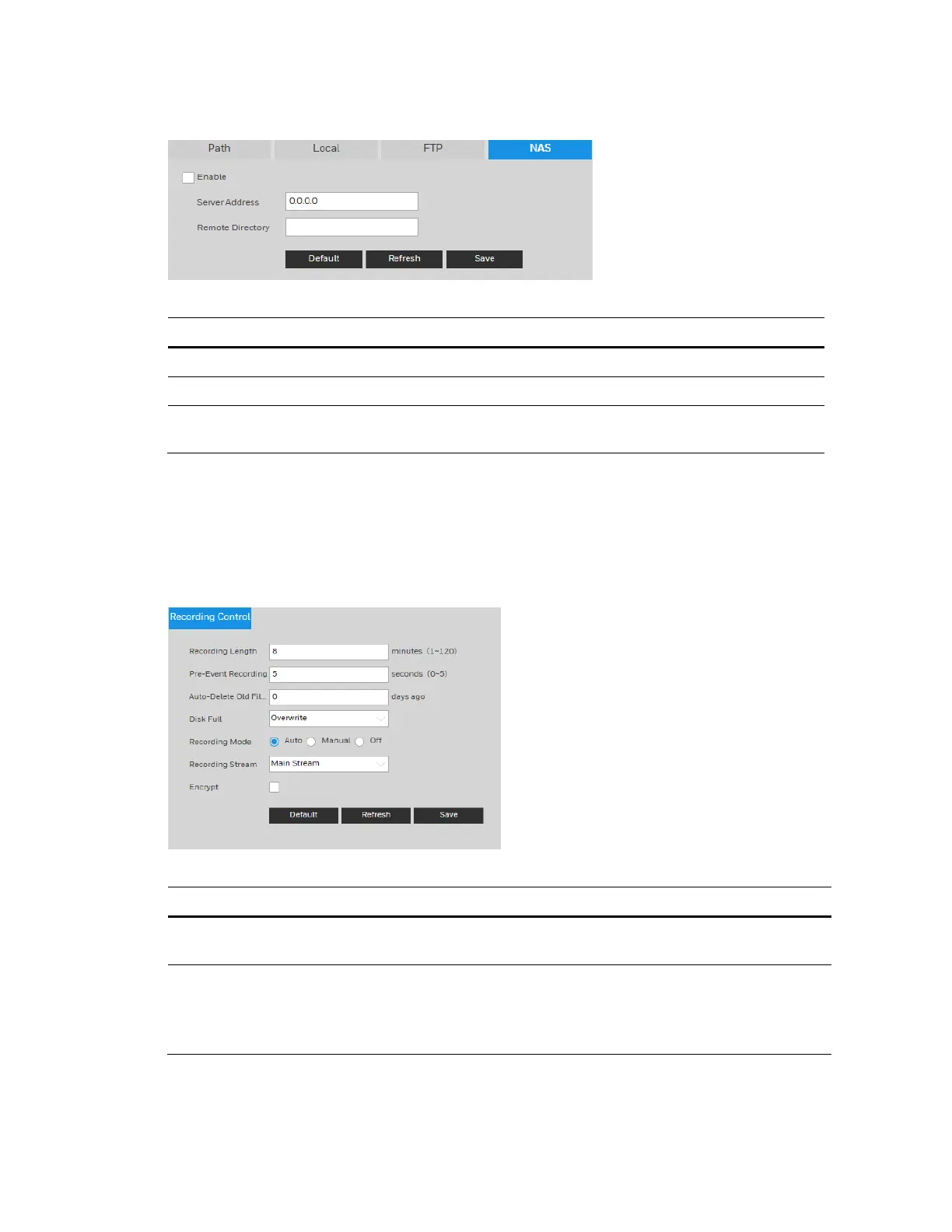
Figure 8-6 NAS
Table 8-3 NAS Configurations
Parameter Function
Enable Select the checkbox to enable this function.
Server Address Set the IP address of the server.
Remote Directory
Set storage directory where recorded video and snapshots will be
stored.
Configuring Recording Control
Go to Setup Storage Setup Recording Control.
Figure 8-7 Recording Control
Table 8-4 Recording Control Configurations
Parameter Function
Recording
Length
Set the file size between1 to 120 minutes. The default is 8 minutes.
Pre-Event
Recording
Enter a pre-recording value.
For example, if you enter 4, the system can record the four seconds of
video in the buffer. Recording begins five seconds before the event
trigger.



 To Next Page
 Loading...