Configuring System Settings
71
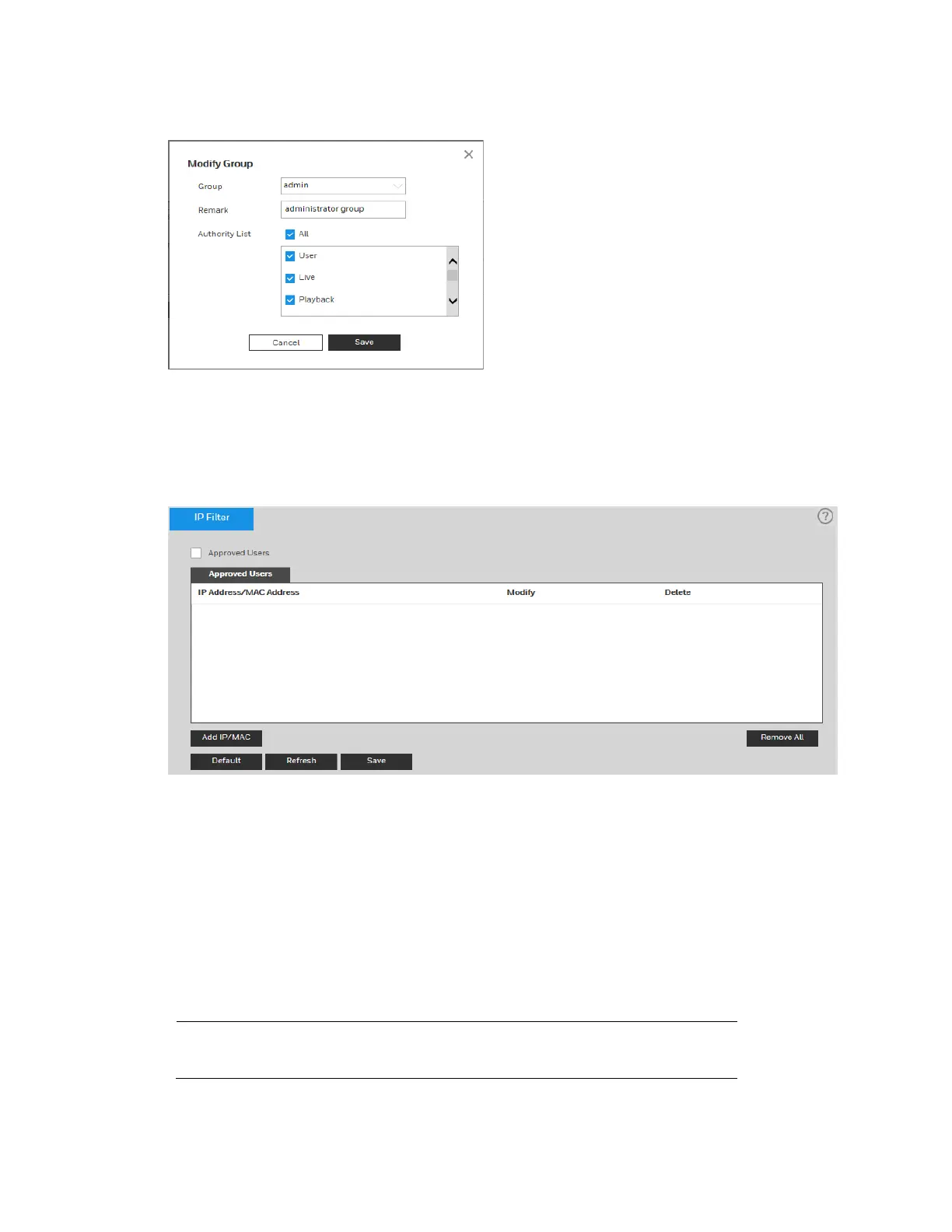
Figure 9-8 Modify Group
Security
Go to Setup System Setup Security.
Figure 9-9 Security
IP Filter
To restrict camera access to specific IP/MAC addresses, enable the IP filter. You can specify
an IP address or an IP address segment (for example, from 192.168.1.1 to 192.168.1.100). If
you do not click the check box to enable Approved Users, there will be no access limitation.
To enable the IP filter:
1. Click Add IP/MAC, enter the IP address(es) or IP address segments(s) that you want to
allow, and then click Save.
2. Select the Approved Users check box.
Note
Trusted IP/MAC addresses must be added first before enabling
Approved Users.



 To Next Page
 Loading...