14
Honeywell 35 Series IP Cameras User Guide
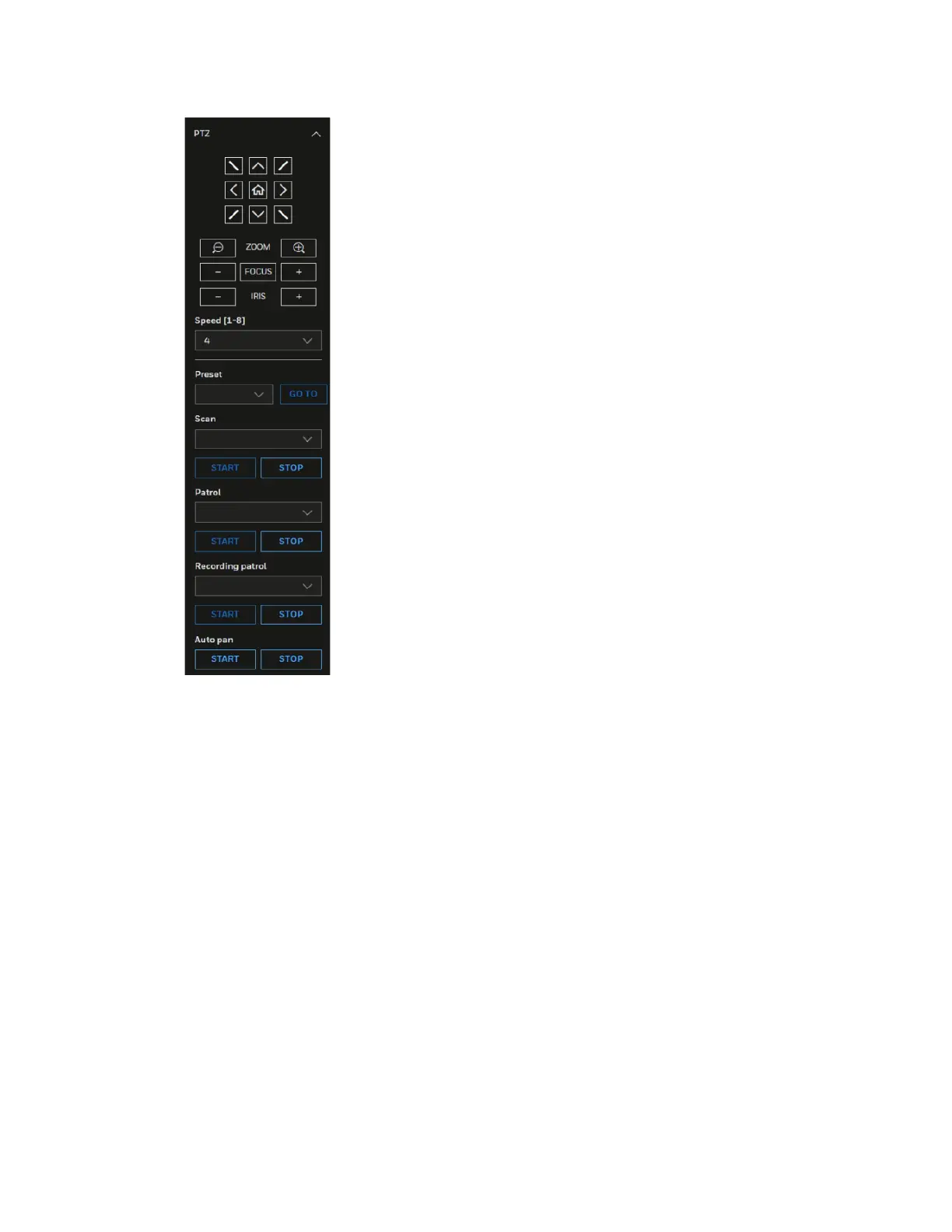
Figure 13 PTZ Panel
For details on PTZ operation, see Configuring PTZ Settings on page 59.
System Menu
When you log in to the camera by using the web client, the main page opens by default.
To access the setup page or information page, select the corresponding tab.
Stream Profile
To set the stream profile, in the Stream profile list, select Main stream, Sub stream, or
Third stream.
Main stream: Delivers high definition video for real-time monitoring, recording, and
storage. Uses the most bandwidth.
Sub stream: Delivers high-definition video for real-time monitoring, recording, and
storage. Uses the most bandwidth.



 To Next Page
 Loading...