Configuring Network Settings | 45
800-23288 - A - 07/2017
Configuring Network Connections
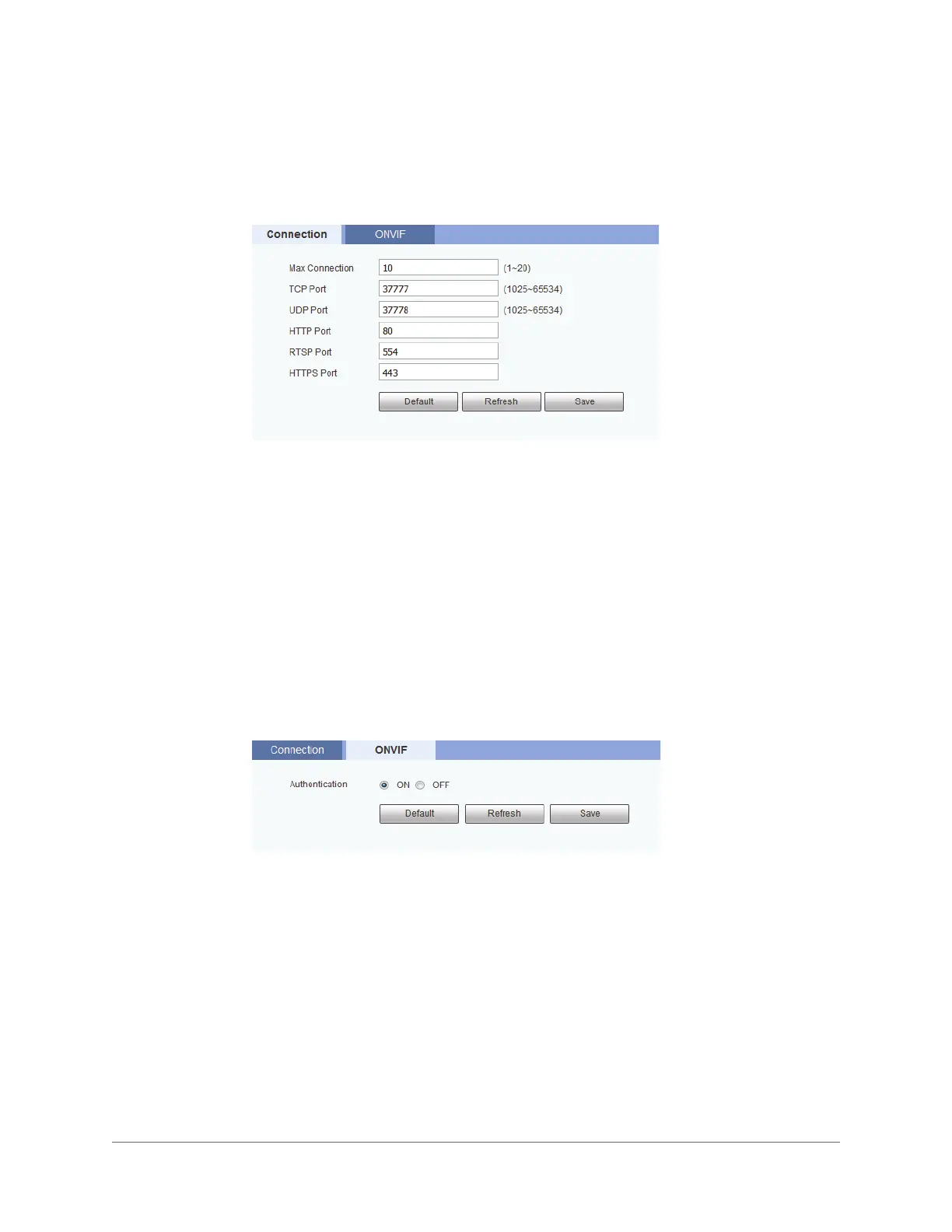
You can configure network connections and port settings on the Setup > Network >
Connection > Connection page.
By default, the maximum number of simultaneous connections the camera will support is set
to 10. To change this setting, in the Max Connection field, enter a value between 1 and 20.
If you want, you can change the TCP, UDP, HTTP, RTSP, and HTTPS port numbers from their
defaults.
Click Save to apply the settings.
Configuring ONVIF
ONVIF (Open Network Video Interface Forum) is a global standard for the interoperability of
IP-based physical security products.
You can enable or disable ONVIF authentication on the Setup > Network > Connection >
ONVIF page.
ONVIF login authentication is enabled by default. To disable it, next to Authentication, click
OFF, and then click Save.



 To Next Page
 Loading...