www.honeywell.com/security
134 | HRGX DVR User Manual
Viewing System Information
You can view system information pertaining to the device, cameras, record settings, alarm
settings, network settings, and HDD.
To view device information:
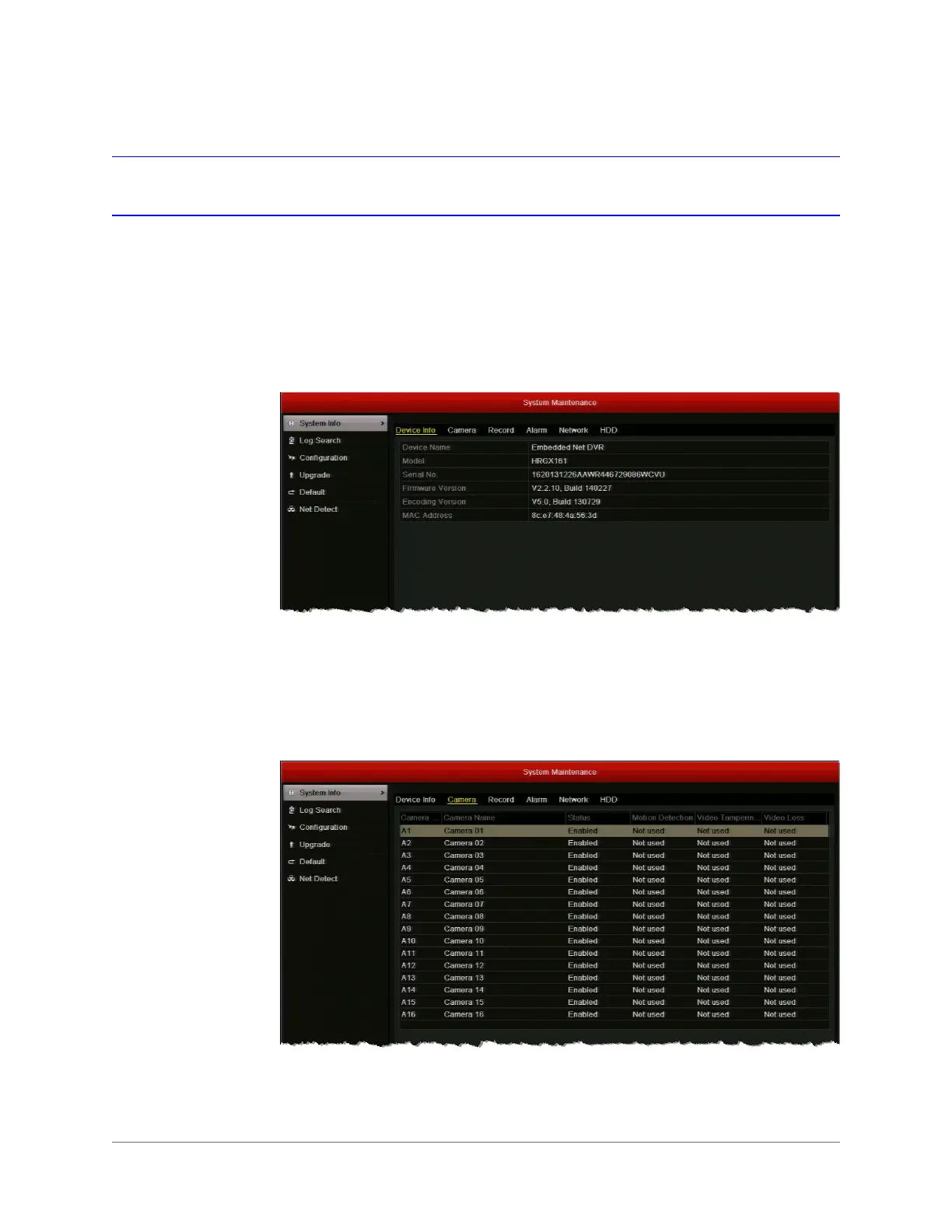
•Go to Menu > Maintenance > System Info > Device Info. The device name, model,
serial number, firmware version, encoding version, and MAC address are displayed.
To view camera information:
•Go to Menu > Maintenance > System Info > Camera. Information for each camera,
including its name, activity status, motion detection status, video tampering detection
status, and video loss status, is displayed.



 To Next Page
 Loading...



