Configuring Alarm Settings | 99
800-16694 - A - 04/2014
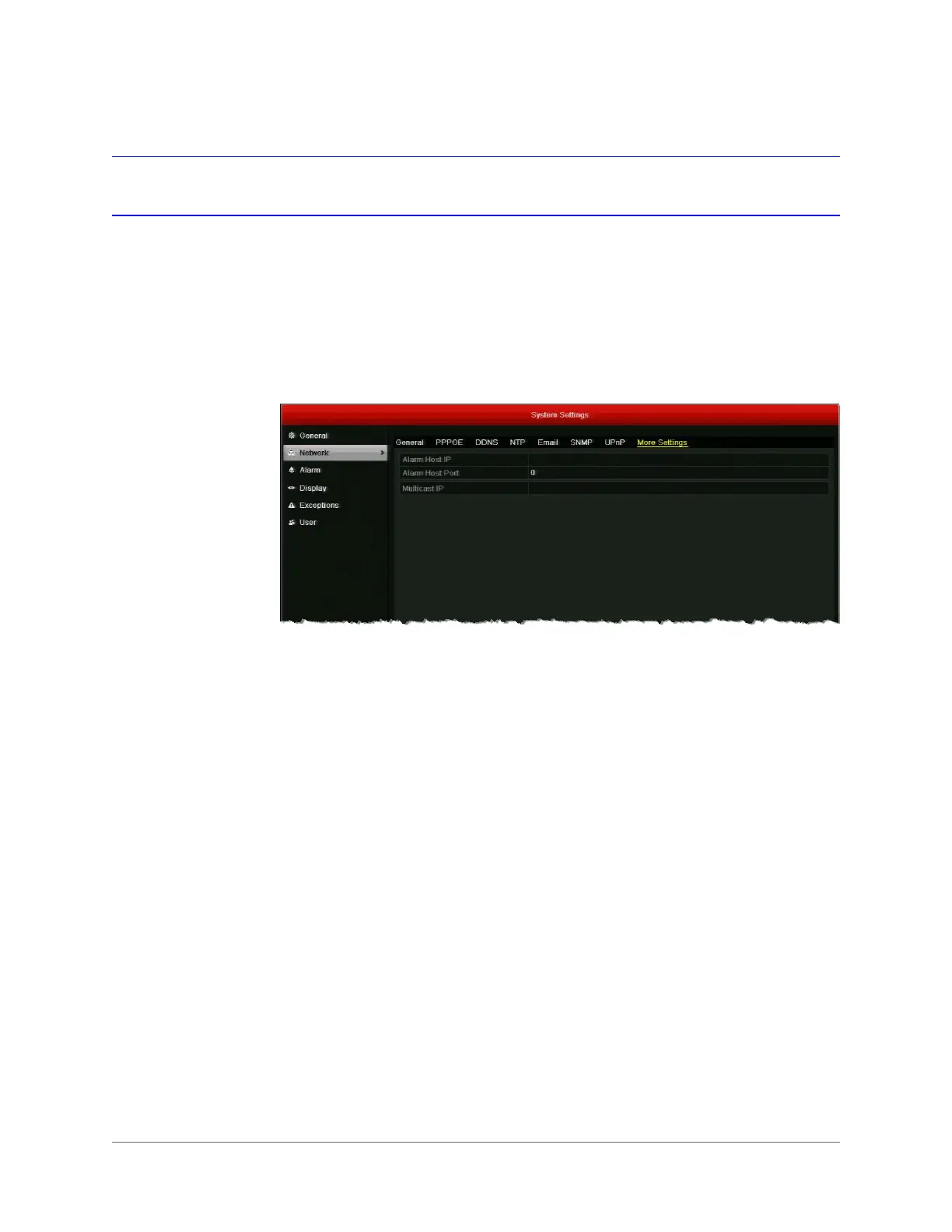
Configuring Remote Alarm Host Settings
You can configure a remote alarm host to receive a notification message from the DVR when an
alarm event or a device exception is detected. The remote alarm host must be a PC with Client
Management System (CMS) software installed on it (such as Multi-Site 4200).
To configure a remote alarm host:
1. Go to Menu > Settings > Network > More Settings.
2. In the Alarm Host IP and Alarm Host Port fields, enter the IP address and port of the
remote alarm host.
The Alarm Host IP refers to the IP address of the remote PC on which Multi-Site 4200 or
other CMS software is installed. The Alarm Host Port must be the same as the alarm
monitoring port configured in the software (the default port is 7200).
3. Click Apply to save your settings.



 To Next Page
 Loading...



