EGPWS LINE MAINTENANCE MANUAL
CAGE CODE: 97896 SCALE: NONE SIZE: A DWG NO.: 060-4199-180 REV: G SHEET 64 of 68
14 APPENDIX D: STABILIZED APPROACH MONITOR MAINTENANCE MESSAGES
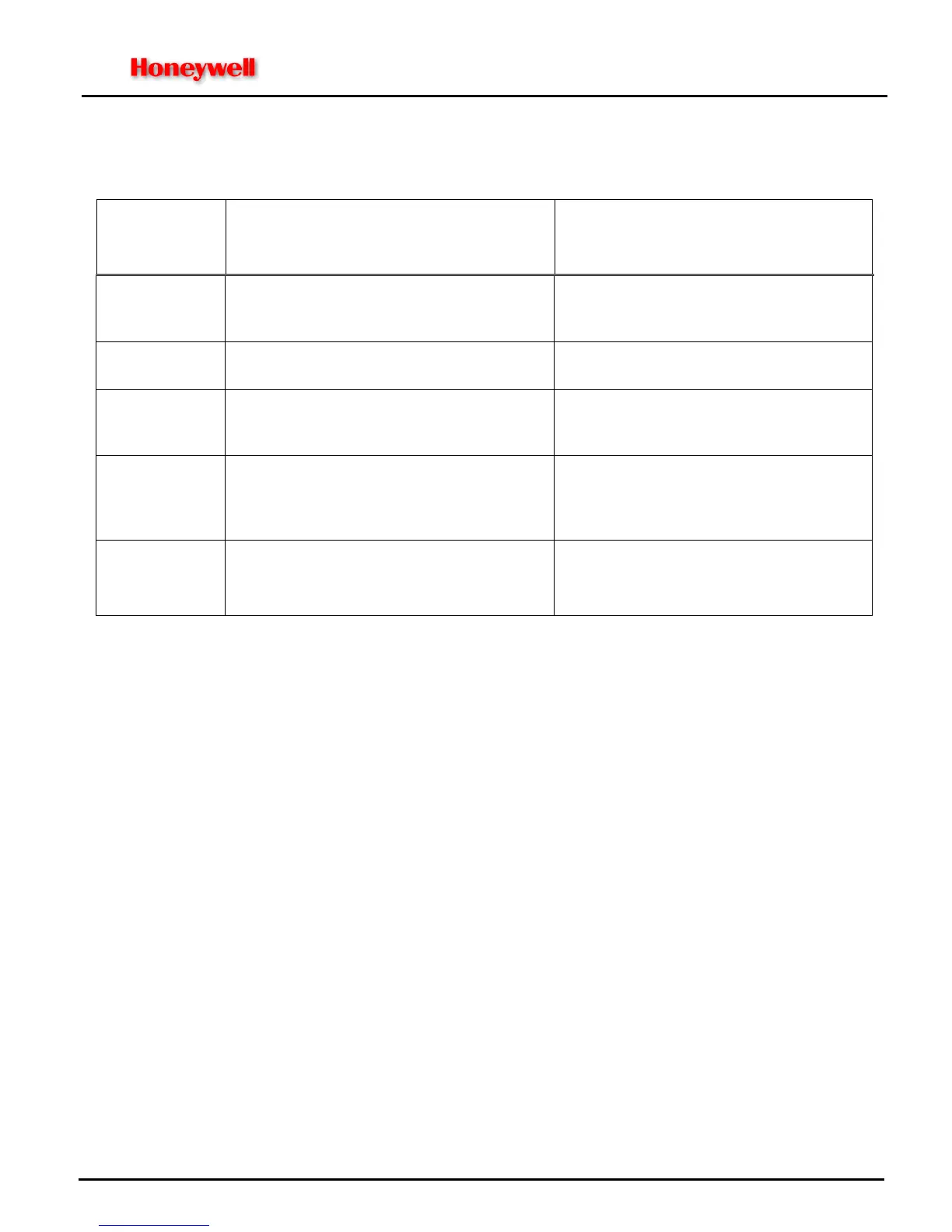
TABLE D-1: STABILIZED APPROACH MONITOR MAINTENANCE MESSAGES
MAINT.
FUNCTION
MESSAGE
Except where noted, all maintenance
message voices are Male
NOTES:
All volume levels at same volume as
existing EGPWS Self-Test messages
Self-Test Level 1
“Approach Monitor Inhibited”
Stabilized Approach Monitor enabled, but the
advisories have been inhibited with the
activation of an external input/switch
Self-Test Level 1 “Approach Monitor INOP” Stabilized Approach Monitor enabled but the
function is inoperative
Self-Test Level 2 “Approach Monitor Approach Speed Undefined” Stabilized Approach Monitor “Too Fast” function
is enabled but the aircraft does not provide a
source of Approach Speed
Self-Test Level 3
(Annunciated at
end of Selected
Options )
“Approach Monitor Enabled”
RCD Enable Key is set and loaded RCD
activates Stabilized Approach Monitor function.
Self-Test Level 3 “RCD Part Number XXX-XXXX-XXX “
where X is the 10-digit installation-specific RCD
part number.
Allows verification that the correct RCD is
loaded into the EGPWS.
NOTE: Operators/Installers must refer to their Instructions for Continued Airworthiness (ICA) documentation to
identify the approved RCD configurations specific to their aircraft type/model having Stabilized Approach
Monitor installed.


 To Next Page
 Loading...