4
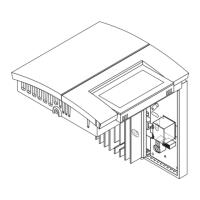
Mount the back plate to the electrical box using
the provided screws. Insert the screws through
the left or right pair of mounting holes of the
back plate.
Set the switch on the back of the front plate to
°C or °F to select the temperature display format.
Re-install the front plate of the thermostat on the
base plate and secure it in place with the screw
underneath the thermostat.
If there is a protective film or sticker on the
display, peel it off.
Apply power to the heating system. Verify the
installation by checking that the heater can be turned
On and Off by raising and lowering the setpoint using
the buttons.
Temperature Display and Setting
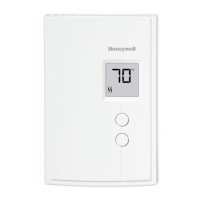
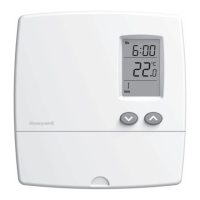
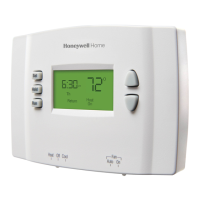
The thermostat normally displays the actual (measured) temperature.
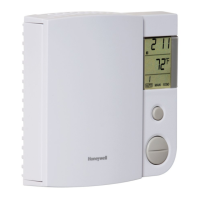
• To view the set temperature (setpoint),
press once on either of the temperature
adjustment buttons.
• To change the setpoint, press the
appropriate button until the desired
value is displayed.
The display is backlit for 10 seconds when
you press any button.
Keep the thermostat’s air vents clean and free
from obstructions at all times.
Power Outage
The setpoint is stored in non-volatile memory and is not erased when there is a
power outage.
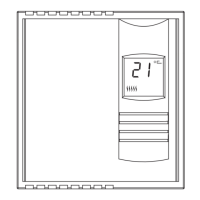
Appears
when the
setpoint is
displayed
Heating power
indicator



 To Next Page
 Loading...