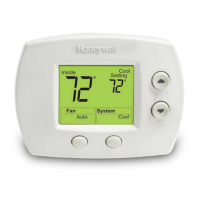
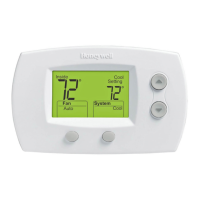
TH5110D NON-PROGRAMMABLE THERMOSTAT
INSTALLER SETUP
Configure Installer Setup
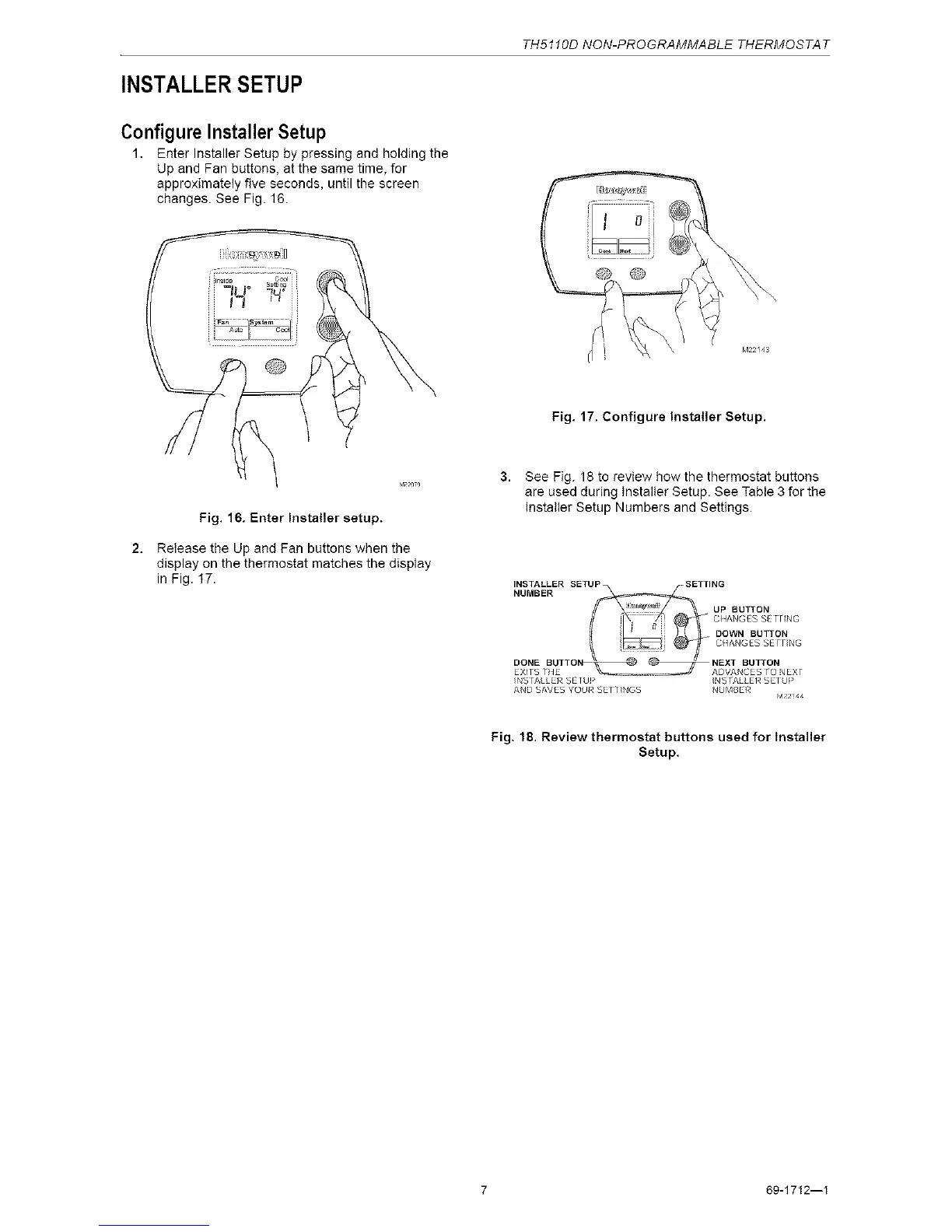
1. Enter Installer Setup by pressing and holding the
Up and Fan buttons, at the same time, for
approximately five seconds, until the screen
changes. See Fig. 16.
Fig. 17. Configure Installer Setup.
Fig. 16. Enter Installer setup.
Release the Up and Fan buttons when the
display on the thermostat matches the display
in Fig. t7.
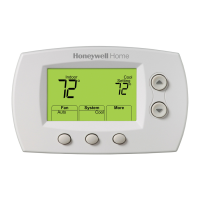
3. See Fig. 18 to review how the thermostat buttons
are used during Installer Setup. See Table 3 for the
Installer Setup Numbers and Settings.
NS FALLER SE[U] > NSFALLER SE[U >
AND SAVES YOUR SErViNGS NUMBER
M22!44
Fig. 18. Review thermostat buttons used for Installer
Setup.
7 69-1712--I



 To Next Page