TH51 f OD NON-PROGRAMMABLE THERMOSTAT
INSTALLER SYSTEM TEST
Use the Installer System Test to test the heating, cooling
and fan.
CAUTION
Equipment Damage Hazard.
Minimum compressor off time is bypassed
during installer System Test
Avoid cycling compressor quickly.
How to Usethe Installer SystemTest
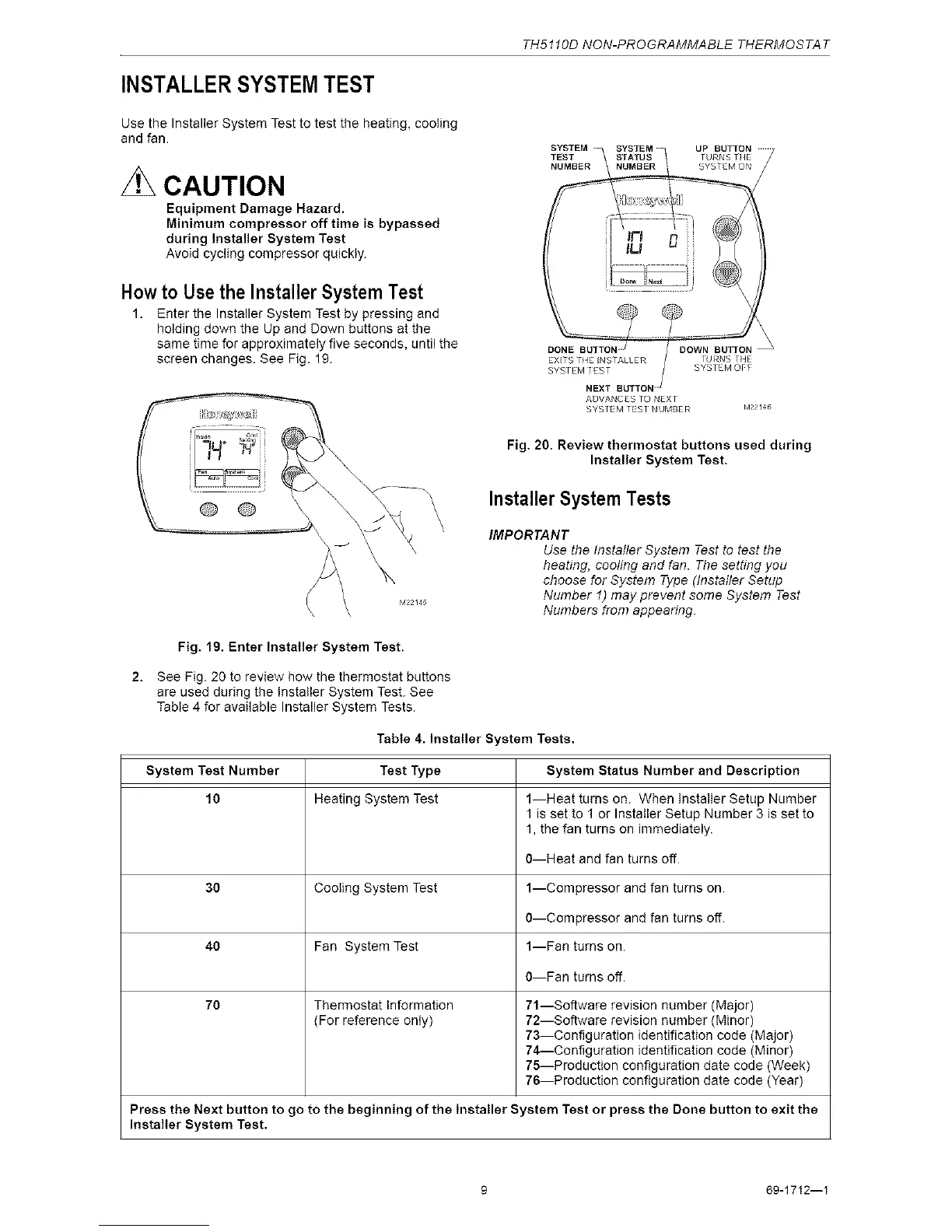
1. Enter the Installer System Test by pressing and
holding down the Up and Down buttons at the
same time for approximately five seconds, until the
screen changes. See Fig. 19.
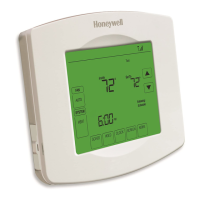
@ ®
ADVANCES TO NEX [
SYSTEM TEST NUMBER M22!4(_
Fig. 20. Review thermostat buttons used during
Installer System Test.
Installer System Tests
IMPORTANT
Use the Instafler System Test to test the
heating, cooling and fan. The setting you
choose for System Type (Instafler Setup
Number 1) may prevent some System Test
Numbers from appeanng.
Fig. 19. Enter Installer System Test.
See Fig. 20 to review how the thermostat buttons
are used during the Installer System Test. See
Table 4 for available Installer System Tests.
Table 4. Installer System Tests.
System Test Number Test Type System Status Number and Description
10 Heating System Test 1--Heat turns on. When installer Setup Number
1 is set to 1 or Installer Setup Number 3 is set to
1, the fan turns on immediately.
0--Heat and fan turns off.
30 Cooling System Test 1--Compressor and fan turns on.
0--Compressor and fan turns off.
40 Fan System Test 1--Fan turns on.
0--Fan turns off.
70 Thermostat information 71--Software revision number (Major)
(For reference only) 72--Software revision number (Minor)
73--Configuration identification code (Major)
74--Configuration identification code (Minor)
75--Production configuration date code (Week)
76--Production configuration date code (Year)
Press the Next button to go to the beginning of the Installer System Test or press the Done button to exit the
installer System Test.
9 69-1712--I



 To Next Page