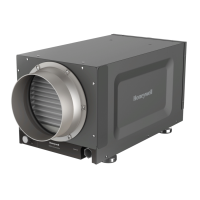
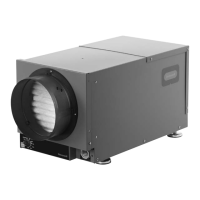
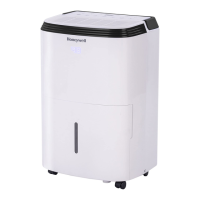
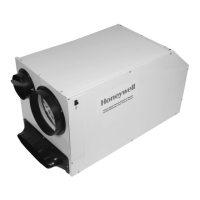
TrueDRY DH150
11 69-2271EFS—01
Onanannualbasis,maintenanceisrequiredtoensureTrueDRYrunsatpeakefficiency.
Cleaning
1 2
3 4
UnplugTrueDRYDH150beforebeginning
service. Push down the door release and
pull.Thefiltercanberemovedfromeither
side.
Gripfiltertabatbottomtoremove.
Replace with new filter.
Usinga1/2-in.hexdriveorstandardscrew-
driver,removetheeightscrewsoneither
sideoftheTrueDRYDH150.Thesideand
toppanelscanthenberemoved.Usinga
dampcloth,wipeexcessdustanddebris
fromblower,refrigerantcoils,andcompres-
sor coils. Reattach panels and collars when
finished.
5
Whenserviceiscomplete,initiateacallfor
dehumidificationandcheckthatthecom-
pressorandfanactivate.Ifusingthedigital
VisionPROIAQorTrueIAQcontrols,reset
maintenance reminders.
Checkthedrainconnectionanddrainline
toensureitisclearofdebrisandsludge.
Ensureallhoseconnectionsaresecureonce
maintenance of the drain lines is complete.


 To Next Page
 Loading...