2 Touch Default app on the NFC settings screen, then select a default payment app, like
WeChat.
3 Enable NFC payments in the payment app. For example, in WeChat, go to Me > Settings
> General and enable NFC.
4 Hold the NFC sensor (located near the rear camera) of your device against that of a POS
terminal to enter the payment screen automatically. Complete the payment with a
password or ngerprint.
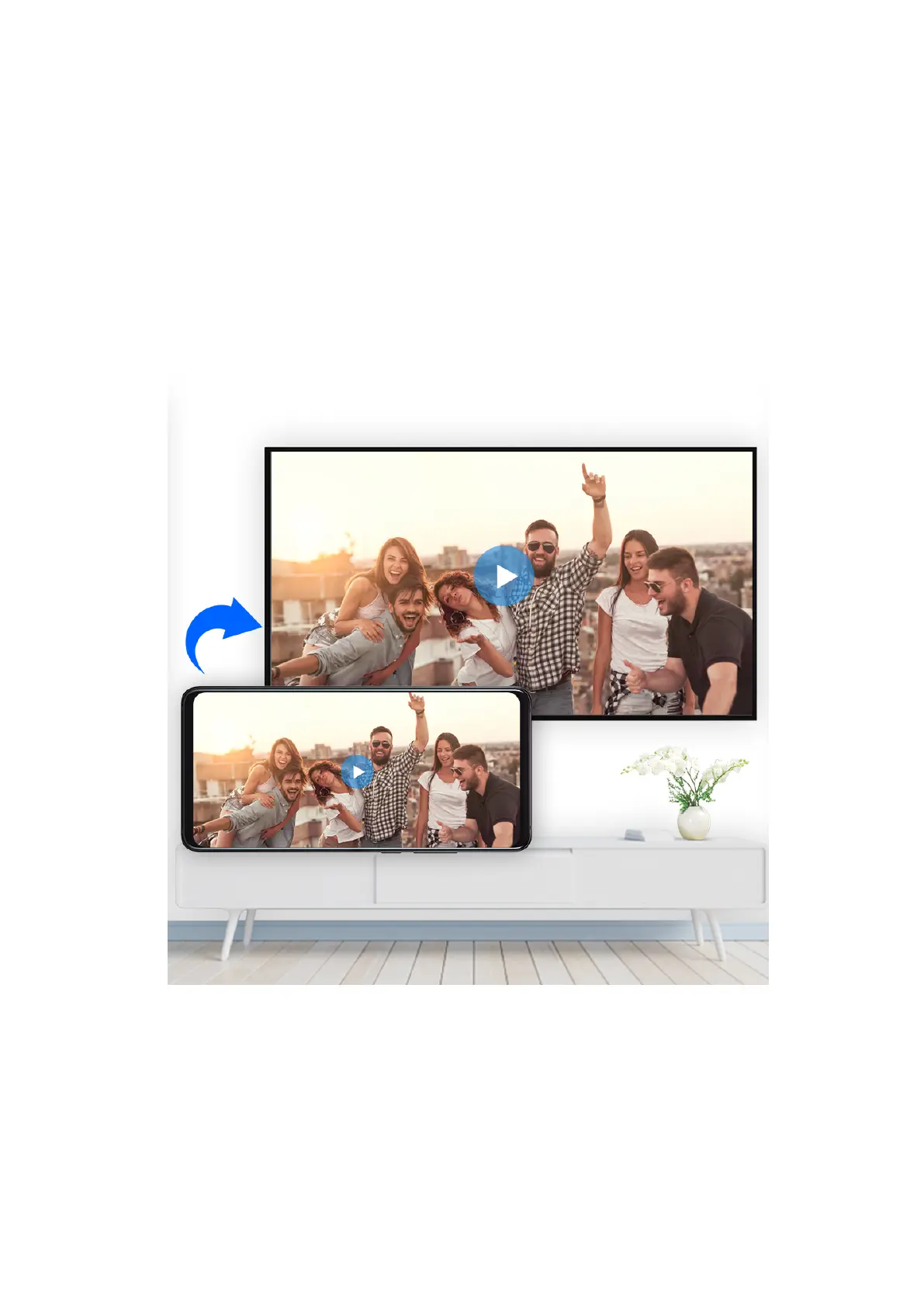
Wireless Projection
You can connect your device to an external display (for example, a TV) wirelessly.
1 Based on the model and functions of your external display, do the following:
• If the external display supports Miracast, enable wireless projection on it.
• If not, use a wireless HDMI adapter to connect your device and external display. Ensure
that the wireless HDMI adapter is connected to a power supply.
To check whether your external display supports Miracast and how to enable wireless
projection on it, consult the user guide or customer service of the external display
manufacturer.
Settings
99



 To Next Page